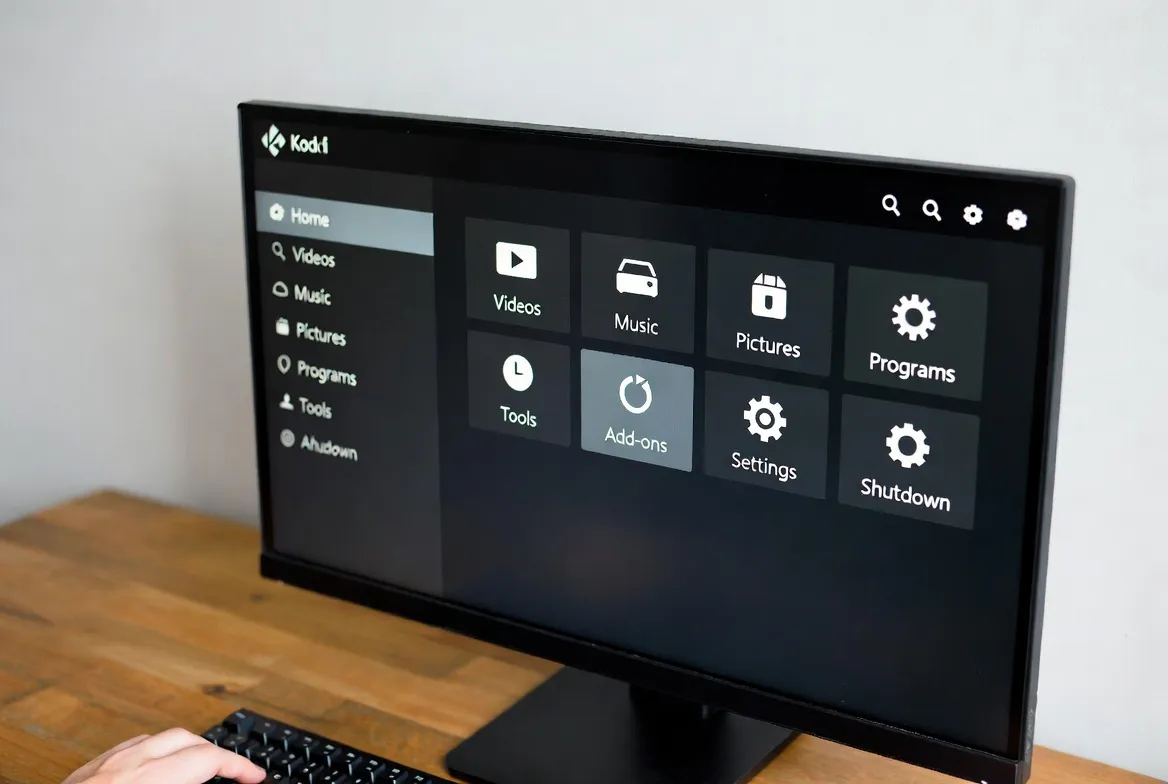
How to Install IPTV on Kodi: Step-by-Step Addon Guide for Beginners
Kodi is the world's most powerful free media center—and when paired with an IPTV subscription, it transforms any device into a 15,000+ channel streaming powerhouse. This step-by-step guide shows you exactly how to install IPTV on Kodi using the PVR IPTV Simple Client addon, complete with M3U playlists and an EPG TV guide.
Whether you're running Kodi on a Fire Stick, Windows PC, Android TV box, or Nvidia Shield, this tutorial covers everything from installation to advanced optimization. No technical experience needed—if you can follow 6 steps, you can set up Kodi IPTV in under 10 minutes.
What You'll Need Before Starting
- IPTV Subscription — Get your M3U URL and EPG URL (StreamTV provides both instantly)
- A Device — Fire Stick, PC, Android TV, Mac, or any Kodi-compatible device
- Internet Connection — 25+ Mbps recommended for HD/4K streaming
- 10 Minutes — That's all it takes from download to watching live TV
Kodi Supported Platforms
Kodi runs on virtually every platform. Here's where you can install it:
| Platform | Download From | Difficulty |
|---|---|---|
| Windows PC/Laptop | kodi.tv or Microsoft Store | Easy |
| Amazon Fire Stick | Amazon App Store or sideload | Easy |
| Android TV / Box | Google Play Store | Easy |
| Android Phone/Tablet | Google Play Store | Easy |
| Mac / macOS | kodi.tv | Medium |
| Linux / Ubuntu | PPA or Flatpak | Medium |
| Nvidia Shield | Google Play Store | Easy |
| Raspberry Pi | LibreELEC / OSMC | Advanced |
Step-by-Step: Install IPTV on Kodi (M3U Method)
Download & Install Kodi
- Visit kodi.tv/download or your device's app store
- Select your platform (Windows, Android, Fire OS, etc.)
- Download Kodi 21 Omega (latest stable version)
- Install and launch Kodi
💡 Pro Tip: On Fire Stick: Search 'Kodi' in Amazon App Store or use Downloader app to sideload from kodi.tv
Enable PVR IPTV Simple Client
- Open Kodi → Go to Settings (gear icon)
- Select Add-ons → My Add-ons
- Select PVR Clients
- Click PVR IPTV Simple Client → Install
💡 Pro Tip: If PVR IPTV Simple Client isn't listed, go to Settings → Add-ons → Install from repository → Kodi Add-on repository → PVR Clients
Configure Your M3U Playlist
- After installing, click Configure on PVR IPTV Simple Client
- Under General tab, set Location to 'Remote Path (Internet address)'
- Paste your M3U playlist URL from your IPTV provider
- Click OK to save
💡 Pro Tip: Your StreamTV M3U URL looks like: http://your-server.com:port/get.php?username=XXX&password=XXX&type=m3u_plus
Set Up EPG (TV Guide)
- Go back to PVR IPTV Simple Client → Configure
- Select the EPG Settings tab
- Set XMLTV URL location to 'Remote Path'
- Paste your EPG URL from your IPTV provider
💡 Pro Tip: EPG URL is separate from M3U URL. StreamTV provides both in your welcome email. Set update interval to 12 hours.
Enable & Restart
- Click OK to save all settings
- Enable the PVR IPTV Simple Client if prompted
- Restart Kodi completely (close and reopen)
- Wait 30-60 seconds for channels to load
💡 Pro Tip: First load may take 1-2 minutes depending on your channel count. Be patient—15,000+ channels takes time to index!
Start Watching!
- Go to Kodi home screen → TV → Channels
- Browse the EPG guide under TV → Guide
- Favorite channels: long-press → Add to Favourites
- Create channel groups for easy navigation
💡 Pro Tip: Use Kodi's search function to quickly find specific channels. Press T on keyboard or use the search icon on remote.
Alternative: Xtream Codes Login Method
If your IPTV provider gave you a server URL, username, and password instead of an M3U URL, use this method:
Open PVR IPTV Simple Client → Configure
Access addon settings
Change 'M3U playlist type' to 'Xtream Codes'
Select from dropdown
Enter Server URL (e.g., http://server.com:port)
From your IPTV provider
Enter Username and Password
Credentials from welcome email
Click OK → Restart Kodi
Channels load automatically
Kodi IPTV Addon Comparison
| Addon | M3U | Xtream | EPG | Pick |
|---|---|---|---|---|
| PVR IPTV Simple Client | ||||
| IPTV Merge | — | — | ||
| Playlist Loader | — | — | — | |
| cCloud TV | — | — | — | — |
Troubleshooting Common Kodi IPTV Issues
No channels loading
Cause: Incorrect M3U URL or expired subscription
Fix: Verify M3U URL is correct. Test URL in a web browser—it should download a playlist file. Check subscription status with provider.
Channels buffering
Cause: Slow internet or Wi-Fi issues
Fix: Use Ethernet connection. Ensure 25+ Mbps speed. In Kodi Settings → Player → Videos → set 'Allow hardware acceleration'. Clear cache.
EPG not showing
Cause: Wrong EPG URL or not yet loaded
Fix: Verify EPG URL. Force EPG update: Settings → PVR & Live TV → General → Clear data. Restart Kodi and wait 2-3 minutes.
PVR Client not found
Cause: Kodi version too old or repository issue
Fix: Update Kodi to version 21 Omega. Go to Add-ons → Install from repository → All repositories → PVR Clients → PVR IPTV Simple Client.
Black screen on channels
Cause: Codec or hardware acceleration issue
Fix: Settings → Player → Videos → turn off 'Allow hardware acceleration'. Try different channels. Some may require specific video codecs.
'Failed to install' error
Cause: Storage full or dependency missing
Fix: Free up device storage (need 500MB+). Update Kodi. Try removing and reinstalling the addon. Check internet connection.
Advanced: Optimize Kodi for IPTV Streaming
| Setting | Value |
|---|---|
| Cache Size | <memorysize>157286400</memorysize> |
| Read Buffer Factor | <readbufferfactor>3</readbufferfactor> |
| EPG Update Interval | 12 hours |
| Channel Logo Path | Remote path from provider |
Voice Search Optimized
Get Your IPTV Subscription for Kodi
Need an M3U playlist URL for Kodi? StreamTV provides instant activation with M3U and EPG URLs ready to paste into your Kodi setup.
M3U + EPG included • Instant activation • 15,000+ channels • All Kodi platforms
Frequently Asked Questions
What is the best IPTV addon for Kodi?
PVR IPTV Simple Client is the best and most reliable. It's official, supports M3U and Xtream Codes, includes EPG support, and works on all Kodi platforms.
Is Kodi IPTV free?
Kodi and the PVR addon are free. You need an IPTV subscription ($11.88/month) for the M3U playlist URL that provides access to channels.
Can I install IPTV on Kodi Fire Stick?
Yes. Install Kodi from the Amazon App Store or sideload it, then follow the same PVR IPTV Simple Client setup steps.
Why is my Kodi IPTV buffering?
Causes: slow internet (need 25+ Mbps), Wi-Fi interference (use Ethernet), small cache (increase in advancedsettings.xml). Clear cache, restart Kodi.
How do I add an EPG TV guide?
In PVR IPTV Simple Client settings, go to EPG Settings tab, enter your EPG URL from your IPTV provider, set update interval to 12 hours, restart Kodi.
Does Kodi IPTV work on Smart TVs?
Works natively on Android TV (Sony, TCL, Nvidia Shield). For Samsung/LG, use a Fire Stick or Android TV box connected to your TV.