IPTV on Android Auto & CarPlay: Stream TV in Your Vehicle
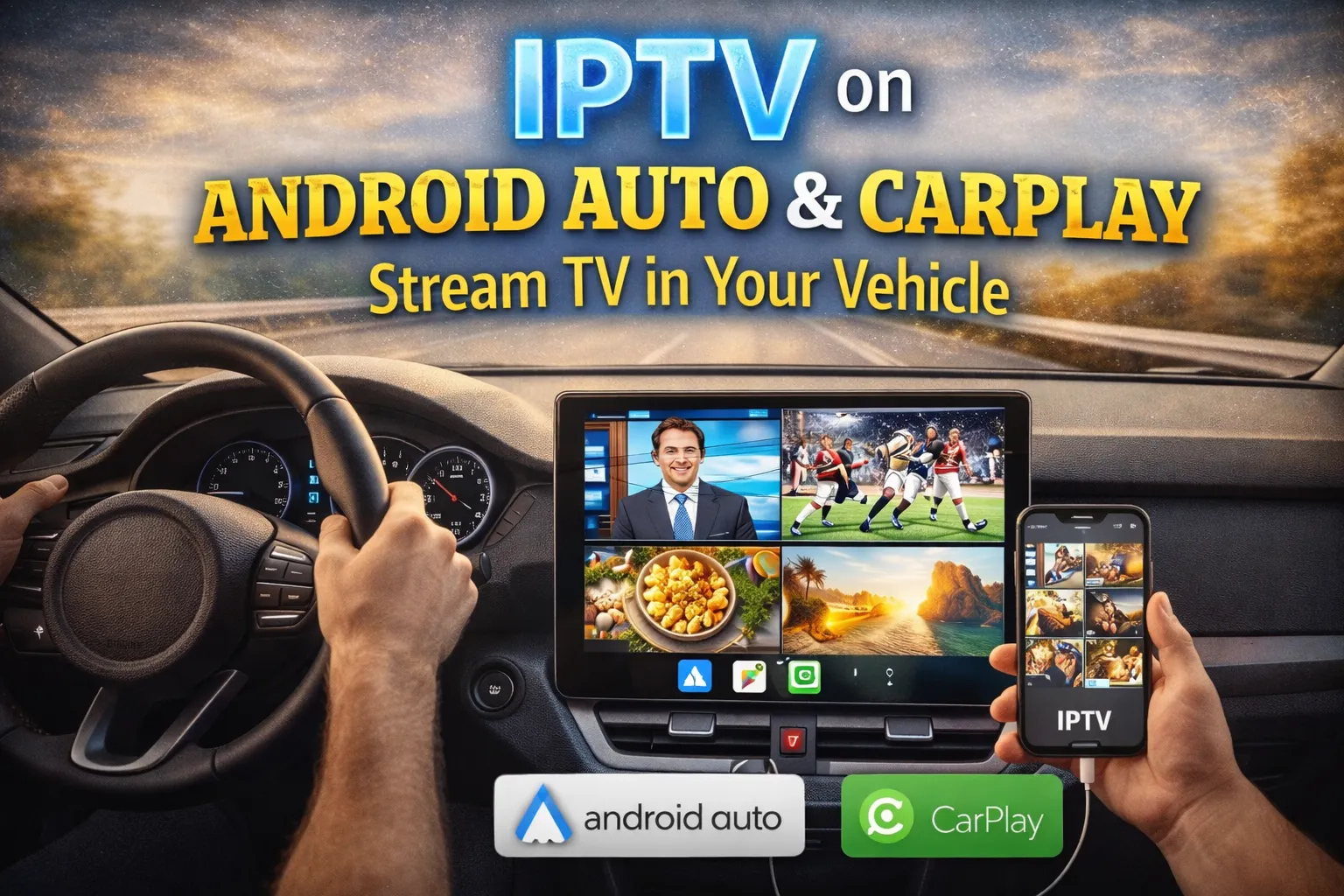
Your car just became a mobile entertainment center. With IPTV on Android Auto and Apple CarPlay, you can stream live TV, sports commentary and 20,000+ channels straight to your dashboard—legal audio while driving, full video while parked. Here's how to turn any vehicle into a rolling IPTV theater for $11.88/month.
What You Get with In-Car IPTV
Stream Live TV In-Car
Watch news, sports, music videos and more on your dashboard infotainment screen—safely parked.
Audio-Only Mode
Stream sports commentary, news and talk shows hands-free while driving—legal in every state.
Hotspot or Built-In LTE
Use your phone's hotspot, in-car Wi-Fi or 5G modem—stream anywhere with signal.
Mirror From Phone
IPTV apps run on your phone and cast to CarPlay/Android Auto via approved connections.
Compatible Vehicles & Infotainment Systems
| Brand | System | IPTV Support |
|---|---|---|
| Tesla | Built-in browser + Theater Mode | Native IPTV streaming when parked |
| Ford / Lincoln | SYNC 4 + Android Auto / CarPlay | Full audio support, video when parked |
| GM (Chevy, GMC, Cadillac) | Google Built-In + CarPlay | Native Android apps available |
| BMW / Mercedes / Audi | iDrive 8 / MBUX / MMI | Wireless CarPlay & Android Auto |
| Toyota / Lexus | Toyota Audio Multimedia | Wireless CarPlay & Android Auto |
| Hyundai / Kia / Genesis | ccNC infotainment | Theater apps + CarPlay/AA support |
Best Use Cases for Vehicle IPTV
Road Trip Entertainment
Kids watch cartoons in the back, parents enjoy live news up front—all from one IPTV account.
RV & Camper Life
Stream sports, movies & shows at any campsite with IPTV—no satellite dish required.
Tailgating & Drive-Ins
Cast the big game to your in-car screen at tailgates, parking lots and outdoor events.
Daily Commute Audio
Listen to ESPN Radio, BBC News, CNBC and 1,000+ talk channels on your way to work.
Set Up IPTV in Your Car in 4 Steps
Subscribe to a premium IPTV plan ($11.88/month) and get your M3U credentials
Install IPTV Smarters Pro or TiviMate on your Android or iPhone
Connect your phone to CarPlay or Android Auto (wired or wireless)
Launch IPTV in audio mode while driving, or video mode when safely parked
Safety First — Driving Laws
- Never watch video while driving—it's illegal and dangerous in all 50 states
- Use audio-only mode for live broadcasts during commutes
- Park safely before enabling video streaming for passengers
- Tesla Theater Mode and similar features only work when the vehicle is in Park
Turn Your Car Into a Streaming Theater
Live TV, sports, news and 20,000+ channels on Android Auto & CarPlay. Perfect for road trips, RVs, tailgates and daily commutes—from $11.88/month.
Start Streaming On the Go →✓ Works on All Devices ✓ No Contracts ✓ Money-Back Guarantee
Frequently Asked Questions
Can you stream IPTV on Android Auto and CarPlay?
Yes. IPTV apps installed on your phone can mirror to Android Auto and CarPlay infotainment screens. Audio streams work while driving; video streams require the vehicle to be parked for safety.
What's the best IPTV app for in-car streaming?
IPTV Smarters Pro and TiviMate are the top choices for in-vehicle streaming. Both support audio-only mode for driving and full video playback when parked, plus seamless CarPlay/Android Auto integration.
Do I need a special data plan to stream IPTV in my car?
Standard mobile hotspot or in-car Wi-Fi works fine. SD streaming uses ~1GB/hour, HD uses ~3GB/hour. Most unlimited 5G plans handle IPTV streaming easily without extra costs.
Is it legal to watch IPTV while driving?
Watching video while driving is illegal nationwide. However, audio-only IPTV streams (sports, news, talk) are 100% legal and work just like satellite radio. Always park before viewing video content.
Which cars support IPTV streaming best?
Tesla (Theater Mode), Ford SYNC 4, GM Google Built-In, BMW iDrive 8, Mercedes MBUX and any vehicle with wireless CarPlay/Android Auto deliver the best IPTV streaming experience.
Can passengers watch IPTV while I drive?
Yes. Rear-seat passengers can stream IPTV on phones, tablets or rear-entertainment screens while you drive. This is perfectly legal and ideal for road trips with kids.