IPTV for Cord-Cutters Over 50: A Simple No-Tech Guide for Beginners
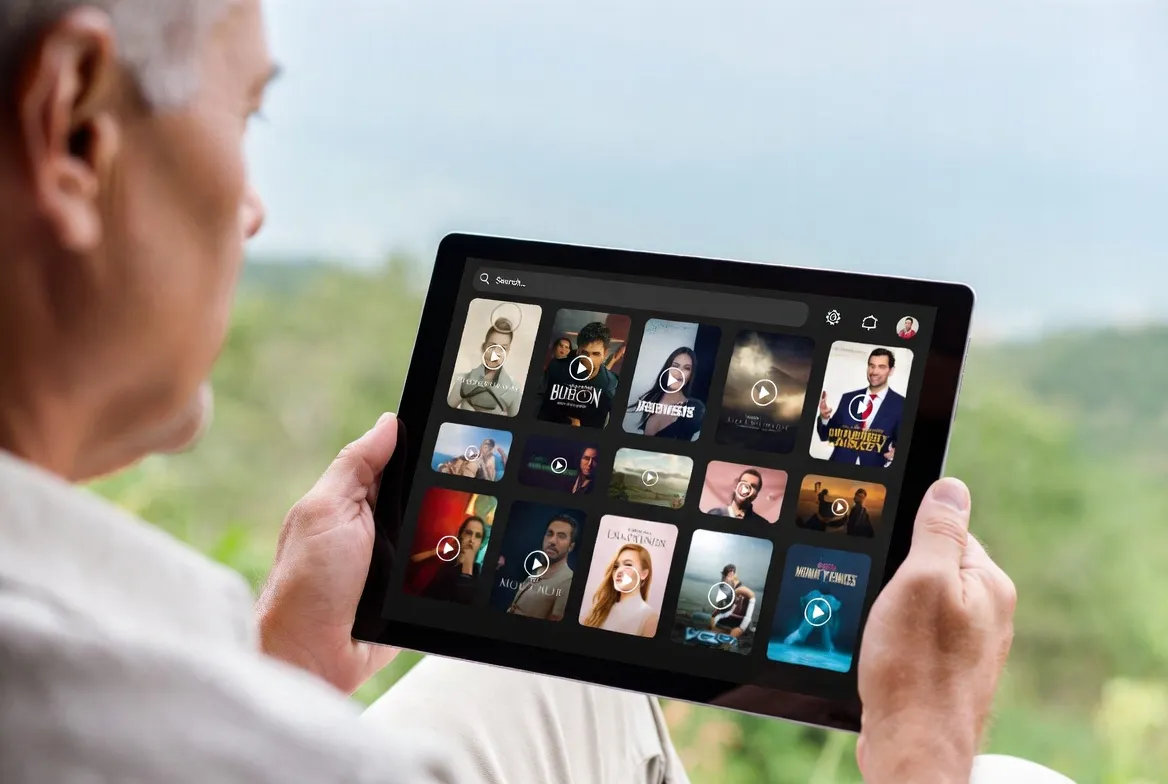
If you're over 50 and tired of paying $150+ every month for cable TV, you're not alone. Millions of Americans in their 50s, 60s, and 70s are canceling cable — but many feel overwhelmed by all the streaming options. This guide is written specifically for you.
No tech jargon. No confusing acronyms. Just plain English, step-by-step instructions to switch to IPTV and save over $1,000 per year — while keeping every channel you love.
📺 What Is IPTV? (In Plain English)
Think of it this way:
IPTV is just TV channels delivered through the internet instead of a cable wire or satellite dish. Just like how you get email on your phone instead of waiting for the mailman — IPTV delivers your TV shows, news, and sports through your WiFi.
You still see the same channels — ABC, CBS, NBC, FOX, CNN, ESPN — they just come through your internet connection instead of a cable box. That's it. That's the whole concept.
❤️ Why People Over 50 Love IPTV
Save $100+ Every Month
Cable costs $120–$200/month. IPTV costs $11.88/month. That's over $1,200 back in your pocket every year — money you can spend on grandkids, travel, or retirement.
Keep All Your Favorite Channels
You won't lose a single channel. IPTV includes your local news, weather, sports, classic movies, game shows — everything you watch now, plus thousands more.
No Contracts or Hidden Fees
No 2-year contracts. No equipment rental fees. No surprise charges on your bill. Pay month-to-month and cancel anytime.
24/7 Support When You Need It
StreamTV offers live support via WhatsApp and phone. If you get stuck, a real person will help you — not a robot.
Simple Remote Control Experience
IPTV works with a regular remote control. Channel up, channel down, guide button — just like cable. No learning curve.
😟 "But I'm Not Good with Technology..."
This is the #1 concern we hear. Let's address every fear honestly:
"I don't know how to set it up."
If you can plug in a USB stick, you can set up IPTV. It's literally plug in, turn on, and start watching. Plus our support team will walk you through every step for free.
"What if I lose my local news and weather?"
You won't. IPTV includes all your local channels — ABC, CBS, NBC, FOX — the same ones you watch now for morning news and weather.
"I don't want to learn a new remote."
The IPTV remote works just like your cable remote. Channel up, channel down, volume, and a guide button. That's all you need.
"What if it stops working?"
StreamTV has 24/7 support. Send a WhatsApp message or call, and we'll fix it. Usually within minutes.
"My internet is slow. Will it work?"
If you can watch YouTube videos or use Facebook without issues, your internet is fast enough for IPTV. Most home internet plans work perfectly.
"I'm locked into a cable contract."
You can start your IPTV free trial while still on cable. Once you see it works, call your cable company to cancel. Many contracts have early termination clauses that still save you money.
✅ What You Need to Get Started (Just 2 Things)
1. Internet Connection
The one you already have at home. If you use Facebook, email, or YouTube — it's fast enough. No upgrades needed.
2. A Streaming Device
An Amazon Fire Stick ($29) plugs into your TV's HDMI port. That's it. Or use a Smart TV you may already own.
That's really it. No cable box. No satellite dish. No technician visit. No complicated wiring.
👣 Step-by-Step Setup (Takes 5 Minutes)
Here's exactly what to do, written as simply as possible:
Plug the Fire Stick into your TV
Find the HDMI port on the back or side of your TV (it looks like a thin rectangular slot). Push the Fire Stick into it. Plug the power cable into the wall. Turn on your TV and switch to the right HDMI input.
💡 It's just like plugging in a DVD player — same type of port.
Connect to your WiFi
The Fire Stick will ask you to select your home WiFi network and enter your WiFi password. This is the same password you use for your phone or laptop.
💡 If you don't know your WiFi password, it's often printed on a sticker on your router.
Subscribe to StreamTV
Message us on WhatsApp or visit our website. Tell us you'd like to start a free trial. We'll send you your login information within minutes.
💡 You can do this from your phone — no computer needed.
Install the IPTV app
On the Fire Stick, go to the search icon (magnifying glass) and type 'IPTV Smarters'. Download and open it. Enter the login info we sent you.
💡 Our support team can walk you through this on the phone if needed.
Start watching!
You'll see your channels organized by category — Local News, Sports, Movies, Entertainment. Use the remote to browse and select. That's it — you're done!
💡 Save your favorite channels to a 'Favorites' list for quick access.
📋 Channels You Already Watch (All Included)
Everything you love on cable is available through IPTV. Nothing changes except the price:
📰 Local News
ABC, CBS, NBC, FOX, PBS
📺 News & Talk
CNN, FOX News, MSNBC, HLN
⚾ Sports
ESPN, FS1, NFL Network, MLB Network
🎬 Movies
AMC, TCM, Hallmark, Lifetime
😂 Entertainment
HGTV, Food Network, TLC, Discovery
🎵 Music & More
CMT, VH1, BET, A&E
🧒 Grandkids
Disney, Nickelodeon, Cartoon Network
🌤️ Weather
The Weather Channel, local weather
📖 Classic TV
MeTV, Antenna TV, Cozi TV
💰 How Much You'll Save (Real Numbers)
| Expense | Cable TV | StreamTV IPTV |
|---|---|---|
| Monthly bill | $120–$200 | $11.88 |
| Equipment rental | $10–$25/mo | $0 |
| Installation fee | $50–$100 | $0 |
| DVR fee | $10–$20/mo | $0 (catch-up included) |
| Channels | 150–300 | 18,000+ |
| Annual cost | $1,680–$2,700 | $142.56 |
Your Annual Savings: $1,500 – $2,500+
That's enough for a vacation, home improvement project, or extra savings for retirement — every single year.
💬 What People Over 50 Say About StreamTV
"My son set up the Fire Stick for me in 10 minutes. Now I watch all my shows and save $140/month. I wish I'd done this years ago."
— Barbara, 67, retired teacher
"I was scared of 'streaming' — thought it was too complicated. But it's easier than my cable box ever was. Channel up, channel down, that's it."
— Robert, 58, factory manager
"My cable bill was $185/month. Now it's $11.88. Same channels, same news, same Hallmark movies. I feel like I got a raise."
— Linda, 62, nurse
"The support team set everything up for me over WhatsApp video call. Nicest tech support I've ever dealt with."
— James, 71, retired veteran
🎁 A Note for Adult Children: The Perfect Gift for Mom & Dad
If you're reading this on behalf of your parents or grandparents, IPTV makes an incredible gift. Here's why:
- Set it up in one visit — takes 5 minutes
- Save your parents $100–$200/month on their cable bill
- They keep every channel they're used to watching
- Simple remote control — no learning curve
- You can call StreamTV support if they ever need help
- The 12-month plan ($59.99/year) makes a great birthday or holiday gift
❓ Frequently Asked Questions
Do I need a computer to use IPTV?
No. IPTV works on your regular TV with a small device like a Fire Stick ($29). No computer needed at all.
Can I still record my shows?
IPTV includes catch-up TV (watch shows from the past 7 days) and 150,000+ movies and shows on demand. It's like having a DVR built in.
What if my power goes out or internet goes down?
Same as cable — if there's no power, there's no TV. But IPTV is just as reliable as cable when your internet is working, which is most of the time.
Will someone help me set it up?
Yes! StreamTV offers free setup support via WhatsApp, phone, or video call. We'll walk you through every step until you're comfortable.
Can I try it before I cancel cable?
Absolutely. We offer a free trial so you can test everything while still on cable. Once you're happy, call your cable company to cancel.
Is this legal?
IPTV technology is completely legal. It's simply a different way of receiving TV channels — through the internet instead of a cable wire.
Ready to Save $1,500+/Year on TV? 💰
You've been overpaying for cable long enough. StreamTV gives you every channel you love — local news, sports, movies, Hallmark — for just $11.88/month. Try it free today with our help.
Get Free Setup Help →No credit card • Free setup support • Cancel anytime
You Deserve Better TV at a Better Price
You've spent years — maybe decades — paying cable companies more than you should. IPTV is the simple, affordable alternative that millions of people over 50 are already using. Same channels. Same shows. Same remote control experience. Just a much, much smaller bill.
And if the technology feels intimidating, remember: our support team will set everything up for you, for free. All you have to do is say "I'm ready to save money on TV." We'll handle the rest.