IPTV Favorites & Playlist Manager: Organize 18,000+ Channels Easily
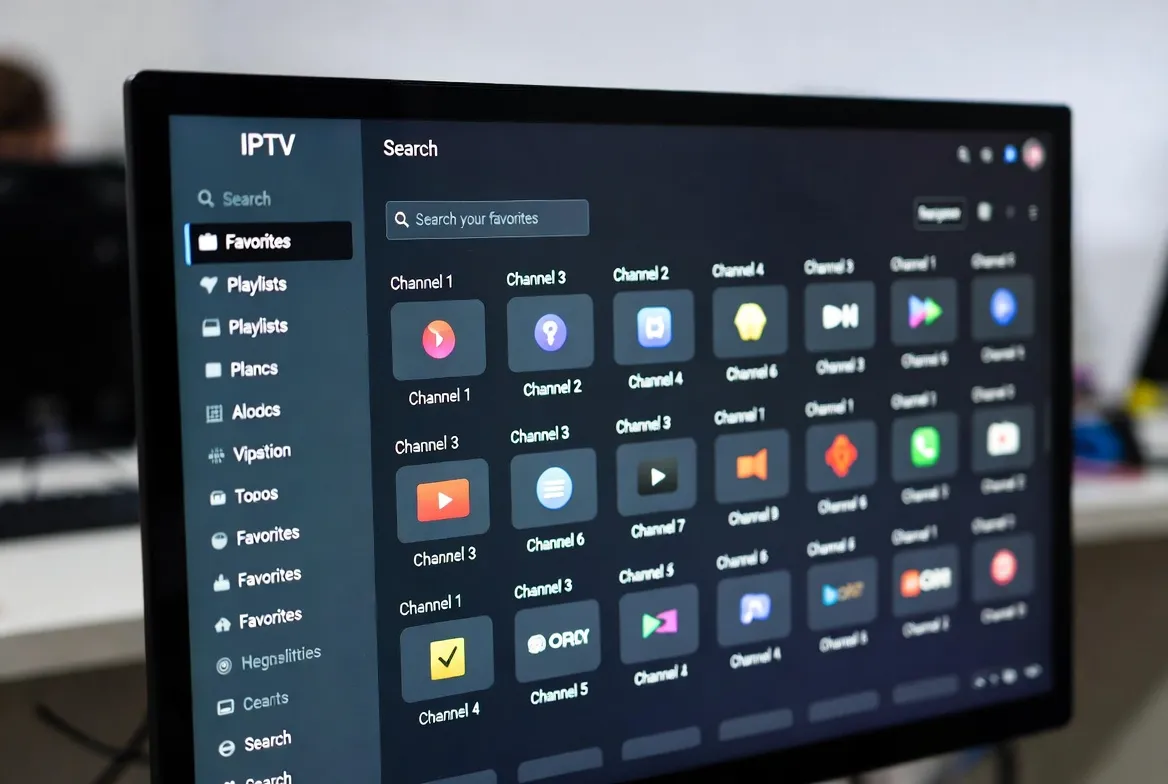
Having 18,000+ channels is amazing — until you're scrolling through thousands of them trying to find ESPN. The secret to enjoying IPTV like a pro? Favorites, custom playlists, and smart channel groups. In 10 minutes, you can organize your entire channel lineup so your top picks are always one tap away. Here's exactly how to do it on every major IPTV app.
⭐ 18,000+ Channels — Organized Your Way
Custom favorites, smart playlists, and instant search. Try StreamTV free.
Why You Need to Organize Your IPTV Channels
Instant Access
Jump straight to your top 20 channels instead of scrolling through 18,000.
Custom Groups
Create 'Game Day', 'Kids', 'News Morning', or 'Movie Night' playlists.
Find Anything Fast
Search by channel name, country, or category — results in under a second.
Family Profiles
Set up different favorites for each family member — Dad's sports, Mom's dramas, kids' cartoons.
Hide Unwanted Channels
Remove languages and categories you don't watch. Clean up your channel list permanently.
Personalized EPG
Your favorites get their own program guide — see what's on your top channels at a glance.
Best IPTV Apps for Channel Management
| Feature | TiviMate | IPTV Smarters | OTT Navigator | Perfect Player |
|---|---|---|---|---|
| Favorite Groups | ✅ Unlimited | ✅ Multiple | ✅ Unlimited | ✅ 1 list |
| Custom Group Names | ✅ | ✅ | ✅ | ❌ |
| Hide Channels | ✅ | ⚠️ Limited | ✅ | ✅ |
| Channel Search | ✅ Fast | ✅ | ✅ | ✅ |
| Sort Channels | ✅ Multiple options | ✅ Basic | ✅ Advanced | ⚠️ Basic |
| EPG for Favorites | ✅ Dedicated view | ✅ | ✅ | ✅ |
| Channel Logos | ✅ Auto-fetch | ✅ | ✅ | ✅ |
| Backup/Restore Favorites | ✅ | ❌ | ✅ | ❌ |
| Parental Lock | ✅ | ✅ | ✅ | ❌ |
| Price | Free / $11.88/yr | Free | Free | Free |
How to Organize Channels in TiviMate (Best Method)
Step 1: Create Favorite Groups
- 1. Open TiviMate and go to Settings → Favorites
- 2. Tap "Add Group"
- 3. Name your group (e.g., "Sports", "News", "Movies", "Kids")
- 4. Repeat to create as many groups as you need
Step 2: Add Channels to Favorites
- 1. Browse to any channel in the channel list
- 2. Long-press the channel name
- 3. Select "Add to Favorites"
- 4. Choose which group(s) to add it to (a channel can be in multiple groups)
- 5. The star icon ⭐ appears next to favorited channels
Step 3: Access Your Favorites
- 1. Press the left arrow on the remote to open the sidebar
- 2. Scroll to "Favorites"
- 3. Select your custom group (Sports, Kids, etc.)
- 4. Only your starred channels appear — clean, fast, organized
How to Organize Channels in IPTV Smarters
Open Live TV
Navigate to the Live TV section from the main menu.
Browse Channel Categories
Channels are pre-organized by country and category (USA Sports, UK Entertainment, etc.).
Tap the Star Icon
Next to any channel, tap the ⭐ icon to add it to your favorites.
Access Favorites Tab
At the top of the channel list, tap 'Favorites' to see only your starred channels.
Use Search
Tap the 🔍 icon and type any channel name to find it instantly across all 18,000+ channels.
Suggested Playlist Groups to Create
🏈 Game Day
ESPN, Fox Sports, CBS Sports, NBC Sports, NFL Network, NBA TV, beIN Sports
📰 Morning News
CNN, Fox News, BBC World, MSNBC, Bloomberg, Sky News, Al Jazeera
👶 Kids Only
Disney, Nickelodeon, Cartoon Network, PBS Kids, Nick Jr, KiKA, CBeebies
🎬 Movie Night
HBO, Showtime, Starz, AMC, TCM, Sky Cinema, Cinemax
🌍 International
Your home country channels — grouped for quick access when you miss home
🎵 Background Music
MTV Music, VH1, relaxation channels, jazz channels — ambient content
🍳 Cooking & Lifestyle
Food Network, HGTV, Cooking Channel, Tastemade, Travel Channel
📺 Binge Watch
Your top 5-10 entertainment channels for evening relaxation
Advanced Organization Tips
- Hide entire categories: In TiviMate, go to Settings → Playlist → Manage Groups. Uncheck categories you never watch (e.g., channels in languages you don't speak). This can remove thousands of irrelevant channels instantly.
- Sort by "Recently Watched": TiviMate can sort your channel list by recently watched, so your most-used channels float to the top automatically.
- Use channel numbers: Assign custom numbers to your top channels (e.g., 1 = ESPN, 2 = CNN, 3 = HBO). Then type the number on your remote to jump directly.
- Backup your favorites: In TiviMate, go to Settings → Backup → Create Backup. Save it to cloud storage so you don't lose your organization if you reset your device.
- Set a default startup group: Configure your app to open directly to your Favorites group instead of the full channel list. Saves time every session.
- Create seasonal playlists: Make a "Football Season" group in fall, a "March Madness" group in spring, or a "Olympics" group every two years.
Before vs After: The Organized IPTV Experience
❌ Without Organization
- • Scroll through 18,000 channels to find ESPN
- • Channels in 30+ languages you don't speak
- • No idea what's on right now
- • Takes 5+ minutes to find what you want
- • Feels overwhelming and chaotic
✅ With Smart Organization
- • Open "Game Day" playlist — 15 sports channels ready
- • Only channels you actually watch are visible
- • EPG shows what's on your favorites right now
- • Find any channel in under 3 seconds
- • Feels like a personalized cable TV experience
⭐ 18,000 Channels. Your Personal Lineup.
Favorites • Custom playlists • Smart search • EPG guide
Organize once, enjoy forever. Start with a free 24-hour trial.
Plans from $11.88/mo • No contract • Cancel anytime
Frequently Asked Questions
How do I organize IPTV channels?
Use your IPTV app's favorites and playlist features. Star your top channels, create custom groups (Sports, News, Kids), and hide channels you don't watch. TiviMate and IPTV Smarters both support this — setup takes about 10 minutes.
Can I create custom playlists on IPTV?
Yes. TiviMate allows unlimited custom favorite groups with custom names. Create 'Game Day', 'Morning News', 'Kids Only', 'Movie Night' or any other group. IPTV Smarters supports a single favorites list with star ratings.
What is the best IPTV app for managing channels?
TiviMate is the best for advanced channel management — unlimited groups, channel hiding, custom sorting, backup/restore, and a dedicated favorites EPG view. It's free with a $11.88/year premium upgrade.
Can I hide channels I don't want to see?
Yes. In TiviMate, go to Settings → Playlist → Manage Groups and uncheck entire categories. You can also long-press individual channels and select 'Hide'. This can reduce your visible list from 18,000 to just the channels you care about.
Do my favorites sync across devices?
TiviMate supports backup and restore — save your favorites to cloud storage and restore them on any device. IPTV Smarters favorites are device-specific and don't sync automatically.
Can I set a default channel or group on startup?
Yes. In TiviMate, go to Settings → General → Startup and choose to open directly to your Favorites group or even a specific channel. IPTV Smarters opens to the last-viewed section.
Is there a free trial to test IPTV channel management?
Yes. StreamTV offers a 24-hour free trial with all 18,000+ channels. Use the trial to set up your favorites and playlists, then keep your organization when you subscribe.