IPTV Low Latency Mode: Watch Sports Without Spoilers
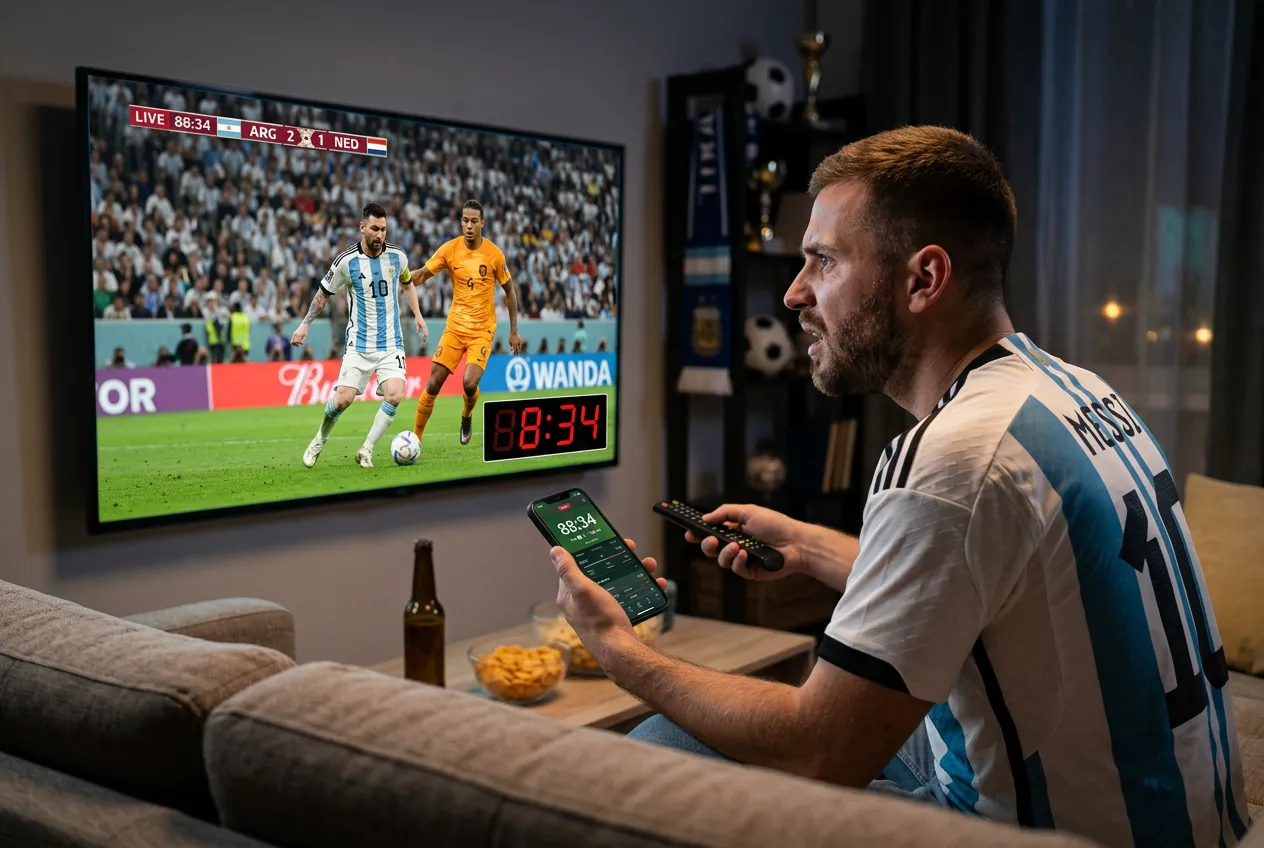
Tired of friends texting goals 30 seconds before you see them? Low-latency IPTV mode cuts the delay to 2-5 seconds — beating cable, ESPN+, and fuboTV. Here's how to set it up in 60 seconds.
Why you're seeing spoilers first
Default IPTV buffer (10-30s)
Most apps cache 10-30 seconds — friends texting goals before you see them
Cable provider delay (30-60s)
Comcast, Spectrum, DirecTV add 30-60s satellite/cable lag — even worse than IPTV
Streaming services (45-90s)
ESPN+, Peacock, fuboTV often run 45-90s behind real-time broadcasts
Social media spoilers
Twitter/X, Reddit, group chats post goals & touchdowns within 2 seconds of action
StreamTV vs cable & streaming latency
| Feature | StreamTV | Cable / Streaming |
|---|---|---|
| Live latency | 2-5 seconds (low-latency mode) | Cable: 30-60s · ESPN+: 45s · fuboTV: 60s+ |
| Buffer setting | Adjustable 0-30s in Smarters/TiviMate | Locked, no user control |
| Spoiler-proof during live games | Yes — see goals before phone notifications | No — texts arrive 30s before play |
| Works with all sports channels | ESPN, Sky, beIN, DAZN, NFL, NBA — all 24,000 channels | Limited per platform |
| Monthly cost | $11.88 flat | $80+ cable / $25-75 streaming |
Why low-latency wins
2-5 second latency
Adjustable low-latency mode keeps you in real-time — beat cable by 30+ seconds.
No more spoilers
See goals, touchdowns, and KOs before friends text you about them.
Works on any setup
Optimized for Firestick, Apple TV, Android TV, Smart TVs — wired or 5G Wi-Fi.
Every sports channel
ESPN, Sky Sports, beIN, DAZN, TNT, NBC, Fox — all 24,000+ channels in low-latency.
Enable low-latency in 60 seconds
- 1Open IPTV Smarters Pro or TiviMate → Settings → Player Settings
- 2Find 'Buffer Size' or 'Latency' → set to Low (0-2 seconds)
- 3Enable 'Hardware Acceleration' for smoother low-latency playback
- 4Use a wired Ethernet connection on Firestick/Apple TV (Wi-Fi adds 1-3s)
- 5Test with a live sports stream — you'll see plays 25+ seconds before cable viewers
Frequently asked questions
How fast is StreamTV compared to cable for live sports?
With low-latency mode enabled, StreamTV runs 2-5 seconds behind real-time. Cable (Comcast, Spectrum, DirecTV) typically runs 30-60 seconds behind — meaning you see goals before cable viewers.
How do I enable low-latency mode in IPTV Smarters Pro?
Open Smarters → Settings → Player Settings → Buffer Size → set to 'Low' or 0-2 seconds. Enable hardware acceleration for best results. Restart the app to apply.
Will low-latency mode cause buffering on slow internet?
On 25+ Mbps connections it's stable. On 10-15 Mbps Wi-Fi, set buffer to 3-5 seconds. Wired Ethernet on Firestick/Apple TV is recommended for zero-buffer sports streaming.
Does it work with TiviMate too?
Yes — TiviMate Settings → Playback → Buffer Size → set to minimum. TiviMate also has 'Reduce buffer' toggle which works great for live sports.
Will I beat ESPN+ and fuboTV viewers?
Yes — ESPN+ runs 45s behind, fuboTV often 60s+. StreamTV in low-latency mode (2-5s) puts you ahead of all major streamers and cable. Perfect for sports betting and group watch parties.
Beat the spoilers — watch live in real-time
2-5 second latency • 24,000+ channels • $11.88/mo • No contract
Start Free Trial →