IPTV Parental Controls: How to Keep Your Kids Safe While Streaming
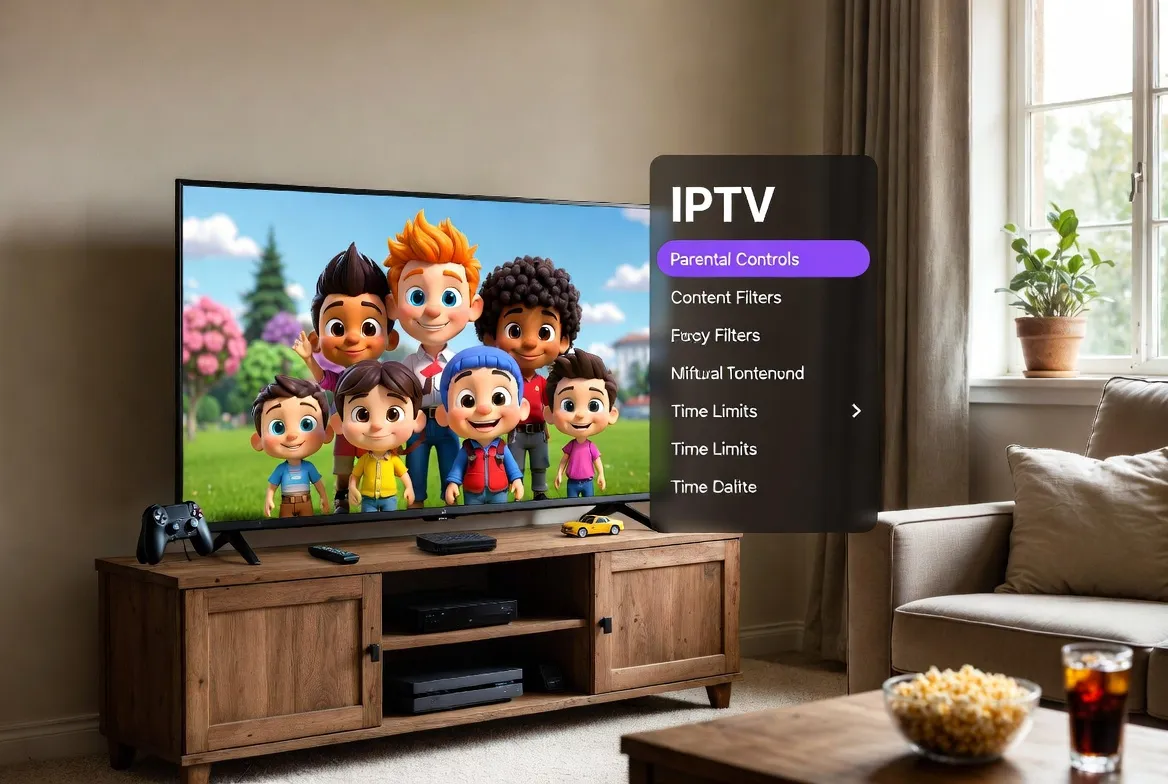
With 18,000+ channels and 150,000+ movies at your fingertips, IPTV opens a world of entertainment — but parents need to know their children are watching age-appropriate content. The good news? Modern IPTV services like StreamTV come with built-in parental controls that give you full control over what your kids can access, when they can watch, and for how long.
Why IPTV Parental Controls Matter More Than Ever in 2026
Children today consume more streaming content than any previous generation. Here's why having robust parental controls on your IPTV service is essential:
Kids Watch 3+ Hours Daily
The average child streams over 3 hours of content per day. Without controls, they can stumble onto adult content across thousands of channels.
Unlimited Channel Access
IPTV offers 18,000+ channels from every country. Parental controls let you whitelist only kid-safe channels.
VOD Library Risks
With 150,000+ movies and shows, not everything is family-friendly. PIN-protected ratings filters keep mature content locked.
Screen Time Management
Set daily viewing limits so kids balance streaming with homework, outdoor play, and sleep.
StreamTV Parental Control Features: A Complete Breakdown
StreamTV IPTV includes industry-leading parental controls that rival — and often surpass — what Netflix, Disney+, and cable providers offer:
PIN-Protected Profiles
Create separate kid profiles locked behind a 4-digit PIN. Children can only access pre-approved channels and content rated G, PG, or TV-Y.
Channel Whitelisting
Hand-pick exactly which channels appear in your child's profile. Block adult channels, news, and anything you deem inappropriate — they'll never even see them.
Screen Time Limits
Set daily or weekly viewing limits. When the timer runs out, the stream automatically pauses with a friendly 'Time's up!' message.
Bedtime Scheduling
Configure viewing windows — for example, no streaming after 8 PM on school nights. The app enforces it automatically.
Content Rating Filters
Filter VOD content by rating: G, PG, PG-13, R, or TV-MA. Set the maximum allowed rating per profile, and anything above is hidden.
Viewing History Reports
Monitor what your kids watched, when, and for how long. Get weekly email summaries so you stay informed without hovering.
Search Restrictions
Disable or limit the search function on kids' profiles so they can't look up restricted content by title.
Real-Time Alerts
Get instant notifications if your child attempts to access blocked content or tries to bypass the PIN.
🛡️ Family-Safe Streaming Starts Here
Get 18,000+ channels with built-in parental controls — starting at just $11.88/month.
See Family PlansHow to Set Up Parental Controls on StreamTV IPTV (Step-by-Step)
Open Settings
Launch your StreamTV app on any device (Smart TV, Fire Stick, phone, or tablet). Navigate to Settings → Parental Controls.
Create a Master PIN
Set a 4-digit master PIN that only you know. This PIN is required to access adult content, change settings, or switch profiles.
Create a Kids Profile
Tap 'Add Profile' → select 'Kids Profile.' Choose an avatar and name. The profile automatically filters content to age-appropriate ratings.
Whitelist Channels
Go to Channel Management in the kids profile. Select which channels are visible — popular choices include Cartoon Network, Disney Channel, Nickelodeon, PBS Kids, and BabyTV.
Set Rating Limits
Under Content Ratings, set the maximum allowed rating. For young children, select 'G only.' For tweens, allow up to 'PG-13.'
Configure Screen Time
Set daily limits (e.g., 2 hours on weekdays, 4 hours on weekends) and bedtime cutoffs. The app will enforce them automatically.
Enable Viewing Reports
Turn on weekly viewing summaries to get email reports of what your child watched and for how long.
Parental Controls: StreamTV vs Netflix vs Disney+ vs Cable
| Feature | StreamTV IPTV | Netflix | Disney+ | Cable TV |
|---|---|---|---|---|
| PIN-Protected Profiles | ✅ | ✅ | ✅ | ⚠️ Limited |
| Channel Whitelisting | ✅ | ❌ | ❌ | ⚠️ Basic |
| Screen Time Limits | ✅ | ✅ | ❌ | ❌ |
| Bedtime Scheduling | ✅ | ❌ | ❌ | ❌ |
| Rating Filters | ✅ | ✅ | ✅ | ⚠️ Basic |
| Viewing Reports | ✅ | ⚠️ Basic | ❌ | ❌ |
| Search Restrictions | ✅ | ❌ | ✅ | ❌ |
| Real-Time Alerts | ✅ | ❌ | ❌ | ❌ |
| 200+ Kids Channels | ✅ | ❌ | ❌ | ⚠️ Extra Cost |
| Price | $11.88/mo | $11.88/mo | $11.88/mo | $80+/mo |
Top Kids Channels Available on StreamTV IPTV
StreamTV includes 200+ family-friendly channels from around the world. Here are the most popular ones parents whitelist for their children:
Cartoon Network
Nickelodeon
Disney Channel
Disney Junior
PBS Kids
Nick Jr.
BabyTV
CBeebies
Boomerang
Discovery Kids
Nat Geo Kids
Cartoon Network Arabic
KiKA (German)
Gulli (French)
Boing (Spanish)
Super RTL
5 Expert Tips for Safe Family Streaming
Co-Watch When Possible
Even with controls enabled, watching together helps you discuss themes and messages in shows. It's also great bonding time.
Review Viewing Reports Weekly
Check what your kids are watching each week. Look for patterns — are they watching age-appropriate content? Are they staying within time limits?
Update Settings as Kids Grow
A 5-year-old and a 12-year-old need different settings. Review and adjust rating filters, channel lists, and time limits as your children mature.
Use Separate Profiles for Each Child
Don't share one kids profile between siblings of different ages. Create individual profiles with age-appropriate settings for each child.
Keep Your PIN Secret
Don't use obvious PINs like 1234 or your birthday. Change it periodically, especially if your tech-savvy tween starts guessing.
Frequently Asked Questions About IPTV Parental Controls
Are IPTV parental controls easy to set up?
Yes! StreamTV's parental controls can be configured in under 5 minutes. Just create a kids profile, set a PIN, whitelist channels, and choose rating limits. It works on all devices.
Can my child bypass the parental controls?
StreamTV uses PIN-protected settings that can't be changed without the master code. You'll also receive real-time alerts if anyone attempts to access blocked content.
Do parental controls work on all devices?
Yes. Whether you're using a Samsung Smart TV, Fire Stick, Android Box, iPhone, or tablet — parental control settings sync across all devices linked to your account.
Can I set different rules for different children?
Absolutely. Create separate profiles for each child with customized channel lists, rating filters, and screen time limits tailored to their age.
Is StreamTV IPTV safe for kids?
StreamTV includes enterprise-grade parental controls, encrypted streaming, and no ads on kids' profiles. It's one of the safest streaming options for families in 2026.
👨👩👧👦 Safe Streaming for the Whole Family
200+ kids channels. Built-in parental controls. Starting at $11.88/month.
Join 2M+ families who trust StreamTV IPTV for safe, affordable entertainment.