IPTV on PS5 & Xbox: Gaming Console Streaming Setup
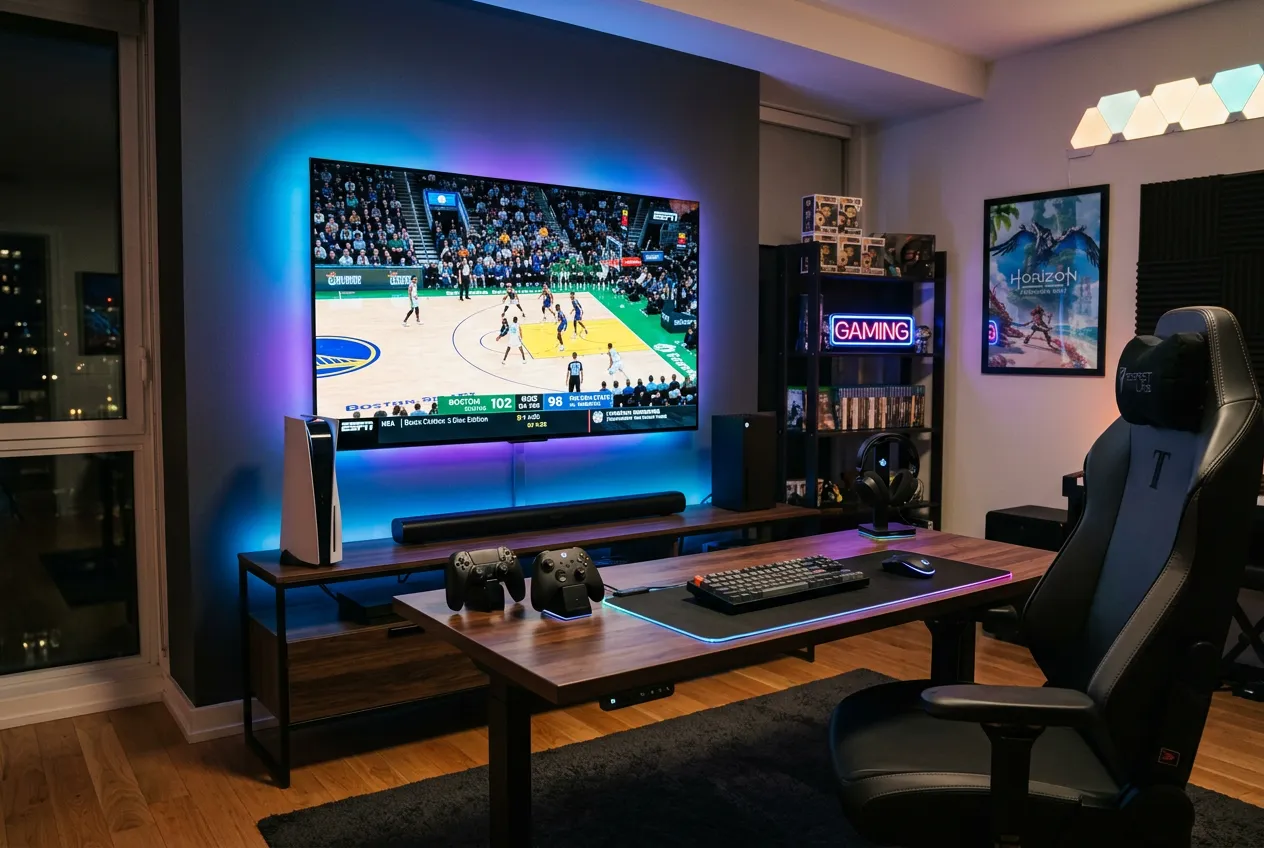
Your PS5 or Xbox already streams 4K HDR better than a Firestick. Skip the extra hardware: install Edge on Xbox or use Plex on PS5, and you get every NFL game, Premier League, HBO and 24,000 channels for $11.88/month. Here's the full setup. Start free trial.
Supported Consoles & Methods
Why Use Your Console for IPTV
No extra hardware
Your PS5 or Xbox already does it — no Firestick, no Apple TV, no cable box needed
True 4K HDR + Dolby Vision
Xbox Series X outputs Dolby Vision; PS5 delivers 4K HDR10 — same quality as premium streaming boxes
Instant switch: game → live TV
Quick Resume on Xbox lets you jump from Call of Duty to Sunday Night Football in seconds
$11.88/mo — one bill
Replace cable, Sling, YouTube TV, Sunday Ticket and HBO with one subscription on a device you already own
PS5 Setup (5 Minutes)
1. Open PS5 web browser
Hidden trick: launch the User Guide, then navigate to any URL — full Chromium browser appears
2. Go to your StreamTV web player
We send you a personal m3u + web URL after subscription — bookmark it on PS5
3. Or install Plex from PS Store
Free app — connects to StreamTV via xTeve/threadfin proxy for native 4K playback
4. Sign in with your credentials
Username + password from your StreamTV welcome email
5. Stream in 4K HDR
Use the PS5 controller or remote — full EPG, channel surfing, DVR access
Xbox Series X|S Setup (5 Minutes)
1. Install Microsoft Edge
Free from Xbox Store — full desktop-class browser on Series X|S and One
2. Open your StreamTV web player
Or use IPTV Smarters Web / TiviMate Web — full UI with mouse/controller support
3. Pair a Bluetooth keyboard (optional)
Makes channel search and login 10x faster — any USB or BT keyboard works
4. Enable Dolby Vision in Xbox settings
Display & sound → Video output → Dolby Vision for streaming
5. Pin to Home for one-click access
Add Edge tile to Home so live TV is one button away from gaming
Pro Tips for Console Streaming
Use Quick Resume (Xbox)
Suspend your game mid-match, watch a goal live, jump back exactly where you left off
Picture-in-Picture on PS5
Some browsers support PiP — game in main window, news ticker in corner
Cast from phone too
If browser feels clunky, cast StreamTV from your phone to Xbox via Miracast / DLNA
Free 4K upgrade
Your console already has the best 4K HDR decoder in your house — better than $50 streaming sticks
Frequently Asked Questions
Can I really watch IPTV on PS5 and Xbox?
Yes — both consoles support IPTV streaming. Xbox Series X|S has the Microsoft Edge browser (full Chromium) which runs any web-based IPTV player at 4K Dolby Vision. PS5 uses its built-in browser plus the free Plex app for native 4K HDR playback. No jailbreak or hack required.
Do I need to install a special app on Xbox?
Just install Microsoft Edge from the Xbox Store (free). It runs IPTV Smarters Web, TiviMate Web, or your StreamTV web player at full 4K HDR with controller and mouse support. Pair a Bluetooth keyboard for easier channel search.
Does StreamTV work in 4K on PS5?
Yes — StreamTV streams in 4K HDR HEVC on PS5 via the Plex app or browser-based player. PS5 hardware decodes HEVC natively, so 4K channels play smoothly without buffering on a decent connection (25 Mbps+).
Can I watch live sports on Xbox while gaming?
Yes — Xbox Quick Resume lets you suspend any game and jump straight to live TV in 2-3 seconds. Watch the goal, jump back into your match. PS5 doesn't have Quick Resume but you can use Activity Cards to switch fast.
Is it cheaper than buying a Firestick or Apple TV?
Much cheaper — $0 extra. You already own the console. Skip the $50 Firestick or $150 Apple TV 4K — your PS5/Xbox does the same job in better quality (Dolby Vision on Xbox Series X) for free.
Turn Your Console Into a 4K Cable Box
No new hardware • 4K HDR + Dolby Vision • 24,000 channels • $11.88/mo
Start Free Trial →