IPTV on Raspberry Pi 5: Build Your Own $50 Streaming Box
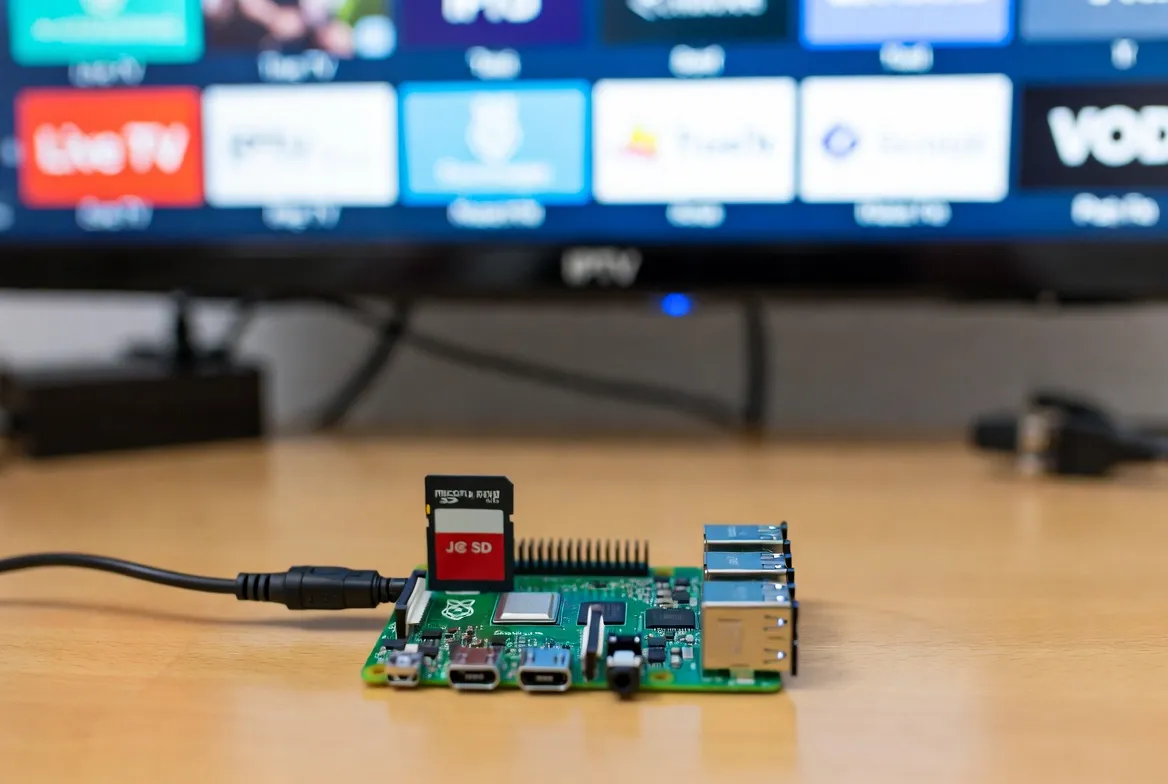
Skip the $150 Apple TV. A Raspberry Pi 5 + LibreELEC + StreamTV ($11.88/mo) gives you a 4K HDR IPTV box for under $50 in parts — with Kodi, Plex, and 20,000+ live channels running on hardware that beats commercial streaming boxes.
⚡ Get StreamTV M3U →Parts List ($50-100 Total)
5-Step Setup Guide
Flash LibreELEC or Kodi OS
Use Raspberry Pi Imager to flash LibreELEC 12 (Pi 5 build) to your microSD — 5 minutes
Boot & Connect Ethernet
Plug in HDMI, ethernet (recommended for 4K), and power. First boot takes 60 seconds
Install IPTV Simple Client
Settings → Add-ons → Install from repository → PVR clients → IPTV Simple Client → Configure
Add StreamTV M3U Playlist
Paste your StreamTV M3U URL into the playlist field, restart Kodi — 20,000+ channels appear
Enable Hardware Decoding
Settings → Player → Videos → Enable HW acceleration (V4L2) for smooth 4K playback
Why Pi 5 Beats Commercial Boxes
True 4K @ 60fps
Pi 5 hardware decodes H.265/HEVC in 4K — buttery smooth even for sports streams
$50 Total Cost
Cheaper than Apple TV 4K ($129), Nvidia Shield ($149), or Fire TV Cube ($139)
5x Faster Than Pi 4
Quad-core Cortex-A76 @ 2.4GHz handles Kodi UI and 4K streams without lag
Fully Customizable
Run Kodi, Plex, Jellyfin, Tvheadend — even Steam Link or Pi-hole alongside IPTV
Pro Tips for Smooth 4K
Always use ethernet for 4K — WiFi 5 caps at ~400 Mbps real-world
Install the active cooler — Pi 5 throttles aggressively without it
Use the official 27W PSU — undervolting causes random Kodi crashes
Enable CEC in Kodi to control with your TV remote — no extra remote needed
Frequently Asked Questions
Can Raspberry Pi 5 run IPTV smoothly in 4K?
Yes — Pi 5's quad-core 2.4GHz CPU and improved GPU handle 4K H.265 streams at 60fps with hardware decoding enabled. It's noticeably smoother than Pi 4 and rivals dedicated streaming boxes costing 3x more.
What's the best IPTV app for Raspberry Pi 5?
Kodi 21 (via LibreELEC 12) with the IPTV Simple Client add-on is the gold standard. It's free, open-source, supports M3U playlists from StreamTV, and includes EPG (TV guide), recording, and catch-up TV.
How much does a Raspberry Pi 5 IPTV box cost to build?
Around $50-100 total: Pi 5 4GB ($60) + microSD ($8) + power supply ($12) + cooler ($5) + HDMI cable ($5). Add a $10 case for $100 max — far cheaper than commercial streaming boxes with the same capabilities.
Do I need ethernet for IPTV on Raspberry Pi 5?
For 4K streams, yes — gigabit ethernet eliminates buffering. Pi 5 has WiFi 5 built-in which works for HD/1080p, but ethernet guarantees stable 4K HDR sports streaming with zero drops.
Can I use Raspberry Pi 5 with StreamTV IPTV subscription?
Yes — StreamTV ($11.88/mo) provides M3U playlist URLs that load directly into Kodi's IPTV Simple Client on your Pi 5. Setup takes 10 minutes and gives you 20,000+ channels in 4K.
Your $50 IPTV Box Awaits.
M3U playlist • 20,000+ channels • Works on Pi 5 • $11.88/mo
Start Free Trial →