IPTV Setup in Under 2 Minutes: The Fastest Installation Guide
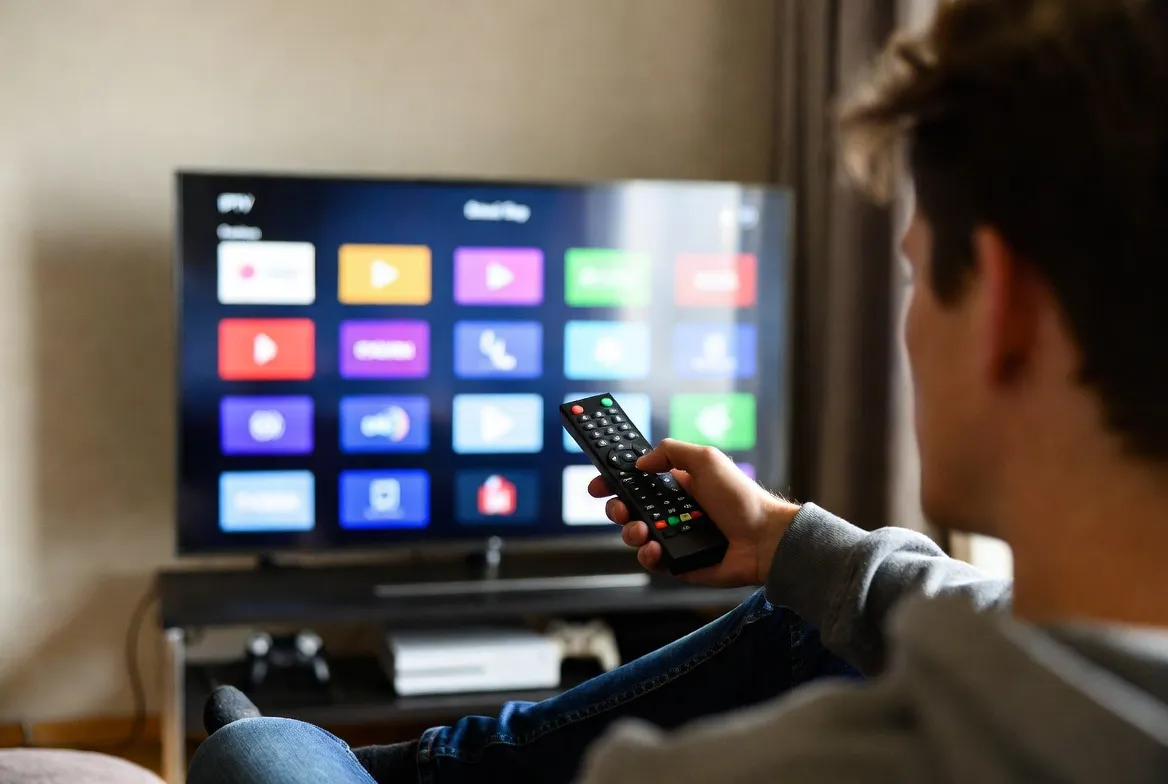
No PC. No jailbreak. No tech skills. Get StreamTV IPTV running in under 2 minutes on Firestick, Smart TV, iPhone or Android. 20,000+ channels in 4K HDR — installed faster than ordering pizza.
Under 2 Minutes Total
Subscribe, install free app, paste M3U link — start streaming 20,000+ channels instantly
Works on Any Device
Firestick, Smart TV, iPhone, Android, Roku, Apple TV — same 2-minute setup, no PC required
No Tech Skills Needed
Pre-configured M3U link sent by email — just paste and play. No coding, no jailbreak
Instant Channel Loading
All 20,000+ channels appear instantly with EPG, sorted by category — ready to stream
4 Steps in Under 2 Minutes
Subscribe (30 seconds)
Pick a plan ($11.88/mo) and pay via card, PayPal or crypto. Receive M3U link by email instantly
Install Free App (45 seconds)
Download IBO Player (Smart TV), TiviMate (Firestick), or Smart IPTV (Samsung/LG) — all free
Paste M3U Link (30 seconds)
Open the app, tap 'Add Playlist', paste your M3U URL from email — channels load automatically
Start Streaming (15 seconds)
Browse 20,000+ channels by category, set favorites, enjoy live TV in HD/4K
Setup Times by Device
| Device | Recommended App | Setup Time |
|---|---|---|
| Amazon Firestick 4K | TiviMate / IBO Player | 1m 45s |
| Samsung / LG Smart TV | Smart IPTV / SS IPTV | 1m 50s |
| iPhone / iPad (iOS) | GSE Smart IPTV / IPTV Smarters | 1m 30s |
| Android Phone / TV Box | TiviMate / IPTV Smarters Pro | 1m 30s |
| Apple TV 4K | iPlayTV / IPTV Smarters | 1m 55s |
| Roku (via screen mirror) | IPTV Smarters Pro (cast) | 2m 00s |
Speed-Up Tips
- Have your M3U email ready
Open the email on your phone before starting — easy to copy/paste the URL
- Use a fast app (TiviMate)
TiviMate Premium loads in under 45 seconds with full EPG and channel sorting
- Connect via WiFi 5GHz or ethernet
Faster channel loading and zero buffering during initial setup
- Install app from official stores
Amazon Appstore for Firestick, App Store for iOS — avoid sideloading delays
- Restart device after install
Quick reboot ensures smooth first-launch performance and full feature loading
- Save credentials in password manager
Future device installs take 30 seconds with stored M3U URL
Frequently Asked Questions
How fast can I set up IPTV?
StreamTV IPTV is installed and streaming in under 2 minutes. Subscribe (30 sec), receive M3U link by email, install a free app like TiviMate or IBO Player (45 sec), paste the link (30 sec), start streaming. Total time: 1 min 45 sec.
What's the easiest IPTV app for beginners?
IBO Player and TiviMate are the easiest IPTV apps for beginners. Both have one-screen setup: paste your M3U URL once, all 20,000+ channels load automatically with EPG. Free downloads from official app stores.
Can I install IPTV on Firestick in 2 minutes?
Yes — Firestick setup takes under 2 minutes total. Install IBO Player from Amazon Appstore (free), open the app, paste your M3U link, and start streaming. No sideloading, jailbreak or developer mode needed.
Do I need any technical skills to set up IPTV?
Zero technical skills required. StreamTV sends pre-configured M3U credentials by email. Just install a free app and paste one link — same as adding email to a new phone. 24/7 WhatsApp support helps if you get stuck.
What if I get stuck during the 2-minute setup?
Our 24/7 WhatsApp support team responds in under 2 minutes with screenshots and video tutorials. Most setup issues are solved instantly. Free video calls available for complex device setups at no extra cost.