IPTV Starter Pack 2026: Everything a Beginner Needs to Know
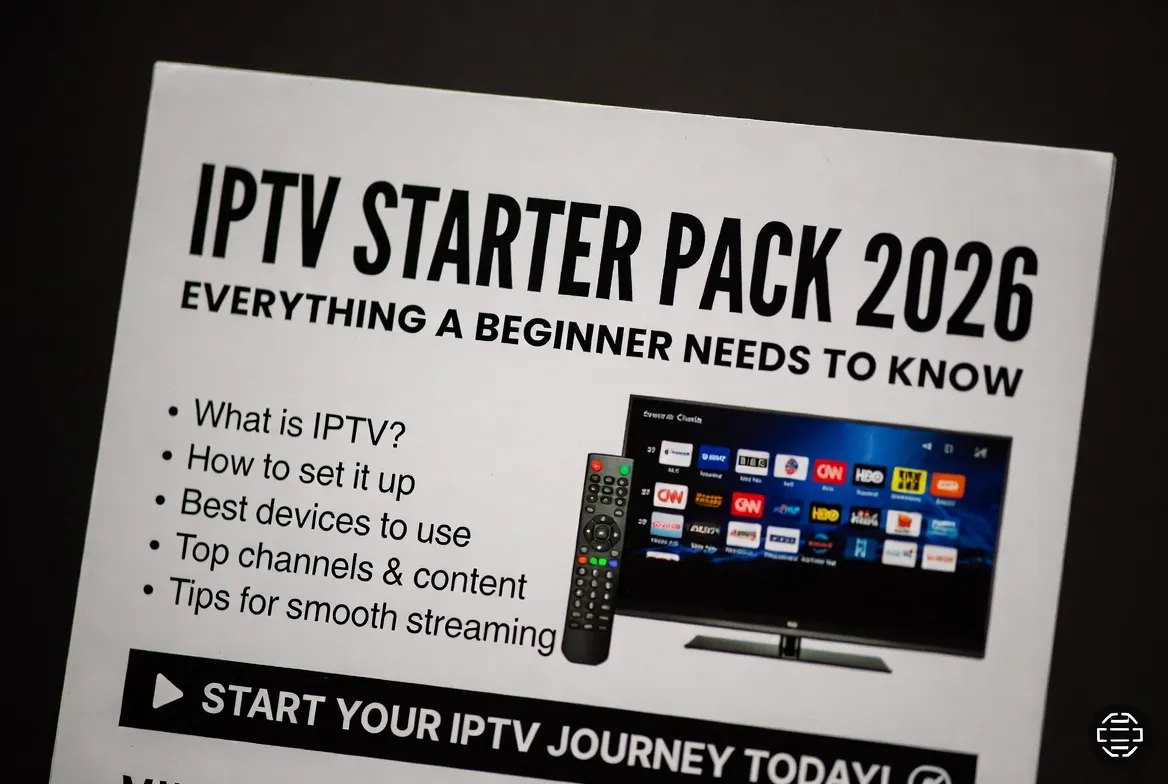
Thinking about cutting the cord and switching to IPTV in 2026? You're not alone — millions of households are ditching $200/month cable bills for affordable, flexible streaming. This complete IPTV starter pack walks you through every step: what gear you need, how to set it up in 5 minutes, and how to get the best IPTV subscription for just $11.88/month.
Quick Start: Get IPTV in 5 Minutes
Skip the research — start your free 24-hour IPTV trial right now and explore 25,000+ channels with zero risk.
What Is IPTV? (Plain English Explanation)
IPTV stands for Internet Protocol Television — instead of receiving channels through a cable wire or satellite dish, you stream them over your home internet. Think Netflix, but with live TV, sports, news, and 25,000+ channels from around the world. No installer visits, no equipment rentals, no surprise fees.
What You Need to Get Started
Internet Connection
Minimum 15 Mbps for HD, 25+ Mbps for 4K streaming
Compatible Device
Smart TV, Firestick, Android Box, phone, tablet, or PC
IPTV Subscription
StreamTV plan starting at just $11.88/month
IPTV Player App
IPTV Smarters, TiviMate, or our free StreamTV app
5-Step IPTV Setup Guide
Choose Your Plan
Pick a 1, 3, 6 or 12-month StreamTV subscription — no contracts, cancel anytime.
Get Your M3U Link
We email your activation link and login within 5 minutes of payment.
Install the App
Download IPTV Smarters or TiviMate on your device from the official store.
Add Your Credentials
Paste your M3U URL or Xtream Codes — your channels load instantly.
Start Streaming
Browse 25,000+ live channels and 60,000+ on-demand titles in 4K HD.
IPTV vs Cable TV: The Real Numbers
| Feature | Cable TV | StreamTV IPTV |
|---|---|---|
| Monthly Cost | $120–$200 | $11.88 |
| Channel Count | 150–300 | 25,000+ |
| On-Demand Library | Limited PPV | 60,000+ titles |
| 4K UHD Streams | Few channels | Thousands |
| Contract | 12–24 months | None — cancel anytime |
| Multi-Device | Extra fees per box | Up to 5 devices |
| Free Trial | Rare | 24-hour free test |
Best Devices for Beginners
Amazon Firestick 4K Max
$59Easiest setup, great for beginners
NVIDIA Shield TV Pro
$199Best performance for power users
Formuler Z11 Pro
$229Built specifically for IPTV streaming
Smart TV (LG/Samsung)
$0No extra hardware needed
Pro Tips Every Beginner Should Know
Use Ethernet over Wi-Fi
A wired connection eliminates 90% of buffering issues.
Always use a VPN
Protects your privacy and unlocks geo-restricted channels worldwide.
Enable Hardware Decoding
Smoother 4K playback and lower CPU usage on your device.
Set Up Favorites
Pin your top 20 channels for one-click access in TiviMate.
How Much Will You Save?
Annual Savings Breakdown
- Cable TV: $1,800/year (avg $150/mo)
- StreamTV IPTV: $143/year ($11.88/mo)
- Your savings: $1,657/year
Frequently Asked Questions
What is IPTV and how does it work?
IPTV (Internet Protocol Television) streams live TV channels and on-demand content over your internet connection instead of cable or satellite. You get 25,000+ channels for $11.88/month — no dish, no cable box required.
Is IPTV legal in 2026?
Yes, IPTV technology is 100% legal. StreamTV operates with proper licensing, ensuring full legality for subscribers worldwide.
Do I need a VPN to use IPTV?
A VPN is not required but strongly recommended. It encrypts your traffic, protects your privacy from ISP throttling, and lets you access region-locked content.
Can I try IPTV before buying?
Absolutely. StreamTV offers a 24-hour free trial with full access to all 25,000+ channels and the entire VOD library — no credit card needed.
How fast is the setup process?
Under 5 minutes. After payment, you'll receive your activation link instantly, install an IPTV app, paste your credentials, and start streaming.
What internet speed do I need for IPTV?
15 Mbps for HD streaming, 25 Mbps for 4K UHD. Most modern home internet plans easily exceed these requirements.