IPTV on Windows 11: Best Desktop Players Ranked for 2026
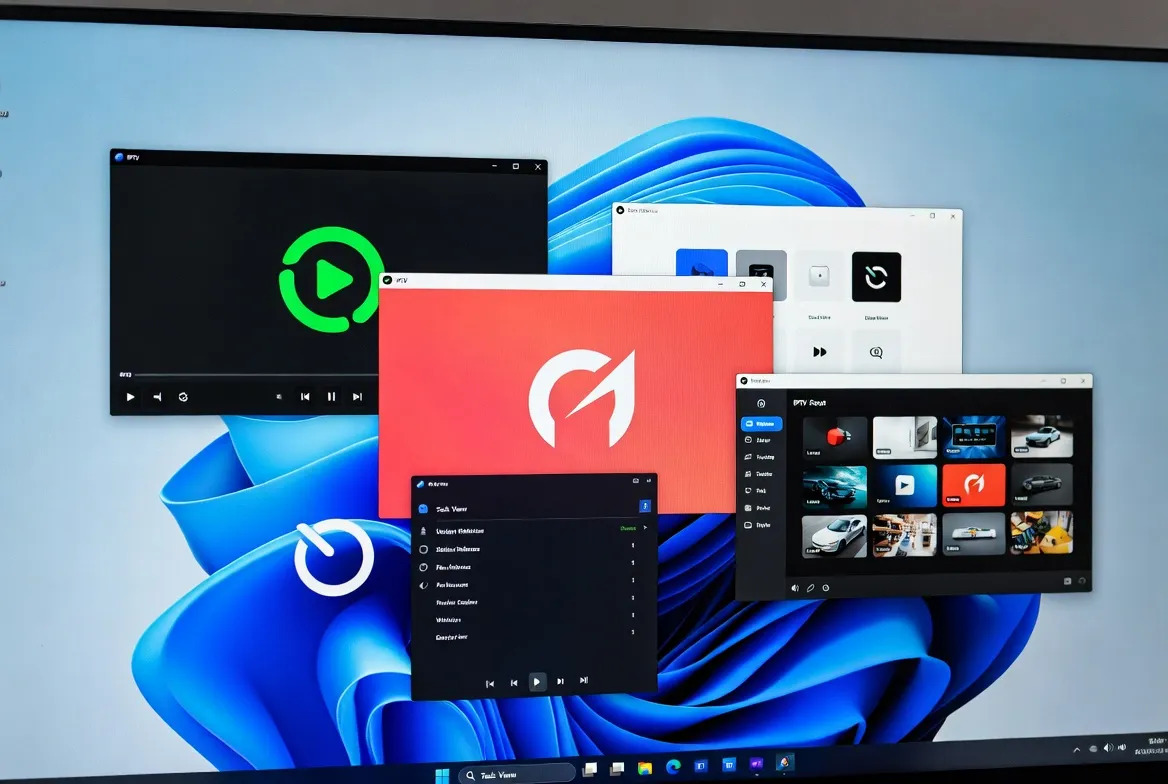
Your Windows 11 PC is the most powerful streaming device you own. Pair it with our $11.88/month IPTV and a great desktop player and you get 20,000+ channels in 4K HDR with DVR, multi-monitor and hardware acceleration. Here are the top 5 players ranked for 2026.
Why Watch IPTV on PC?
Bigger screens, better audio (DAC + headphones), free DVR, multi-monitor, and the ability to stream while gaming or working. Windows 11 also supports HDR auto-toggle, Dolby Vision and Spatial Audio passthrough — making PCs equal to (or better than) any streaming box.
Native Windows 11 Apps
Optimized for Snap Layouts, Mica acrylic, HDR auto, Dolby Vision passthrough
Hardware Acceleration
Intel Quick Sync / NVIDIA NVENC offload — smooth 4K on integrated graphics
Multi-Monitor Support
Watch live TV on second monitor while gaming or working on the main display
All Free Except ProgDVB
Top 4 players cost zero — only $11.88/month subscription needed
Top 5 Windows IPTV Players Ranked
VLC Media Player
FreeThe legend. Plays any M3U/Xtream stream, supports 4K HDR, hardware acceleration, recording. Best for power users.
MyIPTV Player (Microsoft Store)
FreeNative Windows 11 app, smooth EPG, Live TV interface, multi-playlist. Best UX for casual users.
Kodi 21 + PVR IPTV Simple
FreeMost customizable — skins, add-ons, recording, catch-up TV. Best for tinkerers.
ProgDVB
$30 one-timePremium polish, built-in recording, EPG search, time-shift. Best for cord-cutters who want DVR.
Smarters Player Lite
FreeSame UI as IPTV Smarters mobile — cross-device familiarity. Best for multi-screen households.
5-Minute Setup Guide
Subscribe to IPTV ($11.88/mo)
Free 24-hour trial — get Xtream Codes (URL, username, password) by email
Install VLC or MyIPTV Player
VLC: videolan.org. MyIPTV: Microsoft Store (free). Install in 60 seconds.
Add Xtream Codes URL
VLC → Media → Open Network Stream → paste M3U URL. Or MyIPTV → Add playlist
Enable Hardware Decoding
VLC: Tools → Preferences → Input/Codecs → Hardware-accelerated decoding ON
4 Performance Tips for Windows 11
Use Ethernet for 4K
Wi-Fi 6 works but wired Gigabit eliminates micro-stutters during fast sports action.
Disable Windows Game Mode
Game Mode can throttle background video apps — turn off for buffer-free streaming.
Update GPU Drivers
Latest NVIDIA/Intel drivers enable AV1 hardware decoding — saves 30% CPU on 4K.
Pin Player to Taskbar
Right-click → Pin for one-click launch. Combine with auto-load last channel.
Frequently Asked Questions
What's the best IPTV player for Windows 11 in 2026?
The best IPTV player for Windows 11 in 2026 is VLC Media Player (free) for power users and MyIPTV Player (Microsoft Store, free) for ease of use. Both support Xtream Codes, M3U playlists, 4K HDR and EPG. Pair with $11.88/month IPTV.
Is VLC good for IPTV streaming?
VLC is excellent for IPTV — it plays any M3U or Xtream Codes stream, supports 4K HDR, hardware acceleration on Intel/NVIDIA/AMD, recording, and is completely free. The only downside is no built-in EPG; pair with MyIPTV for guide data.
Can I record IPTV on Windows 11?
Yes — VLC, Kodi and ProgDVB all record IPTV streams to MP4/MKV on Windows 11. Set the recording folder, click record during live TV, and save unlimited content for offline viewing. $11.88/month IPTV plan supports recording on all servers.
Does IPTV work on a Windows laptop?
Yes — IPTV runs perfectly on any Windows 10/11 laptop. Even integrated Intel graphics handle 4K HDR via hardware acceleration. Install VLC or MyIPTV Player free, add Xtream Codes from your $11.88/month plan, and stream 20,000 channels.
How do I add an M3U playlist on Windows?
Add M3U playlist on Windows: 1) Copy your M3U URL from your IPTV provider, 2) Open VLC → Media → Open Network Stream → paste URL → Play. Or in MyIPTV Player: Settings → Add playlist → paste URL → save.
Is it legal to use IPTV on Windows 11?
Using IPTV on Windows 11 is legal when you subscribe to a properly licensed service like ours at $11.88/month. The player apps (VLC, Kodi, MyIPTV) are 100% legal — they're just media players that decode video streams.
Turn Your PC Into a 4K TV Hub
20,000+ channels on Windows 11 for $11.88/month. Free players. 24-hour free trial.