The Complete Guide to Setting Up IPTV on Any Device in Under 5 Minutes
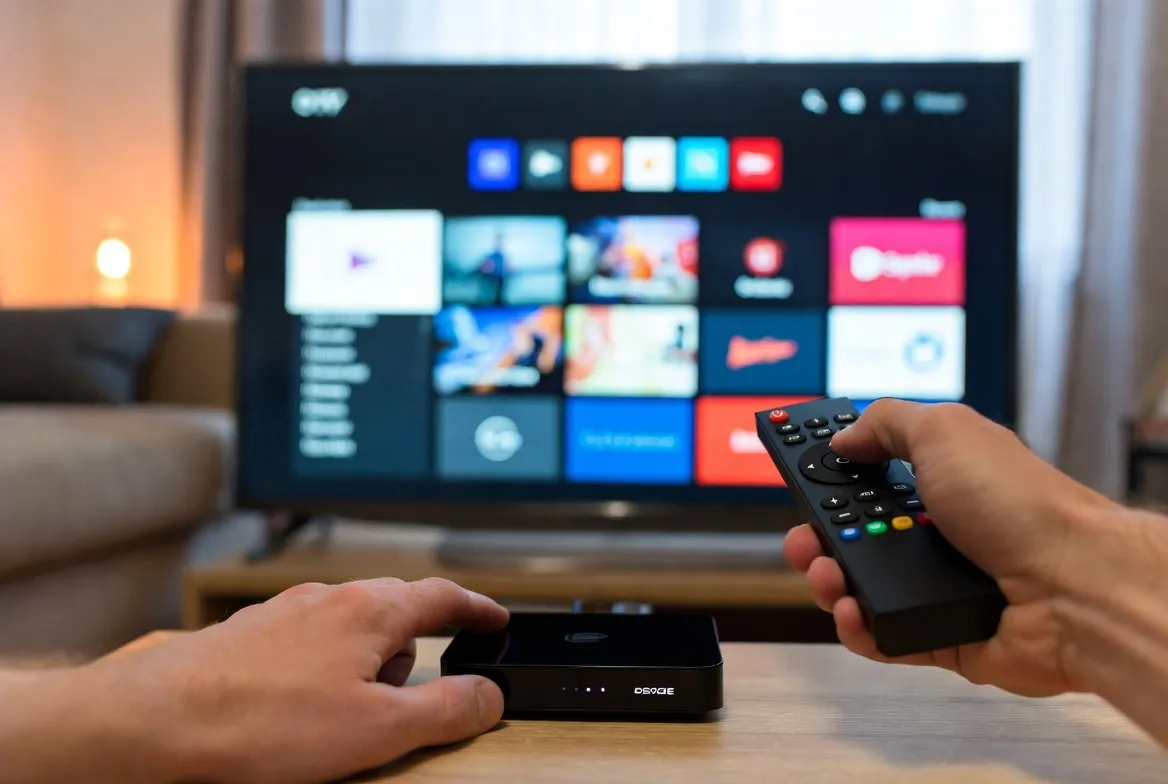
One of the biggest myths about IPTV is that it's complicated to set up. The truth? You can be watching 18,000+ live channels in 4K within 5 minutes — no matter what device you use.
Whether you have a Smart TV, Amazon Fire Stick, Android Box, iPhone, iPad, or PC, this step-by-step guide will walk you through everything. No tech skills required.
📑 Device Setup Guides
- Amazon Fire Stick / Fire TV
- Samsung & LG Smart TVs
- Android TV Box / Nvidia Shield
- iPhone & iPad (iOS)
- Android Phone & Tablet
- Windows PC & Mac
- MAG Box
- Quick troubleshooting tips
Before You Start: What You Need
Internet Connection
Minimum 10 Mbps for HD, 25 Mbps for 4K
Any Device
Smart TV, Fire Stick, phone, tablet, or PC
Your IPTV Credentials
Sent instantly after subscribing
That's it. No cable boxes, no satellite dishes, no technician visits. Just your device, your internet, and your login.
Amazon Fire Stick / Fire TV
Enable Apps from Unknown Sources
Go to Settings → My Fire TV → Developer Options → Apps from Unknown Sources → Turn ON
Install the Downloader App
Search for 'Downloader' in the Amazon App Store and install it (it's free)
Download the IPTV App
Open Downloader, enter the URL provided in your welcome email, and install the IPTV player app
Enter Your Credentials
Open the app, enter your username and password from your subscription email, and hit Connect
Start Watching!
Your channel list will load automatically. Browse by category — Sports, Movies, News, Kids, and more
Samsung & LG Smart TVs
Open the App Store
Samsung: Go to Smart Hub → Apps. LG: Go to LG Content Store
Search for IPTV Smarters or Smart IPTV
Search for 'IPTV Smarters Pro' or 'Smart IPTV' and install the app
Select Login Method
Choose 'Xtream Codes API' for the easiest setup experience
Enter Your Details
Input the server URL, username, and password from your welcome email
Enjoy 18,000+ Channels
Channels load instantly. Use the EPG (TV Guide) to see what's on now and next
Get your IPTV credentials in 60 seconds
Subscribe now and start streaming on any device within minutes.
Android TV Box / Nvidia Shield
Open Google Play Store
Navigate to the Play Store on your Android TV Box or Nvidia Shield
Install IPTV Smarters Pro
Search for 'IPTV Smarters Pro' and install it directly from the Play Store
Login with Your Credentials
Select 'Xtream Codes Login', enter your server URL, username, and password
Start Streaming
All 18,000+ channels load instantly. Enjoy live TV, VOD, and sports in 4K
iPhone & iPad (iOS)
Open the App Store
Search for 'IPTV Smarters' or 'GSE Smart IPTV' on the Apple App Store
Download & Install
Tap 'Get' to download the free IPTV player app
Add Your Playlist
Choose 'Xtream Codes API' and enter your server URL, username, and password
Watch Anywhere
Stream live TV, movies, and sports on the go — even on cellular data
Android Phone & Tablet
Open Google Play Store
Search for 'IPTV Smarters Pro' — it's free to download
Install & Open
Install the app and open it on your Android device
Login
Enter your Xtream Codes credentials from your subscription email
Stream On the Go
Watch live TV anywhere — commuting, at the gym, or in bed
Works on every device you already own
No new hardware needed. No cable box. No dish. Just your phone, TV, or tablet.
Windows PC & Mac
Download VLC Media Player
Go to videolan.org and download VLC (free, open-source). Alternatively, download IPTV Smarters for Windows/Mac
Get Your M3U Playlist URL
Copy the M3U playlist URL from your subscription welcome email
Open the Playlist in VLC
In VLC: Media → Open Network Stream → Paste your M3U URL → Play
Browse & Watch
All channels appear in your playlist. Double-click any channel to start watching in full quality
MAG Box (250, 254, 322, 424)
Connect Your MAG Box
Connect the MAG box to your TV via HDMI and to your router via Ethernet or WiFi
Access Settings
Go to Settings → System Settings → Servers → Portals
Enter Portal URL
Input the portal URL provided in your subscription email in 'Portal 1 URL'
Restart & Watch
Restart the MAG box. It will load your channel list automatically. Start watching!
Quick Troubleshooting Tips
❌ Channels won't load
✅ Double-check your username, password, and server URL. Make sure there are no extra spaces.
❌ Buffering or freezing
✅ Ensure your internet speed is at least 10 Mbps. Use Ethernet instead of WiFi for best results. Try switching to a different channel feed.
❌ App won't install on Fire Stick
✅ Make sure 'Apps from Unknown Sources' is enabled in Developer Options. Clear the Downloader app cache and try again.
❌ No sound on some channels
✅ Check your audio output settings. Some channels use AAC audio — make sure your device supports it.
❌ EPG (TV Guide) not showing
✅ Go to app settings and refresh the EPG data. This usually takes 1-2 minutes to fully load.
Still need help? Our 24/7 customer support team can walk you through setup on any device via live chat or WhatsApp.
Recommended Internet Speeds
| Quality | Min Speed | Recommended |
|---|---|---|
| SD (480p) | 3 Mbps | 5 Mbps |
| HD (720p) | 5 Mbps | 10 Mbps |
| Full HD (1080p) | 10 Mbps | 15 Mbps |
| 4K Ultra HD | 25 Mbps | 35 Mbps |
| 4K + Multi-Screen | 50 Mbps | 75 Mbps |
Most modern home internet plans are more than fast enough for IPTV. If you can stream Netflix, you can stream IPTV — with better quality and more content.
Ready to Set Up IPTV? It Takes 5 Minutes.
Subscribe now and receive your credentials instantly. Follow the guide above and start watching 18,000+ channels in 4K on any device — all for just $11.88/month.
⭐ 24/7 setup support included with every plan