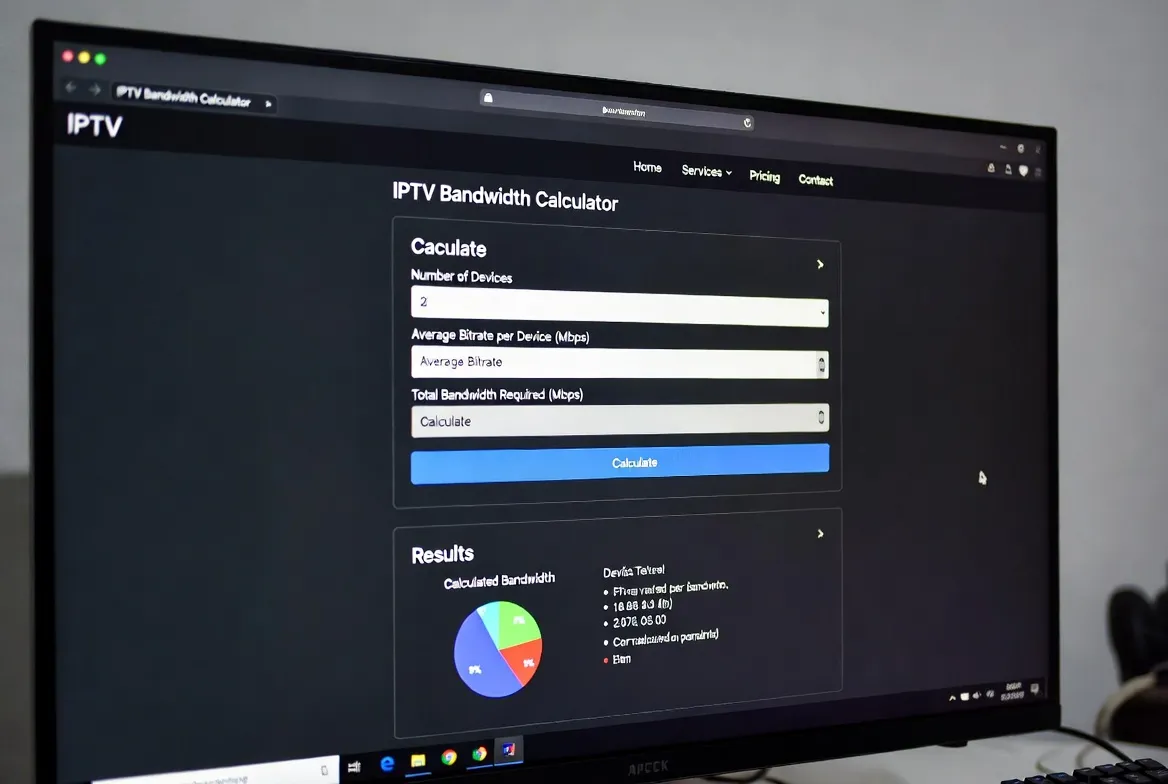
IPTV Bandwidth Calculator: How Much Internet Speed Do You Actually Need?
"Why is my IPTV buffering?" It's the #1 question new IPTV users ask – and 90% of the time, the answer comes down to internet speed. But how much bandwidth do you actually need? Too little and you'll stare at a loading spinner. Too much and you're overpaying your ISP. This guide gives you the exact numbers – no guesswork, no fluff.
Quick Answer: IPTV Speed Cheat Sheet
📊 Complete Bandwidth Requirements by Quality
Different IPTV streaming qualities demand different amounts of bandwidth. Here's exactly what each tier requires per stream – and what you need for multi-device households:
| Quality | Bitrate | 1 Stream | 2 Streams | 4 Streams | Best For |
|---|---|---|---|---|---|
| SD (480p) | 2–3 Mbps | 3 Mbps | 6 Mbps | 12 Mbps | Basic viewing, slow connections |
| HD (720p) | 3–5 Mbps | 5 Mbps | 10 Mbps | 20 Mbps | Budget-friendly, mobile devices |
| Full HD (1080p) | 5–8 Mbps | 8 Mbps | 16 Mbps | 32 Mbps | Most users, great balance |
| 4K UHD (2160p) | 15–25 Mbps | 25 Mbps | 50 Mbps | 100 Mbps | Premium viewing, large TVs |
| 4K HDR | 25–35 Mbps | 35 Mbps | 70 Mbps | 140 Mbps | Cinephiles, HDR displays |
Pro Tip: Always add 20–30% overhead to your calculations. If you need 25 Mbps for 4K, aim for 30–35 Mbps. This accounts for Wi-Fi fluctuations, other devices, and background updates.
🏠 Real-World Scenarios: What Speed Do YOU Need?
Solo Streamer
📱 Devices: 1 TV or phone
📺 Quality: 1080p
⚡ Speed needed: 10 Mbps
📡 Plan: Basic internet (~$30/mo)
Couple
📱 Devices: 2 screens
📺 Quality: 1080p + 720p
⚡ Speed needed: 15–20 Mbps
📡 Plan: Standard internet (~$40/mo)
Family of 4
📱 Devices: 3–4 screens
📺 Quality: 1080p + gaming
⚡ Speed needed: 50 Mbps
📡 Plan: Mid-tier internet (~$55/mo)
Power User
📱 Devices: 4+ screens
📺 Quality: 4K + gaming + WFH
⚡ Speed needed: 100+ Mbps
📡 Plan: Premium internet (~$70/mo)
Sports Watch Party
📱 Devices: 1 TV (multi-view)
📺 Quality: 4K live sports
⚡ Speed needed: 50 Mbps
📡 Plan: Mid-tier internet (~$55/mo)
📱 Device-Specific Bandwidth Guide
| Device | Recommended Speed | Wi-Fi Standard | Notes |
|---|---|---|---|
| Smart TV (4K) | 25 Mbps | Wi-Fi 5 or 6 | Use Ethernet for best 4K results |
| Fire Stick 4K Max | 25 Mbps | Wi-Fi 6 | Best budget IPTV device |
| Android TV Box | 15–25 Mbps | Wi-Fi 5+ | Varies by model, Ethernet preferred |
| iPhone / Android | 8–15 Mbps | Wi-Fi 5+ / 5G | Mobile data works for HD |
| iPad / Tablet | 10–20 Mbps | Wi-Fi 5+ | Great for portable viewing |
| PC / Laptop | 10–25 Mbps | Wi-Fi 5+ / Ethernet | VLC or web player |
| Smart Projector | 25–35 Mbps | Wi-Fi 6 / Ethernet | Ethernet strongly recommended for 4K |
| Apple TV 4K | 25 Mbps | Wi-Fi 6 | Premium performance |
🔧 Buffering? Here's How to Fix It
Even with sufficient bandwidth, IPTV buffering can happen. Here are the most common causes and fixes:
Buffering during peak hours
Cause: ISP congestion (7–10 PM)
Fix: Use a wired Ethernet connection. Switch DNS to 1.1.1.1 or 8.8.8.8. Consider a VPN if ISP throttles streaming.
Freezing on 4K content
Cause: Insufficient bandwidth
Fix: Lower quality to 1080p temporarily, or upgrade to 50+ Mbps plan. Close other bandwidth-heavy apps.
Audio/video out of sync
Cause: Network jitter or device lag
Fix: Restart your streaming device. Use Ethernet instead of Wi-Fi. Clear IPTV app cache.
Pixelation or artifacts
Cause: Packet loss on network
Fix: Check cable connections. Restart router. Move closer to Wi-Fi router or use a mesh system.
Stream won't load at all
Cause: DNS or firewall blocking
Fix: Switch to Google DNS (8.8.8.8). Disable VPN temporarily. Check if ISP blocks IPTV ports.
🧪 Test Your Speed: Best Tools
| Tool | URL | Type | Measures |
|---|---|---|---|
| Speedtest by Ookla | speedtest.net | Web / App | Download, upload, ping, jitter |
| Fast.com (Netflix) | fast.com | Web | Download speed, latency |
| Google Speed Test | Google search | Web | Download, upload |
| nPerf | nperf.com | Web / App | Download, upload, streaming quality test |
Ethernet vs Wi-Fi: The IPTV Verdict
Ethernet (Recommended)
- Consistent speed – no drops
- Zero interference
- Lower latency for live sports
- Supports 4K HDR reliably
- No competition from other devices
Wi-Fi (Acceptable)
- Wi-Fi 6 handles HD well
- Signal drops through walls
- Other devices compete for bandwidth
- 5 GHz band better than 2.4 GHz
- Use mesh system for large homes
📉 Data Usage: How Much Does IPTV Consume?
SD (480p)
0.7 GB/hr
per hour
4 hrs/day: 2.8 GB
Monthly: ~84 GB
HD (1080p)
2.5 GB/hr
per hour
4 hrs/day: 10 GB
Monthly: ~300 GB
4K UHD
9 GB/hr
per hour
4 hrs/day: 36 GB
Monthly: ~1.08 TB
Voice Search: Quick Answers
Got 10 Mbps? You're Ready for IPTV
StreamTV is optimized for real-world connections. Enjoy 18,000+ channels in stunning quality starting at just $11.88/month. Most home internet plans are more than enough.
7-day money-back guarantee • Works on any connection • 24/7 support
Frequently Asked Questions
Q:How much internet speed do I need for IPTV?
For standard HD (1080p) streaming, you need at least 8–10 Mbps per stream. For 4K IPTV, aim for 25 Mbps per stream. A household with 2–3 simultaneous streams should have a 50 Mbps connection for smooth, buffer-free viewing.
Q:Can I use IPTV with a 10 Mbps connection?
Yes! A 10 Mbps connection supports one HD (1080p) stream comfortably. You may experience buffering with 4K content or multiple simultaneous streams. For a single-device setup watching in HD, 10 Mbps is perfectly adequate.
Q:Does IPTV use a lot of data?
IPTV uses approximately 1.5–3 GB per hour for HD and 7–10 GB per hour for 4K content. A heavy user watching 4 hours daily in HD would use roughly 250–360 GB per month. Most unlimited internet plans easily cover this.
Q:Why does my IPTV buffer even with fast internet?
Buffering with fast internet is usually caused by: Wi-Fi interference (switch to Ethernet), ISP throttling (use a VPN), DNS issues (switch to 1.1.1.1), peak-hour congestion, or your streaming device being underpowered. A wired connection fixes most buffering issues.
Q:Is Wi-Fi or Ethernet better for IPTV?
Ethernet is always better for IPTV. It provides consistent speeds, lower latency, and zero interference. Wi-Fi 6 is acceptable for HD streaming, but for 4K or live sports, Ethernet eliminates buffering entirely. Use a powerline adapter if your router is far from your TV.
Q:What internet speed do I need for 4K IPTV streaming?
For reliable 4K IPTV streaming, you need at least 25 Mbps per stream with a recommended 35 Mbps for 4K HDR content. If multiple people stream simultaneously, multiply accordingly – two 4K streams need 50+ Mbps. Always use Ethernet for 4K.
Conclusion
The beauty of IPTV is that you don't need a fiber-optic megapipe to enjoy it. A 10 Mbps connection handles HD streaming comfortably, while 25+ Mbps unlocks 4K. The key is optimizing your setup: use Ethernet when possible, keep your router firmware updated, and pick the right quality for your connection.
StreamTV's adaptive streaming technology automatically adjusts quality to match your bandwidth, ensuring smooth playback even on variable connections. Combined with anti-buffering infrastructure and global CDN servers, you get the most reliable IPTV experience available.
Stop guessing, start streaming. Your internet is probably fast enough already. ⚡📺