IPTV Bandwidth Optimizer: HD Streaming on Slow Internet
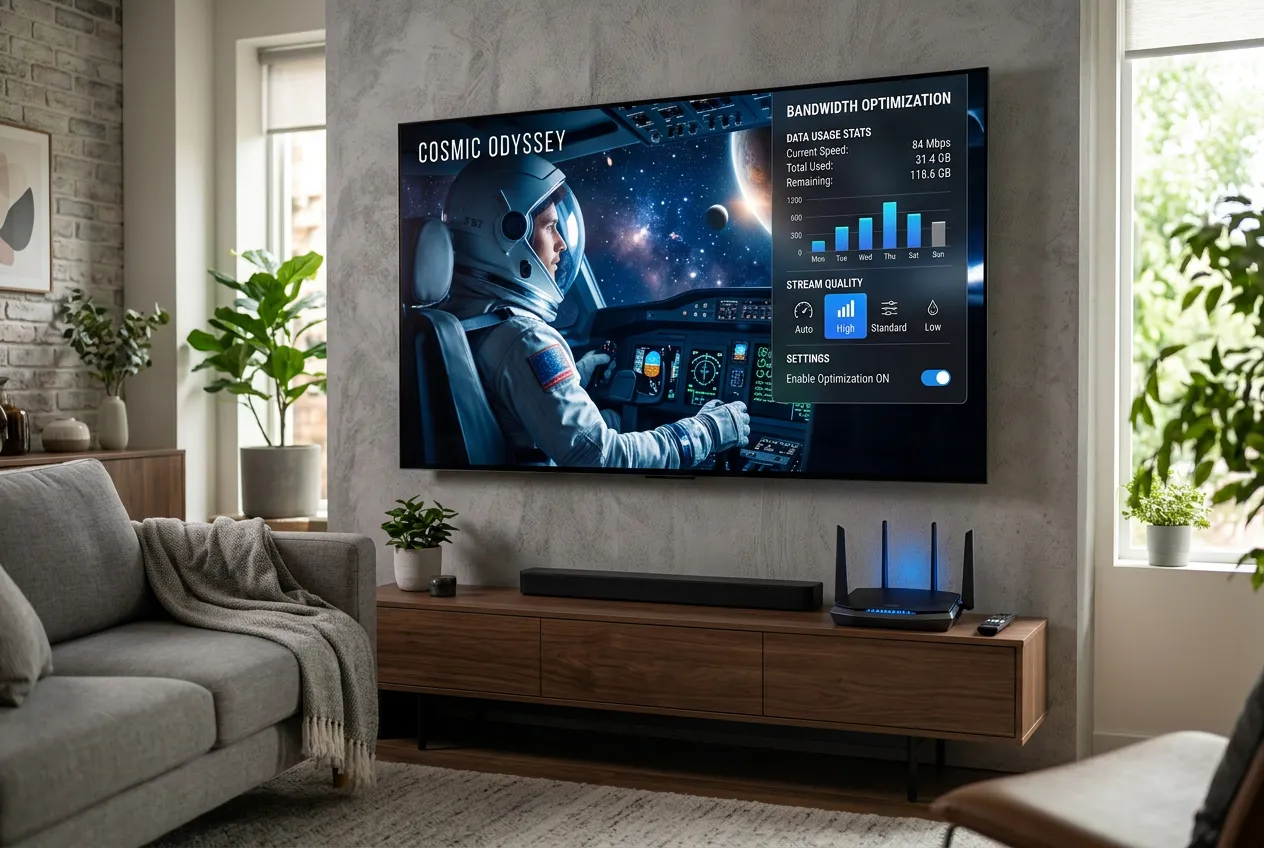
Stuck with 5 Mbps in a rural area? Frustrated by buffering on hotel Wi-Fi? StreamTV's adaptive bitrate streams smooth HD on connections as slow as 5 Mbps — and these 6 tweaks make it bulletproof.
Speed Required for Each Quality
| Internet Speed | Stream Quality | Best For |
|---|---|---|
| 2-4 Mbps | SD 480p | Watchable on phone/tablet — news & talk shows |
| 5-8 Mbps | HD 720p | Smooth on TV — sports, dramas, most channels |
| 8-12 Mbps | Full HD 1080p | Sharp big-screen viewing — movies & live sports |
| 25+ Mbps | 4K UHD | Premium 4K channels — top-tier picture |
6 Tweaks That Stop Buffering
Use 5 GHz Wi-Fi or Ethernet
5 GHz is 3-5x faster than 2.4 GHz. Wired Ethernet beats Wi-Fi every time — plug your Firestick or Smart TV directly.
Lower stream quality in-app
In IPTV Smarters or TiviMate, switch from 'Auto' to 720p for slow connections. Saves 60% bandwidth, still looks great on most TVs.
Enable hardware decoding
Settings → Player → enable HW+ or Exo Player. Reduces buffering by offloading to the device GPU.
Increase buffer size
Set buffer to 5-10 seconds. Smooths out brief speed dips — no more freezing during the goal.
Pause downloads & other devices
Phone updates, cloud backups and gaming kill bandwidth. Schedule them overnight when nobody streams.
Use a Wi-Fi extender or mesh
Weak signal = buffering. A $40 mesh node near your TV often fixes everything without upgrading internet.
5-Minute Optimization Setup
- 1Run a speed test at fast.com — note your real download speed
- 2Open IPTV Smarters Pro / TiviMate → Settings → Player
- 3Set quality to match your speed (see table above)
- 4Enable Hardware Decoder (HW+) and increase buffer to 8 seconds
- 5Switch device to 5 GHz Wi-Fi or plug in Ethernet — done
Why StreamTV Beats Cable on Slow Internet
- Adaptive bitrate auto-adjusts during speed dips — no freezing
- Works on 5 Mbps rural DSL, satellite & 4G hotspots
- Hardware-accelerated player uses 40% less data
- 5 simultaneous streams without bandwidth hogging
- Smart buffering hides brief network glitches
- $11.88/mo — works where cable can't even reach
FAQs
What's the minimum internet speed for IPTV streaming?
5 Mbps is the sweet spot for HD 720p — perfectly watchable on any TV. SD 480p works on as little as 2 Mbps. StreamTV's adaptive bitrate auto-adjusts so even slow rural connections get smooth playback.
Why does my IPTV buffer on fast internet?
Speed isn't everything — Wi-Fi signal, router age, and other devices matter more. Switch to 5 GHz Wi-Fi or Ethernet, increase buffer to 8 seconds in app settings, and pause background downloads. 90% of buffering disappears.
Can I watch IPTV on satellite or cellular internet?
Yes — StreamTV runs fine on Starlink, T-Mobile Home Internet, and 4G/5G hotspots. Set quality to 720p in-app to stay under data caps. One HD stream uses about 2-3 GB per hour.
Does StreamTV have an adaptive bitrate?
Yes — streams automatically downscale during speed dips so you never see a freeze, only a slight quality shift. Quality bounces back the moment your connection recovers.
How can I test if my Wi-Fi is the problem?
Plug your Firestick or Smart TV directly into the router with an Ethernet cable for one evening. If buffering disappears, your Wi-Fi (not your internet plan) is the bottleneck — fix with a mesh router.
Smooth HD Streaming, Even on Slow Wi-Fi
24,000 channels. Adaptive bitrate. $11.88/month. Free trial today.
Start Free Trial