IPTV Closed Captions & Accessibility Features for Deaf Viewers
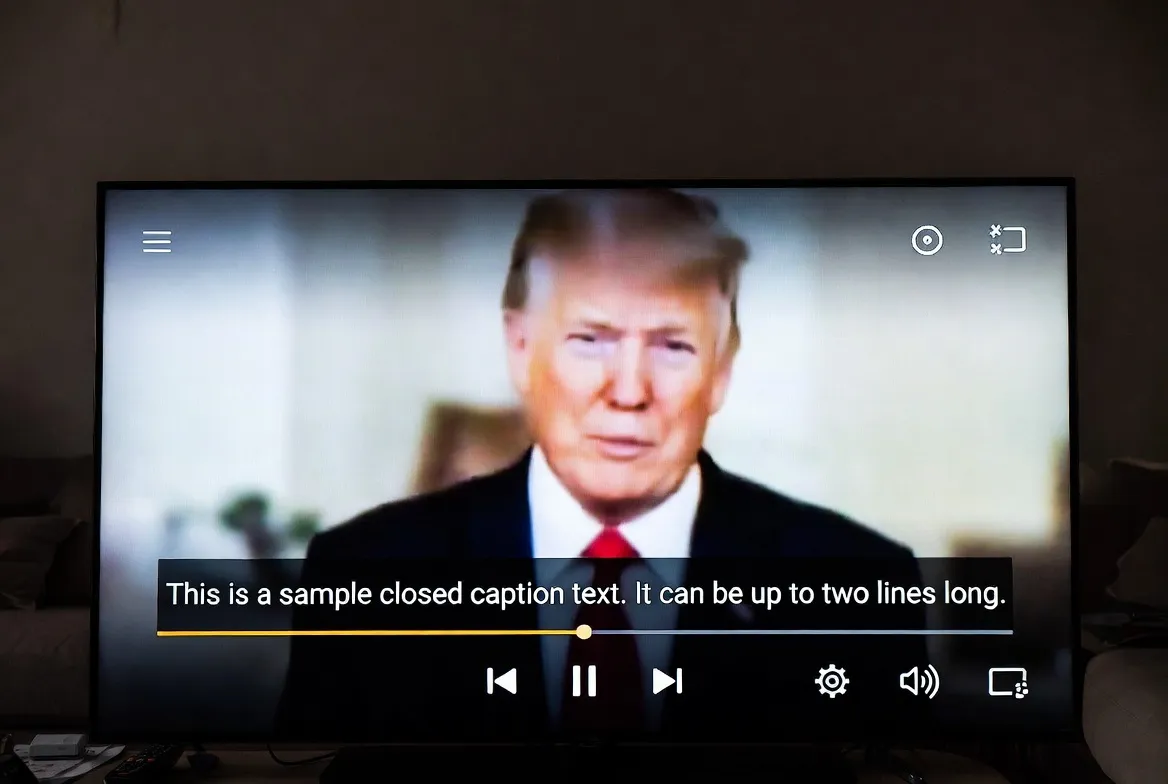
Over 466 million people worldwide have disabling hearing loss — and millions more are hard of hearing. Yet most streaming services treat accessibility as an afterthought. IPTV is changing that. With built-in closed captions, customizable subtitles, sign language overlays, and visual alerts, modern IPTV services deliver a fully accessible viewing experience for just $11.88/month.
🎯 Why This Matters
Deaf and hard-of-hearing viewers deserve the same entertainment access as everyone else. IPTV's digital infrastructure makes comprehensive accessibility not just possible — but affordable and customizable.
Complete IPTV Accessibility Features
Here's every accessibility feature available through a quality IPTV service like StreamTV:
Closed Captions (CC)
Real-time text overlay of spoken dialogue and sound effects
Available: Most channelsSubtitles (Multiple Languages)
Translated text for international content in 20+ languages
Available: Premium channelsCustomizable Caption Size
Adjust font size, color, and background for readability
Available: App settingsAudio Descriptions
Narrated descriptions of visual elements for blind viewers
Available: Select channelsSign Language Overlays
Picture-in-picture sign language interpretation
Available: News & public channelsVisual Alerts
On-screen notifications for breaking news and emergency broadcasts
Available: All channelsHow to Enable Closed Captions on Every Device
Follow these steps to turn on captions for your specific device:
| Device | Caption Path | Customization |
|---|---|---|
| Fire Stick / Android TV | Settings → Accessibility → Captions → Enable | Full (size, color, font, opacity) |
| Smart TV (Samsung/LG) | Menu → General → Accessibility → Subtitle Settings | Full (size, color, background) |
| iPhone / iPad | Settings → Accessibility → Subtitles & Captioning | Full (style presets + custom) |
| Windows / Mac | IPTV App → Settings → Subtitle/CC Toggle | Moderate (size, color) |
| Roku | Settings → Accessibility → Captions Mode → Always On | Full (size, color, font) |
Customizing Your Caption Experience
One of IPTV's biggest advantages over cable: complete caption customization. Here's what you can adjust:
Font Size
Small to extra-large — choose what's comfortable for your viewing distance
Font Color
White, yellow, cyan, green — pick the color that contrasts best with your content
Background Opacity
Transparent to solid black — control how much the caption bar obscures the video
Font Style
Sans-serif, serif, monospace, casual — match your reading preference
Caption Position
Top or bottom of screen — avoid blocking important on-screen action
Edge Style
Drop shadow, raised, depressed — enhance text readability on any background
IPTV vs. Cable vs. Streaming: Accessibility Comparison
| Service | Price | Captions | Devices | Channels |
|---|---|---|---|---|
| StreamTV IPTV | $11.88/mo | ✅ Full CC + Multi-language | Unlimited | 18,000+ |
| Cable TV | $85-150/mo | ✅ Basic CC only | Per TV box | 200-500 |
| Netflix | $15.49-22.99/mo | ✅ Good CC | 1-4 screens | On-demand only |
| Hulu + Live | $76.99/mo | ✅ CC available | 2 screens | 85+ live |
🦻 Accessible TV for Everyone — $11.88/month
Full closed captions, multi-language subtitles, and 18,000+ channels on any device. No contracts.
4-Step Setup for Deaf & Hard-of-Hearing Viewers
Subscribe to StreamTV
Choose any plan starting at $11.88/month — all include full accessibility features
Install on Your Device
Download the app on Fire Stick, Smart TV, phone, tablet, or computer
Enable Device Captions
Turn on closed captions in your device's accessibility settings (see table above)
Customize Your Experience
Adjust caption size, color, font, and position to match your preferences
🎙️ Voice Search & Common Questions
People are searching for these accessibility topics:
- "Does IPTV have closed captions?"
- "How to turn on subtitles on Fire Stick IPTV"
- "Best streaming service for deaf viewers"
- "Can I customize caption size on IPTV?"
- "IPTV with sign language channels"
Viewer Testimonials
"Finally, a streaming service where I can actually read every word. The caption customization is leagues beyond what cable offered."
Sarah M.
Deaf viewer, 3 years with StreamTV
"My mom is hard of hearing and the large caption option with high-contrast yellow text changed everything for her. She watches independently now."
James K.
Set up for family member
Frequently Asked Questions
Does IPTV have closed captions?+
Yes! Quality IPTV services like StreamTV include full closed captioning on most channels, with customizable text size, color, and positioning for deaf and hard-of-hearing viewers.
Can I change caption size on IPTV?+
Absolutely. Most IPTV apps and devices allow you to customize caption font size, color, background opacity, and even font style through accessibility settings.
Is IPTV accessible for deaf viewers?+
Yes. IPTV offers closed captions, visual alerts, sign language overlays on select channels, and multi-language subtitles — often surpassing traditional cable in accessibility options.
How do I enable subtitles on Fire Stick IPTV?+
Go to Settings → Accessibility → Captions → Enable. Then open your IPTV app and ensure the CC button is toggled on within the player controls.
Does IPTV support sign language channels?+
Many IPTV services include channels that feature sign language interpretation, especially news broadcasts and public service channels.
What's the best IPTV for accessibility?+
StreamTV is the top choice with full closed captions, multi-language subtitles, customizable caption styles, and support for all major accessible devices — all for just $11.88/month.
Everyone Deserves Great TV
StreamTV: 18,000+ channels with full closed captions and accessibility features. Start watching today.
Get Started — $11.88/mo