IPTV on Fire TV Cube: Hands-Free Voice Control Streaming
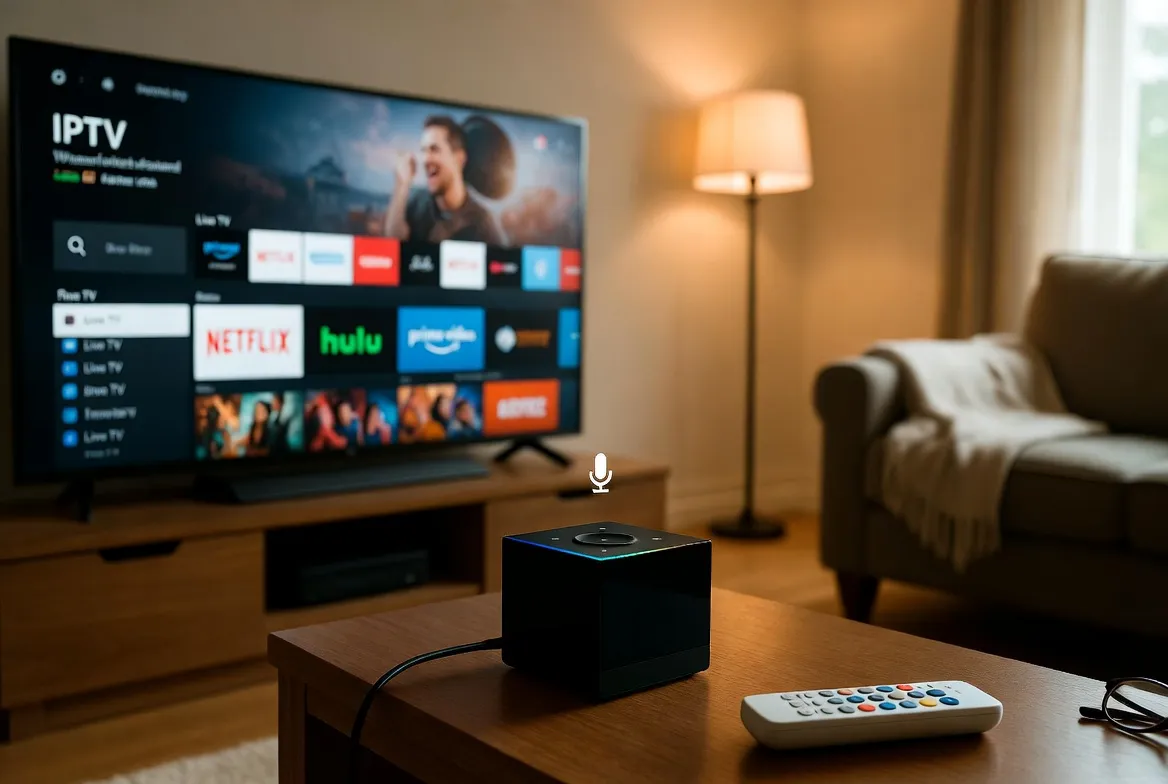
Drop the remote — the Amazon Fire TV Cube turns IPTV streaming into a true hands-free experience. Pair it with our $11.88/month IPTV service and just say "Alexa, open IPTV" to launch 20,000+ channels in 4K Dolby Vision.
Hands-Free Alexa Control
"Alexa, open IPTV Smarters" — launch apps, switch channels and search without touching the remote
Octa-Core Power
2x faster than Firestick 4K Max — handles 4K HDR streams without buffering
4K Dolby Vision + Atmos
Best-in-class picture and sound — perfect for cinematic IPTV streaming
Wired Ethernet Port
Built-in gigabit ethernet for rock-solid streaming on busy networks
Setup in 5 Steps
Plug In Fire TV Cube
Connect to your TV's HDMI port and power it on. Pair with Wi-Fi or ethernet.
Sideload IPTV App
Install Downloader app from Amazon Store, then sideload IPTV Smarters Pro or TiviMate.
Enter Your Credentials
Add your Xtream Codes API or M3U URL provided after subscribing.
Enable Alexa Control
Go to Alexa app → Skills → enable IPTV-compatible skill for voice control.
Say 'Alexa, Open IPTV'
Test voice activation — your favorite channel launches in seconds.
Voice Commands That Just Work
"Alexa, open IPTV Smarters Pro"
Launches your IPTV app instantly with one voice command
"Alexa, play ESPN"
Auto-switches to ESPN if added to your favorites
"Alexa, pause" / "Alexa, resume"
Control playback hands-free during workouts or cooking
"Alexa, turn on the TV"
Powers on your TV via HDMI-CEC — no separate remote needed
"Alexa, volume up to 50"
Adjusts TV volume directly through Fire TV Cube
"Alexa, switch to HDMI 2"
Changes TV inputs hands-free for gaming or other devices
Frequently Asked Questions
Does IPTV work on Amazon Fire TV Cube?
Yes — IPTV works perfectly on Fire TV Cube. Sideload IPTV Smarters Pro or TiviMate via Downloader app, enter your credentials, and stream 20,000+ channels in 4K with Alexa hands-free voice control.
Can I control IPTV with Alexa voice commands?
Yes — Fire TV Cube has built-in Alexa for hands-free IPTV control. Say 'Alexa, open IPTV', 'Alexa, pause', or 'Alexa, volume up' without touching the remote. Perfect for cooking, working out or hosting.
Is Fire TV Cube better than Firestick 4K Max for IPTV?
Yes — Fire TV Cube has an octa-core processor (2x faster), built-in ethernet for stable streaming, hands-free Alexa, and Dolby Vision + Atmos. Best for power users running 4K IPTV daily.
How do I install IPTV on Fire TV Cube?
Install Downloader from Amazon Appstore → enter our IPTV Smarters Pro APK URL → install → enter your subscription credentials. Setup takes 5 minutes. Full guide in our help center.
Does Fire TV Cube support 4K IPTV in HDR?
Yes — Fire TV Cube supports 4K HDR10+, Dolby Vision and Dolby Atmos for IPTV streams. Combined with our 500+ 4K channels, you get cinema-quality picture and sound for $11.88/month.
Just Say "Alexa, Open IPTV"
20,000+ channels in 4K Dolby Vision for $11.88/month. 24-hour free trial. Hands-free streaming.