IPTV on Hisense VIDAA TV: Setup & Optimization Guide
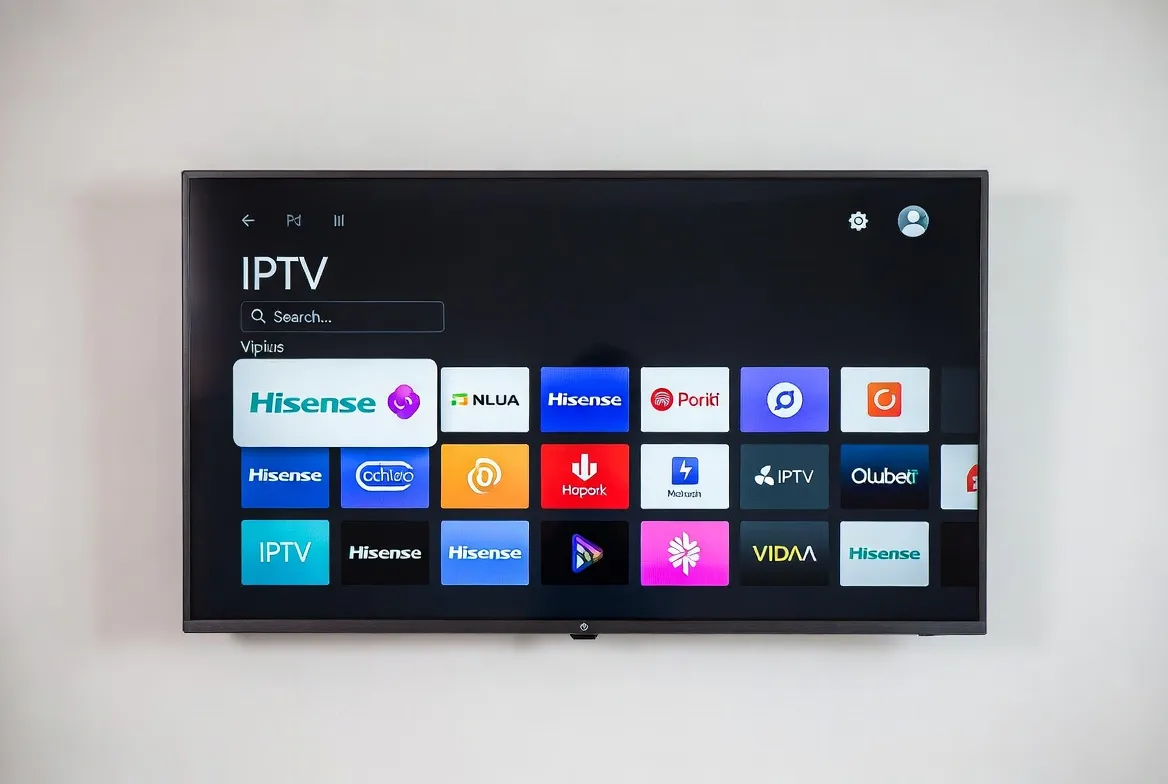
Got a Hisense Smart TV running VIDAA OS? Great news — you don't need a Firestick, Roku, or Android Box to enjoy 25,000+ live IPTV channels in 4K. VIDAA's built-in app store has everything you need. This guide shows you how to install IPTV on Hisense VIDAA TV in under 5 minutes, plus pro tips to maximize 4K streaming quality.
Hisense + StreamTV = Instant Streaming
Get your free 24-hour IPTV trial — works perfectly on every VIDAA-powered Hisense TV.
What You Need Before You Start
- ✅ Any Hisense TV running VIDAA U4 or higher (most 2020+ models)
- ✅ Internet connection — 15+ Mbps for HD, 25+ Mbps for 4K
- ✅ A StreamTV subscription ($11.88/month or free 24h trial)
- ✅ ~5 minutes of your time
6-Step Installation Guide
Subscribe to StreamTV
Choose your plan from $11.88/month — instant M3U credentials by email.
Open VIDAA App Store
From your Hisense TV home screen, navigate to the App Store icon.
Search 'IPTV Smarters' or 'Smart IPTV'
Both apps are free, fully compatible with VIDAA OS, and Smart TV-optimized.
Install and Launch the App
Takes ~30 seconds — no extra hardware required.
Enter Your StreamTV M3U URL
Paste the M3U or Xtream Codes from your activation email.
Start Streaming in 4K
All 25,000+ channels load instantly — including UK, US, and EU sports.
Best IPTV Apps for VIDAA OS
IPTV Smarters Pro
Most user-friendly, EPG support, recording
Smart IPTV (SIPTV)
Lightweight, fast, perfect for VIDAA
TiviMate (via sideload)
Premium player with best UI
GSE Smart IPTV
Free, supports M3U & Xtream Codes
6 Optimization Tips for Smooth 4K Streaming
Use Ethernet Cable
Connect Hisense via LAN for zero buffering on 4K streams.
Enable Auto-Frame Rate
VIDAA Settings → Picture → Auto matches stream's native fps.
Disable Power Saver
Turn off Eco mode during streaming for full processor performance.
Use a VPN App
Install NordVPN or Surfshark from VIDAA store for privacy + geo-unlock.
Set Picture Mode to 'Sports'
Smoother motion handling for live games and fast action.
Clear App Cache Weekly
Settings → Apps → IPTV Smarters → Clear Cache for peak speed.
Troubleshooting Common Issues
| Problem | Quick Fix |
|---|---|
| App won't install | Update VIDAA OS: Settings → System → Software Update |
| Buffering on HD streams | Switch to 5GHz Wi-Fi or wired Ethernet (15+ Mbps) |
| Channels won't load | Re-enter M3U URL — make sure no spaces; restart the app |
| EPG (TV guide) missing | Add Xtream Codes login instead of plain M3U for full EPG |
| App crashes randomly | Clear cache or reinstall the app from VIDAA store |
Why Hisense + IPTV Is the Perfect Combo
- No external box needed — saves $60+ on Firestick
- Native 4K HDR + Dolby Vision support on ULED Hisense
- One remote controls everything
- Voice search via VIDAA AI assistant
- Cuts cable bill from $150 to $11.88/month
Frequently Asked Questions
Can I install IPTV on Hisense VIDAA TV without a Firestick?
Yes — VIDAA OS has a built-in App Store with IPTV Smarters Pro, Smart IPTV, and GSE Smart IPTV available for free download. No external hardware required.
Which IPTV app is best for Hisense VIDAA TVs?
IPTV Smarters Pro is the top choice — free, simple interface, full EPG support, and optimized for VIDAA OS. Smart IPTV (SIPTV) is the lightweight alternative.
How do I enter my IPTV credentials on Hisense?
Open IPTV Smarters → Add Playlist → Choose M3U URL → Paste your StreamTV link from the activation email. Channels load in 30 seconds.
Does Hisense VIDAA support 4K IPTV streams?
Yes, all modern Hisense ULED and 4K TVs running VIDAA U6+ support 4K HEVC streaming with hardware decoding for smooth playback.
Is there a free trial for Hisense IPTV users?
Yes — StreamTV offers a 24-hour free trial fully compatible with VIDAA. Test all 25,000+ channels in 4K with no credit card needed.
Why is my IPTV buffering on Hisense VIDAA?
Most buffering issues are network-related. Switch to Ethernet, use 5GHz Wi-Fi, ensure 15+ Mbps speed, and disable VIDAA's Eco/Power Saver mode during streaming.