IPTV on iPhone 16: Best iOS Apps & AirPlay Setup 2026
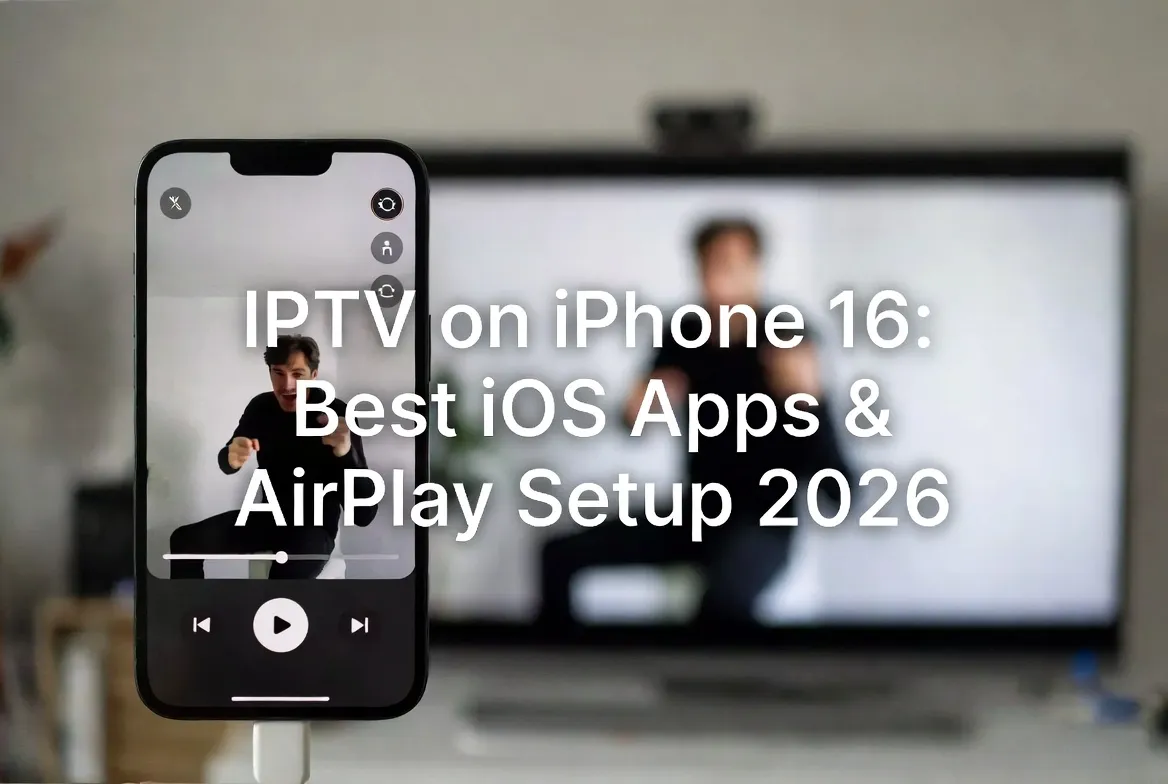
The iPhone 16 is one of the best portable IPTV players ever made. With the right app and AirPlay, you get 20,000+ live channels in 4K — anywhere. Here's the complete setup guide.
Top 5 iOS IPTV Apps
IPTV Smarters Pro
Best overall — clean UI, EPG, multi-screen, parental controls.
GSE Smart IPTV
Most flexible — supports M3U, Xtream, Stalker portals.
iPlayTV
Premium polish — best EPG and channel logos on iOS.
Flex IPTV
Lightweight, fast, great for older iPhones.
TiviMate (via sideload)
Power-user choice — needs AltStore or jailbreak.
Setup IPTV Smarters in 5 Steps
Open the App Store and install IPTV Smarters Pro (free).
Launch the app, tap 'Add User', then 'Login with Xtream Codes API'.
Enter the username, password, and server URL from your IPTV welcome email.
Tap 'Add User' — channels load in 5-10 seconds with EPG.
Pick a channel and start streaming in 4K HDR.
AirPlay to Apple TV in 4K
Connect your iPhone and Apple TV / AirPlay TV to the same Wi-Fi network.
Open IPTV Smarters and start any channel.
Swipe down for Control Center, tap the Screen Mirroring icon.
Select your Apple TV — stream now plays on the big screen.
For best quality, use 5GHz Wi-Fi and keep iPhone within 30 feet.
iPhone 16 Pro Tips
- Use Wi-Fi 7 (iPhone 16 supports it) for buffer-free 4K.
- Enable Picture-in-Picture to watch while texting.
- Use Dynamic Island for quick playback controls.
- Pair AirPods Pro 2 for spatial audio on sports & movies.
- Use a VPN on public Wi-Fi for privacy (optional).
FAQ
What's the best IPTV app for iPhone 16?
IPTV Smarters Pro is the top free pick — supports Xtream Codes, M3U, EPG, multi-screen, and works flawlessly on iOS 18 and iPhone 16 Pro.
Can I AirPlay IPTV from iPhone to Apple TV?
Yes. Open any IPTV app, start a stream, then use Screen Mirroring from Control Center to cast to Apple TV in 4K.
Does IPTV work on iPhone without jailbreak?
Yes. All recommended apps (Smarters, GSE, iPlayTV) are App Store-approved — no jailbreak needed.
Will IPTV drain my iPhone 16 battery?
Streaming HD uses ~8% per hour. The iPhone 16's A18 chip handles 4K decoding efficiently — plug in for binge sessions.
Can I download IPTV shows for offline on iPhone?
Live TV is streamed only, but most VOD movies in your IPTV library can be downloaded inside the app for offline viewing.
Turn Your iPhone 16 Into a TV
20,000+ channels. 4K. AirPlay-ready. From $15/month.
Start Free Trial →