IPTV on LG webOS TV: Complete Installation & Tips Guide
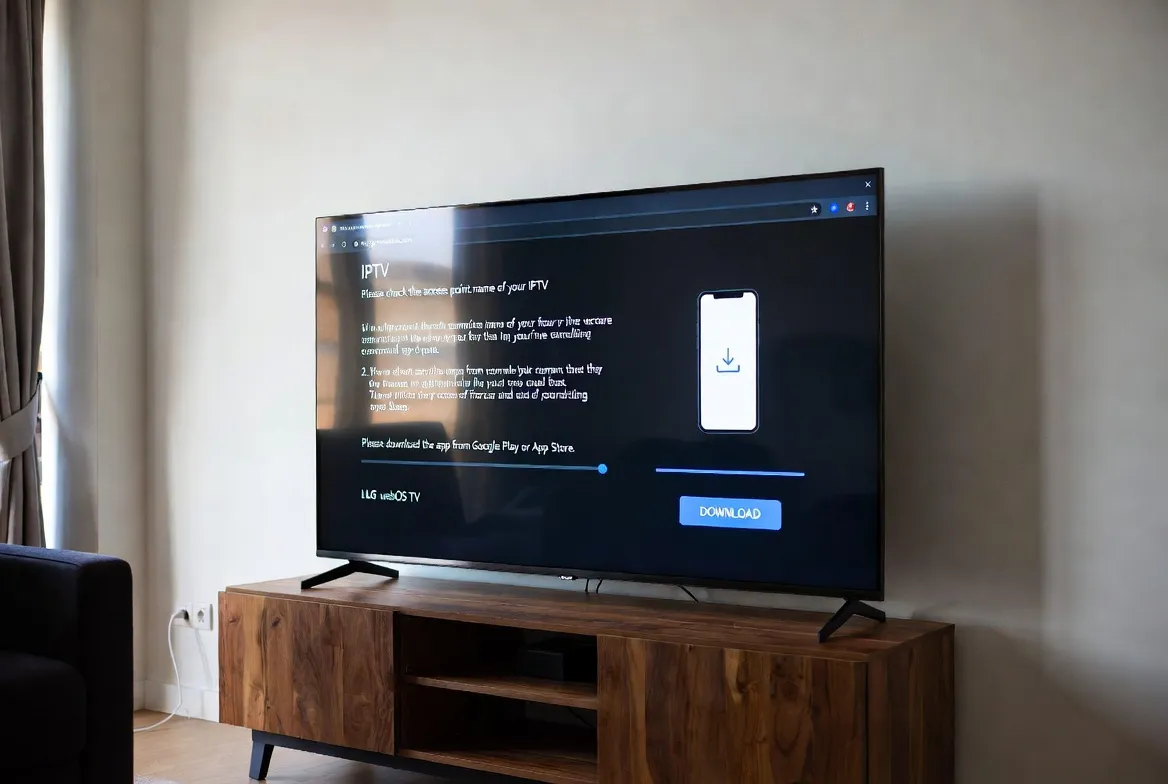
Got an LG webOS Smart TV and want to ditch your cable bill? Great choice. LG's webOS platform is one of the best IPTV-friendly Smart TV systems on the market. In this guide, we'll show you exactly how to install IPTV on LG webOS in under 5 minutes, the best apps to use, pro optimization tips, and troubleshooting fixes — all powered by StreamTV's $11.88/month 18,000+ channel service.
Compatible With All LG webOS TVs (2016+)
Works on webOS 3.0 through webOS 24. No jailbreak, no rooting, no risk to your warranty.
Best IPTV Apps for LG webOS
The LG Content Store has several great IPTV players. Here are the top apps tested on webOS:
| App | webOS Version | Rating | Notes |
|---|---|---|---|
| Smart IPTV (SIPTV) | webOS 3.0+ | ★★★★★ | Most popular — supports M3U & EPG |
| IPTV Smarters Pro | webOS 4.0+ | ★★★★★ | Best UI, multi-playlist support |
| Set IPTV | webOS 3.0+ | ★★★★☆ | Lightweight, fast loading |
| OttPlayer | webOS 4.0+ | ★★★★☆ | Cloud sync across devices |
| Flex IPTV | webOS 5.0+ | ★★★★☆ | Modern interface, 4K ready |
| XCIPTV | webOS 4.5+ | ★★★★☆ | Xtream Codes API support |
Step-by-Step Installation (5 Minutes)
Subscribe to StreamTV
Sign up at $11.88/month and receive your M3U URL via email instantly.
Open LG Content Store
Press the Home button on your Magic Remote, then navigate to LG Content Store.
Search & Install IPTV App
Search for "Smart IPTV" or "IPTV Smarters Pro" — both are free to install.
Note Your MAC Address
Open the app — it will display your unique MAC address (e.g., 00:1A:79:XX:XX:XX).
Upload M3U Playlist
Visit siptv.app, enter your MAC + paste StreamTV's M3U URL, then click Add Link.
Reload App & Enjoy
Restart the IPTV app on your LG TV — 18,000+ channels load in seconds.
Pro Optimization Tips for 4K Streaming
Use Ethernet over Wi-Fi
Direct cable gives 3x more stable streaming for 4K IPTV.
Enable Game Mode for Sports
Reduces input lag and smooths fast-action live sports.
Calibrate HDR & Dolby Vision
Most LG webOS TVs support HDR10 — toggle it on for premium IPTV channels.
Use LG Magic Remote Voice
Say "Open Smart IPTV" to launch hands-free.
Troubleshooting Common Issues
Channels won't load
Fix: Check internet speed (need 25+ Mbps for 4K). Restart router and TV.
App freezes / crashes
Fix: Clear app cache: Settings → Apps → Smart IPTV → Clear Data, then reload M3U.
Buffering on 4K streams
Fix: Switch to 5GHz Wi-Fi or use Ethernet. Lower stream quality in app settings.
EPG not showing
Fix: Add EPG XML URL in app settings — StreamTV provides it free in your welcome email.
Audio out of sync
Fix: Go to Settings → Sound → AV Sync Adjustment and offset by 100–200ms.
App expired notification
Fix: SIPTV requires one-time €5.49 activation after 7-day trial. IPTV Smarters Pro is fully free.
Why LG webOS + StreamTV = Best Value
- No need for Fire Stick, Apple TV, or extra hardware — runs natively on your TV
- Native 4K HDR & Dolby Vision support on LG OLED & QNED models
- $11.88/month replaces $120+ cable bills
- Magic Remote voice control for hands-free channel switching
- 18,000+ live channels + 60,000 movies & series on demand
- Works on every LG webOS TV from 2016 to 2026
Voice Search: Quick Answers
How do I install IPTV on my LG Smart TV?
Open the LG Content Store, search for "Smart IPTV" or "IPTV Smarters Pro", install it, then upload your StreamTV M3U playlist via siptv.app using your TV's MAC address. Setup takes under 5 minutes.
Is IPTV free on LG webOS?
The IPTV apps (Smart IPTV, Smarters Pro) are free to install. You need a content subscription like StreamTV ($11.88/mo) to access channels.
Does LG webOS support 4K IPTV?
Yes — all LG webOS TVs from 2018 onwards support 4K HDR IPTV streams. StreamTV provides 4K UHD channels for sports, movies, and live events.
What's the best IPTV app for LG TV?
IPTV Smarters Pro is the best free option with multi-playlist support and a modern UI. Smart IPTV is the most reliable but requires a one-time €5.49 activation.
Can I record shows on LG webOS IPTV?
Yes, IPTV Smarters Pro and XCIPTV both support recording to USB drives. StreamTV also offers 7-day catch-up TV built in.