IPTV on Mac & MacBook: Best Apps and Setup Guide for 2026
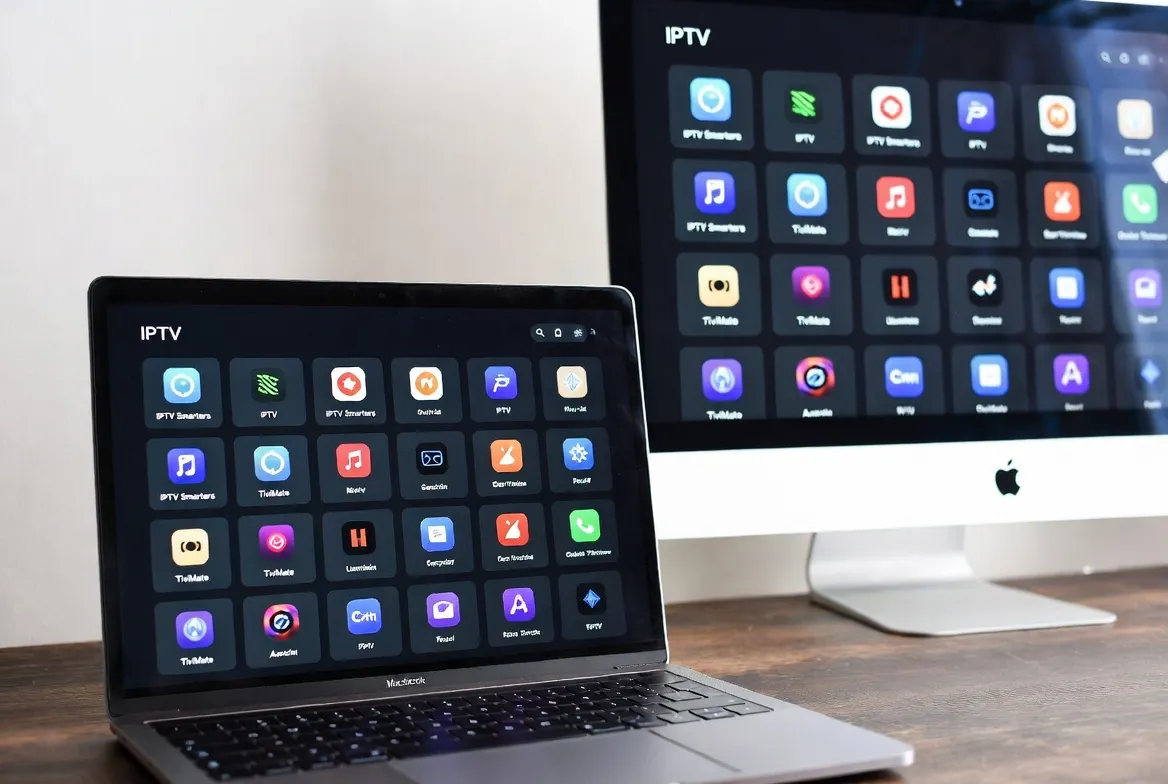
Mac users often feel left out when it comes to IPTV — most guides focus on Fire Stick and Android. But in 2026, watching IPTV on your Mac or MacBook is easier than ever with native macOS apps, browser-based players, and Apple Silicon optimization.
This guide covers the 5 best IPTV apps for Mac, step-by-step setup instructions, and how to stream 18,000+ channels in HD/4K on any MacBook Air, MacBook Pro, iMac, or Mac Mini.
Top 5 IPTV Apps for Mac in 2026
Here are the best-rated IPTV players for macOS, tested on both Intel and Apple Silicon Macs:
1. IINA
🏆 Best overall Mac IPTV experience
Pros: Native macOS design, Apple Silicon optimized, Picture-in-Picture, hardware acceleration
Cons: No built-in EPG guide
2. VLC Media Player
🏆 Best for reliability and compatibility
Pros: Plays every format, M3U playlist support, reliable, universal codec support
Cons: Basic UI, no EPG or channel organization
3. GSE Smart IPTV
🏆 Best for Xtream Codes login
Pros: Xtream Codes support, EPG guide, favorites list, parental controls
Cons: Requires Mac App Store
4. IPTV Smarters (Web)
🏆 Best no-install option
Pros: Browser-based, no install needed, familiar interface, works on any Mac
Cons: Requires active internet browser tab
5. Elmedia Player
🏆 Best for AirPlay to Apple TV
Pros: Native macOS app, AirPlay support, stream to Apple TV, beautiful UI
Cons: Pro version needed for IPTV features
🍎 Stream IPTV on Your Mac Today
Get instant access to 18,000+ channels — works on any Mac running macOS 12+.
Request Free Mac Trial →Method 1: Set Up IPTV on Mac with VLC (Free)
VLC is the easiest way to start watching IPTV on your Mac — it's free, trusted, and takes under 3 minutes:
Download VLC for Mac
Go to videolan.org and download the macOS version. Drag VLC to your Applications folder.
Get Your M3U Playlist URL
After signing up for StreamTV, you'll receive an M3U URL in your welcome email.
Open Network Stream
In VLC, go to File → Open Network. Paste your M3U playlist URL in the URL field.
Wait for Channels to Load
VLC will parse the playlist (takes 10–30 seconds for 18,000+ channels). Your channel list appears in the playlist panel.
Start Watching
Double-click any channel to stream. Use Cmd+L to open the playlist panel and browse categories.
Method 2: Set Up IPTV with IINA (Recommended)
IINA is our top recommendation for Mac users — it's built specifically for macOS with Apple Silicon optimization:
Install IINA
Download from iina.io or install via Homebrew: brew install --cask iina
Open URL in IINA
Go to File → Open URL. Paste your StreamTV M3U playlist URL.
Browse & Watch
IINA loads channels with smooth macOS-native playback. Use the playlist sidebar to switch channels.
Enable Picture-in-Picture
Click the PiP button to float the stream over your work — perfect for watching sports while working.
Method 3: GSE Smart IPTV with Xtream Codes
For the best organized experience with EPG (electronic program guide), use GSE Smart IPTV:
Download from Mac App Store
Search 'GSE Smart IPTV' in the App Store — it's free with optional Pro upgrade.
Add Xtream Codes API
Tap the + icon → Xtream Codes API. Enter your StreamTV server URL, username, and password.
Browse with EPG Guide
Channels are organized by category (Sports, Movies, News, Kids). The EPG shows what's on now and next.
Set Favorites
Long-press any channel to add to favorites for quick access to your go-to channels.
💻 Ready to Stream on Your MacBook?
18,000+ channels, works with VLC, IINA, GSE & more. Try free today.
Start Your Free Trial →Mac IPTV App Comparison Table
| Feature | IINA | VLC | GSE Smart | Elmedia |
|---|---|---|---|---|
| Price | Free | Free | Free/$11.88 | Free/$11.88 |
| M3U Support | ✅ | ✅ | ✅ | ✅ |
| Xtream Codes | ❌ | ❌ | ✅ | ❌ |
| EPG Guide | ❌ | ❌ | ✅ | ❌ |
| Picture-in-Picture | ✅ | ❌ | ❌ | ✅ |
| Apple Silicon Native | ✅ | ✅ | ✅ | ✅ |
| 4K Playback | ✅ | ✅ | ✅ | ✅ |
| AirPlay Output | ❌ | ❌ | ❌ | ✅ |
| Best For | Daily use | Reliability | EPG/Favorites | AirPlay |
Mac System Requirements for IPTV
Minimum Specs
- macOS 12 Monterey or later
- Any Intel or Apple Silicon Mac
- 4 GB RAM
- 10 Mbps internet (HD)
- Wi-Fi or Ethernet
Recommended for 4K
- macOS 14 Sonoma or later
- Apple M1/M2/M3/M4 chip
- 8 GB RAM
- 25+ Mbps internet (4K)
- Ethernet or Wi-Fi 6
Cost: IPTV on Mac vs Traditional Streaming
| Service | Monthly | Channels | Mac App |
|---|---|---|---|
| StreamTV IPTV | $11.88 | 18,000+ | VLC, IINA, GSE, Web |
| YouTube TV | $72.99 | 100+ | Browser only |
| Hulu + Live TV | $76.99 | 95+ | Browser only |
| Fubo TV | $79.99 | 200+ | Browser only |
| Cable (Comcast) | $100+ | 200+ | No Mac app |
Mac IPTV FAQ
Does IPTV work on MacBook Air M3?
Yes! IPTV works perfectly on all Apple Silicon Macs including MacBook Air M1/M2/M3/M4, MacBook Pro, iMac, Mac Mini, and Mac Studio.
Can I AirPlay IPTV from my Mac to Apple TV?
Yes — use Elmedia Player for native AirPlay, or screen mirror from any app using macOS built-in AirPlay. Both work great.
Is VLC or IINA better for IPTV on Mac?
IINA offers a more polished macOS-native experience with Picture-in-Picture. VLC is more battle-tested and handles edge cases better. Both are free — try both!
Do I need a VPN to watch IPTV on Mac?
StreamTV works without a VPN in most locations. If you want extra privacy, any macOS-compatible VPN works alongside IPTV apps.
Can I watch IPTV while working on my MacBook?
Absolutely! Use IINA's Picture-in-Picture mode to float a small video window over your work. Perfect for keeping an eye on live sports.
🍎 Turn Your Mac Into a Live TV Powerhouse
18,000+ channels • Works on every Mac • Free IPTV apps
Plans from $11.88/month — 60-day money-back guarantee
Get Your Free Mac Trial →