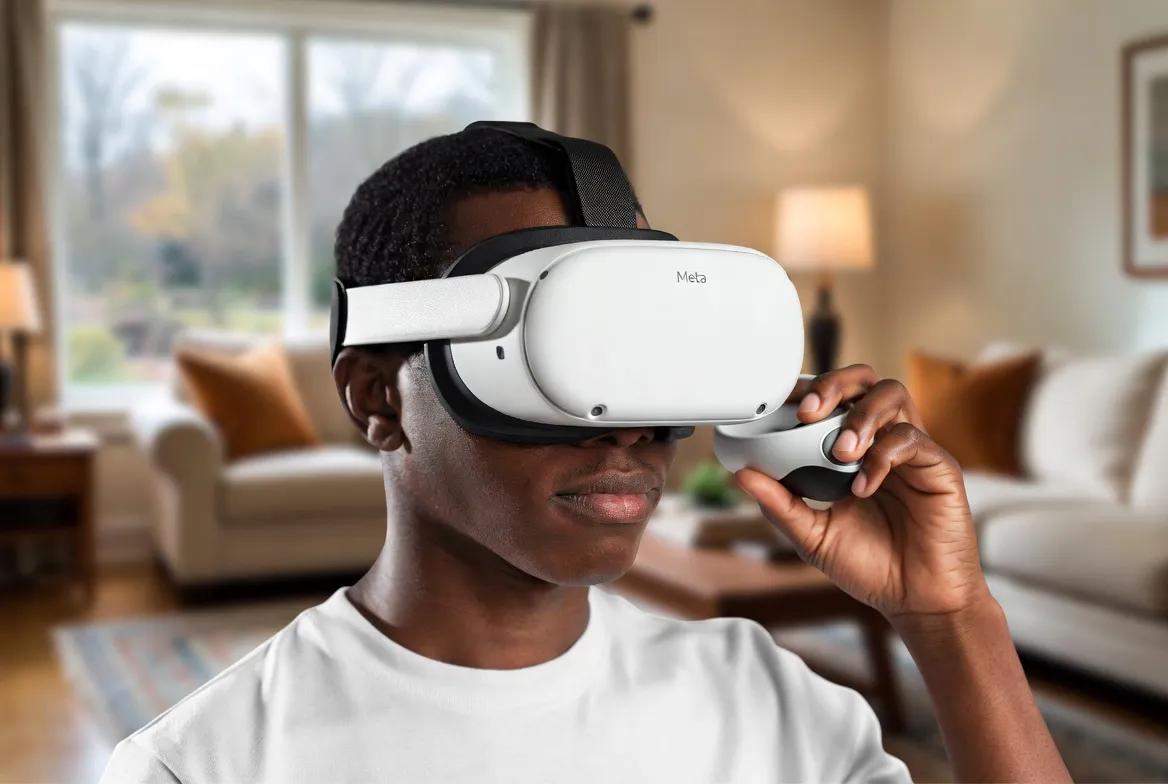
IPTV on Meta Quest 3: VR Streaming in a Virtual Living Room
Imagine watching the Super Bowl on a 300-inch virtual screen from a luxury cinema—or catching up on your favorite shows floating in a space station orbiting Earth. With IPTV on Meta Quest 3, this isn't science fiction. It's your new living room.
This complete guide shows you exactly how to set up IPTV streaming on Meta Quest 3, the best VR apps to use, virtual environments to watch in, and pro tips for the ultimate immersive viewing experience. All 1,000+ channels, no TV required.
Why Watch IPTV in VR?
300-Inch Virtual Screen
Bigger than any TV you could buy—for a fraction of the cost
Watch Anywhere
Turn any room, airplane seat, or hotel into a private cinema
Immersive Environments
Choose from cinemas, mountain lodges, space stations, and more
Spatial Audio
Built-in 3D audio makes content feel all around you
Voice Search: "Can I watch IPTV on Meta Quest 3?" — Yes, and it's incredible.
Best VR Apps for IPTV on Quest 3
| App | Input Method | Max Quality | VR Environment | Best For |
|---|---|---|---|---|
| IPTV Smarters (Sideload) | M3U / Xtream Codes | Up to 4K | Flat screen in VR | Full IPTV channel access |
| Bigscreen VR | Built-in browser / screen share | Up to 1080p | Virtual cinema & rooms | Social viewing with friends |
| Skybox VR Player | M3U URL direct | Up to 4K HDR | Custom environments | Best M3U player for Quest |
| Meta Quest Browser | Web-based IPTV player | Up to 1080p | Floating browser window | No install needed |
| Virtual Desktop | Stream from PC | Up to 4K | Full PC desktop in VR | Use any PC IPTV app |
| Pluto VR / Immersed | Screen mirroring | Up to 1080p | Multi-screen workspace | Watch while working in VR |
4 Ways to Set Up IPTV on Quest 3
Skybox VR Player (Recommended)
Install Skybox from Quest Store
Open Skybox → Network → M3U Playlist
Enter your StreamTV M3U URL
Browse channels and start watching
Sideloaded IPTV Smarters
Enable Developer Mode on Quest 3
Install SideQuest on your PC
Sideload IPTV Smarters APK
Enter Xtream Codes credentials
Virtual Desktop + PC App
Install Virtual Desktop on Quest & PC
Connect to your PC wirelessly
Open any IPTV app on your PC
Watch on a massive virtual screen
Meta Quest Browser
Open the built-in Meta Browser
Navigate to a web-based IPTV player
Enter your M3U playlist URL
Watch in a floating browser window
Virtual Environments to Watch In
Why stare at a wall when you could watch TV from a mountain lodge or a space station? VR environments transform every viewing session into an experience.
Home Cinema
A private 200-inch screen in a luxury cinema room
Best for: Movies & sports events
Mountain Lodge
Cozy cabin with massive TV and fireplace ambiance
Best for: Relaxing evening viewing
Rooftop Lounge
City skyline backdrop with floating screens
Best for: News & casual watching
Space Station
Watch TV floating in orbit with Earth below
Best for: Sci-fi fans & immersion
Beach House
Ocean-view living room with surround sound
Best for: Variety shows & reality TV
Classic Theater
Red velvet seats, curtain stage, full cinema feel
Best for: Premium movie experience
Quest 3 Specs for Streaming
Big Screen Showdown: TV vs Projector vs Quest 3
| Setup | Cost | Screen Size | Portable |
|---|---|---|---|
| 75" 4K Smart TV | $1,200-3,000 | 75 inches | No |
| Projector + Screen | $800-2,500 | 100-150 inches | Semi |
| Meta Quest 3 + IPTV | $499 one-time | Up to 300 inches (virtual) | Yes |
| Meta Quest 3S + IPTV | $299 one-time | Up to 300 inches (virtual) | Yes |
Quest 3 + IPTV = biggest screen, lowest cost, fully portable
Pro Tips for VR Streaming
Use WiFi 6E
Connect to a 6GHz WiFi band for zero-lag 4K streaming
Adjust Screen Distance
Set virtual screen to 10-15 feet for optimal viewing comfort
Enable Passthrough
Use mixed reality mode to see your real room while watching
Battery Pack
Attach a battery bank for 5+ hour streaming sessions
Use a Comfort Strap
Elite Strap or BoboVR for long viewing sessions
Dark Environment
Dim real lights for deeper immersion in VR cinema mode
Voice Search Optimized Answers
"How do I watch IPTV on Meta Quest 3?"
Use Skybox VR Player with your M3U URL, or sideload IPTV Smarters via SideQuest.
"Best VR app for watching live TV?"
Skybox VR Player for standalone, Virtual Desktop for PC streaming.
"Can I watch sports in VR on Quest 3?"
Yes! Stream any IPTV sports channel on a virtual 300-inch screen.
"Is Quest 3 good for watching TV?"
Excellent—2064x2208 per eye with spatial audio for cinema-quality viewing.
Frequently Asked Questions
Can I watch IPTV on Meta Quest 3?
Yes! You can watch IPTV on Meta Quest 3 using Skybox VR Player, sideloaded IPTV Smarters, Virtual Desktop, or the built-in Meta Browser. All methods support M3U playlist URLs.
What's the best IPTV app for Meta Quest 3?
Skybox VR Player is the best native option for M3U playlists. For the full IPTV Smarters experience, sideload the Android APK via SideQuest. Virtual Desktop is best if you already have a PC IPTV setup.
Is the picture quality good for IPTV on Quest 3?
Yes—Quest 3's dual 2064x2208 displays deliver excellent clarity. 1080p content looks great on the virtual screen, and 4K content is stunning. The virtual screen equivalent is up to 300 inches.
Can I watch with friends in VR?
Absolutely! Bigscreen VR lets you create private rooms where friends can join and watch IPTV together on a shared virtual screen, complete with spatial audio and avatars.
Does IPTV streaming drain Quest 3 battery fast?
Streaming uses moderate battery—expect 2-3 hours per charge. For extended sessions, connect a USB-C battery pack for 5+ hours of continuous viewing.
Do I need a PC to watch IPTV on Quest 3?
No! Skybox VR Player and Meta Browser work standalone on Quest 3 without any PC. Only Virtual Desktop and SideQuest methods require a PC.
Your Virtual Cinema Awaits
1,000+ channels on a 300-inch virtual screen. Sports in a stadium, movies in a cinema, news from a space station. Get your IPTV subscription and transform your Quest 3.
7-Day Money-Back Guarantee • Works on Quest 3 & 3S • Instant Activation