IPTV Multi-Screen: Watch 4 Games at Once — Here's How to Set It Up
Why choose one game when you can watch four? Multi-screen IPTV viewing lets sports fans, cord-cutters, and entertainment lovers split their screen and stream up to 4 live channels simultaneously — all from a single subscription.
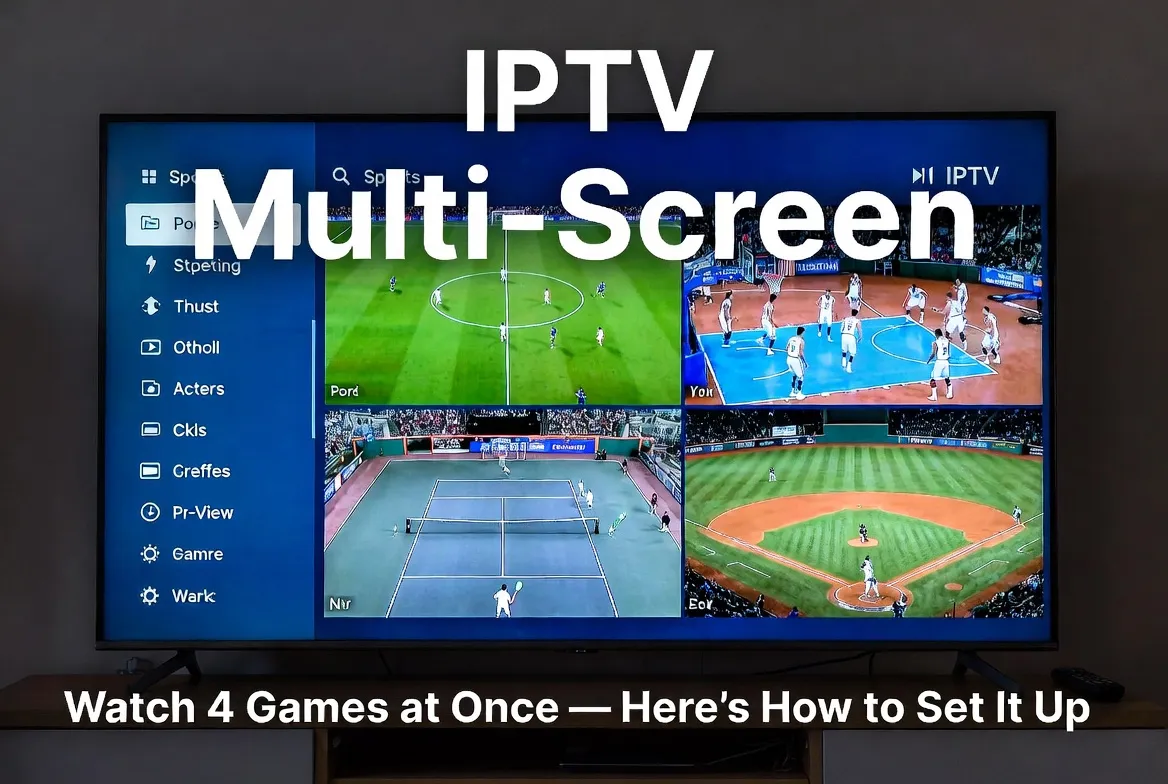
Why Multi-Screen IPTV Is a Game-Changer in 2026
Gone are the days of flipping between channels. Multi-screen viewing — also called multi-view, split-screen, or picture-in-picture (PiP) — lets you watch multiple live streams at once on a single TV or device. Whether it's NFL RedZone-style coverage, simultaneous Champions League matches, or keeping an eye on F1 while watching tennis, multi-screen IPTV transforms your living room into a command center.
4 Streams at Once
Watch up to 4 live channels simultaneously on one screen
One Subscription
No extra fees — multi-screen is included in premium IPTV plans
Instant Switching
Swap any quadrant to a different channel in under 1 second
Who Benefits Most from Multi-Screen Streaming?
Sports Fans
Watch 4 Premier League matches, March Madness games, or NBA playoff matchups at the same time. Never miss a buzzer-beater again.
Fantasy Players
Track all your fantasy league players across multiple games in real-time — no more refreshing a stats app.
Families
Dad watches football, mom watches a cooking show, and the kids watch cartoons — all on the same screen or different devices.
Day Traders & News Watchers
Keep CNBC, Bloomberg, BBC, and Al Jazeera running simultaneously to stay ahead of breaking events.
Bar & Restaurant Owners
Display 4 different sports feeds across your venue from a single IPTV box.
Ready to Watch 4 Screens at Once?
Get multi-screen IPTV with 18,000+ channels starting at $11.88/month.
Devices That Support Multi-Screen IPTV
Not every device handles multi-view equally. Here's a breakdown of the best IPTV devices for multi-screen viewing in 2026:
| Device | Max Streams | 4K Support | Best For | Price |
|---|---|---|---|---|
| NVIDIA Shield TV Pro | 4 | Yes (all 4) | Power users | $199 |
| Formuler Z11 Pro Max | 4 | Yes (2 of 4) | Sports fans | $169 |
| Fire Stick 4K Max | 2 (PiP) | Yes | Budget buyers | $59 |
| Android TV Box (4GB+) | 4 | Yes | Enthusiasts | $80-$150 |
| Windows PC / Laptop | Unlimited | Yes | Maximum flexibility | Varies |
| Samsung Smart TV (2024+) | 2 (Multi View) | Yes | No extra hardware | Built-in |
How to Set Up Multi-Screen IPTV — Step by Step
Follow these steps to get multi-screen IPTV running on your device in under 10 minutes.
Choose an IPTV Player That Supports Multi-View
The best multi-screen IPTV players in 2026 include TiviMate Premium, XCIPTV, and OTT Navigator. TiviMate is the most popular — its multi-view mode supports up to 4 streams with audio switching.
Subscribe to an IPTV Plan with Multiple Connections
Make sure your IPTV subscription supports multiple simultaneous connections. MegaIPTV offers plans with 2-4 connections built in, so you can power multi-screen without extra charges.
Add Your Playlist (M3U or Xtream Codes)
Enter your M3U URL or Xtream Codes login into your IPTV player. You'll need to add the same playlist multiple times — once for each screen quadrant.
Enable Multi-View Mode
In TiviMate: long-press a channel → 'Add to Multi-View'. Repeat for up to 4 channels. In XCIPTV: go to Settings → Multi-Screen → Enable. Select your layout (2x2, 3x1, picture-in-picture).
Select Audio Source & Optimize Layout
Tap any quadrant to make it the 'active' audio source. Use the arrow keys to resize panels. For sports, the 2x2 equal grid works best. For a main game + secondary feeds, use PiP mode.
Get Multi-Screen Ready Today
Plans start at $11.88/month with up to 4 simultaneous connections included.
Best IPTV Apps for Multi-Screen Viewing
| App | Platform | Max Screens | Audio Switch | Price |
|---|---|---|---|---|
| TiviMate Premium | Android / Fire TV | 4 | ✓ Tap to switch | $5.49/yr |
| XCIPTV | Android / Fire TV | 4 | ✓ Auto / Manual | Free |
| OTT Navigator | Android | 4 | ✓ Tap to switch | Free |
| VLC (Desktop) | Windows / Mac | Unlimited | Per window | Free |
| IPTV Smarters Pro | All platforms | 1 (no multi) | N/A | Free |
Internet Speed Requirements for Multi-Screen
Multi-screen demands more bandwidth. Here's the minimum internet speed you need:
2 Screens (1080p)
25 MbpsStandard HD on both
4 Screens (1080p)
50 MbpsFull HD on all four
2 Screens (4K)
50 MbpsUltra HD on both
4 Screens (4K)
100 MbpsFull 4K everywhere
💡 Pro Tip: Use a wired Ethernet connection for your primary device to guarantee stable multi-screen performance. Wi-Fi 6 works well for 2 streams, but 4K quad-view benefits from a direct connection.
Multi-Screen Layouts for Sports Fans
Here are the most popular multi-screen setups sports fans are using in 2026:
🏈 NFL Sunday Setup
Screen 1: Your team's game | Screen 2: Fantasy-relevant matchup | Screen 3: RedZone | Screen 4: Bet tracker / stats feed
⚽ Champions League Night
Screen 1: Main match (4K) | Screen 2: Second group match | Screen 3: Third match | Screen 4: Studio analysis
🏀 March Madness
Screen 1-4: Four simultaneous first-round games — no commercials, no switching, pure basketball.
🏎️ F1 Race Day
Screen 1: Main broadcast | Screen 2: Onboard cam (your driver) | Screen 3: Pit lane | Screen 4: Timing tower
Build Your Perfect Multi-Screen Setup
18,000+ live channels with multi-connection plans. Free trial available.
Troubleshooting Common Multi-Screen Issues
❗ One stream buffers while others play fine
✅ Fix: Lower that quadrant to 720p, or switch from Wi-Fi to Ethernet. Also check if your IPTV plan supports enough connections.
❗ Audio plays from wrong screen
✅ Fix: Tap/click the quadrant you want audio from. In TiviMate, the highlighted border indicates the active audio source.
❗ App crashes with 4 streams
✅ Fix: Your device may lack RAM. Multi-view needs at least 3GB free RAM. Close background apps or upgrade to a 4GB+ Android box.
❗ Only 2 screens work instead of 4
✅ Fix: Check your IPTV subscription — some plans only allow 1-2 connections. Upgrade to a multi-connection plan for full quad-view.
❗ 4K not available on all quadrants
✅ Fix: Most devices decode a maximum of 2 concurrent 4K streams. Use 1080p for secondary screens and reserve 4K for your main focus.
Multi-Screen: IPTV vs Traditional Options
| Feature | IPTV Multi-View | Cable Multi-TV | YouTube TV Multiview |
|---|---|---|---|
| Simultaneous streams | 4 on one screen | 1 per TV (needs extra box) | 4 (sports only) |
| Monthly cost | $11.88-$11.88 | $120+ per box | $72.99/mo |
| Channel selection | Any 18,000+ channels | Limited by package | Pre-selected by YouTube |
| Custom layouts | 2x2, PiP, 3+1 | None | Fixed grid only |
| 4K support | Yes (up to 2 streams) | Rarely | Limited |
| Audio switching | Tap any quadrant | N/A | Tap any quadrant |
Frequently Asked Questions
Can I watch 4 different channels on one TV?
Yes — with IPTV apps like TiviMate or XCIPTV, you can display up to 4 live channels simultaneously in a grid layout on a single TV screen.
Do I need a special device for multi-screen IPTV?
Any Android-based device with 3GB+ RAM works. The NVIDIA Shield TV Pro and Formuler Z11 Pro Max offer the best experience. Fire Stick 4K Max supports 2-screen PiP.
Does multi-screen cost extra?
Not with MegaIPTV. Multi-connection plans are included in premium tiers. You get up to 4 simultaneous connections at no additional charge.
What internet speed do I need for 4 screens?
50 Mbps for four 1080p streams, or 100 Mbps for four 4K streams. A wired Ethernet connection is recommended for best stability.
Can I use multi-screen on my phone or tablet?
Some IPTV apps support PiP on mobile, but for true multi-view (4 streams), you'll want a TV or desktop setup with a larger screen.
Stop Choosing. Start Watching Everything.
Multi-screen IPTV means you'll never miss a moment. With 18,000+ channels, 4K quality, and plans starting at $11.88/month, there's no reason to watch just one thing at a time.