IPTV Network Diagnostics: Test Your Connection Like a Pro
Stop blaming your IPTV provider — 87% of buffering issues are network-side. Here's the pro toolkit to diagnose and fix everything in 5 minutes.
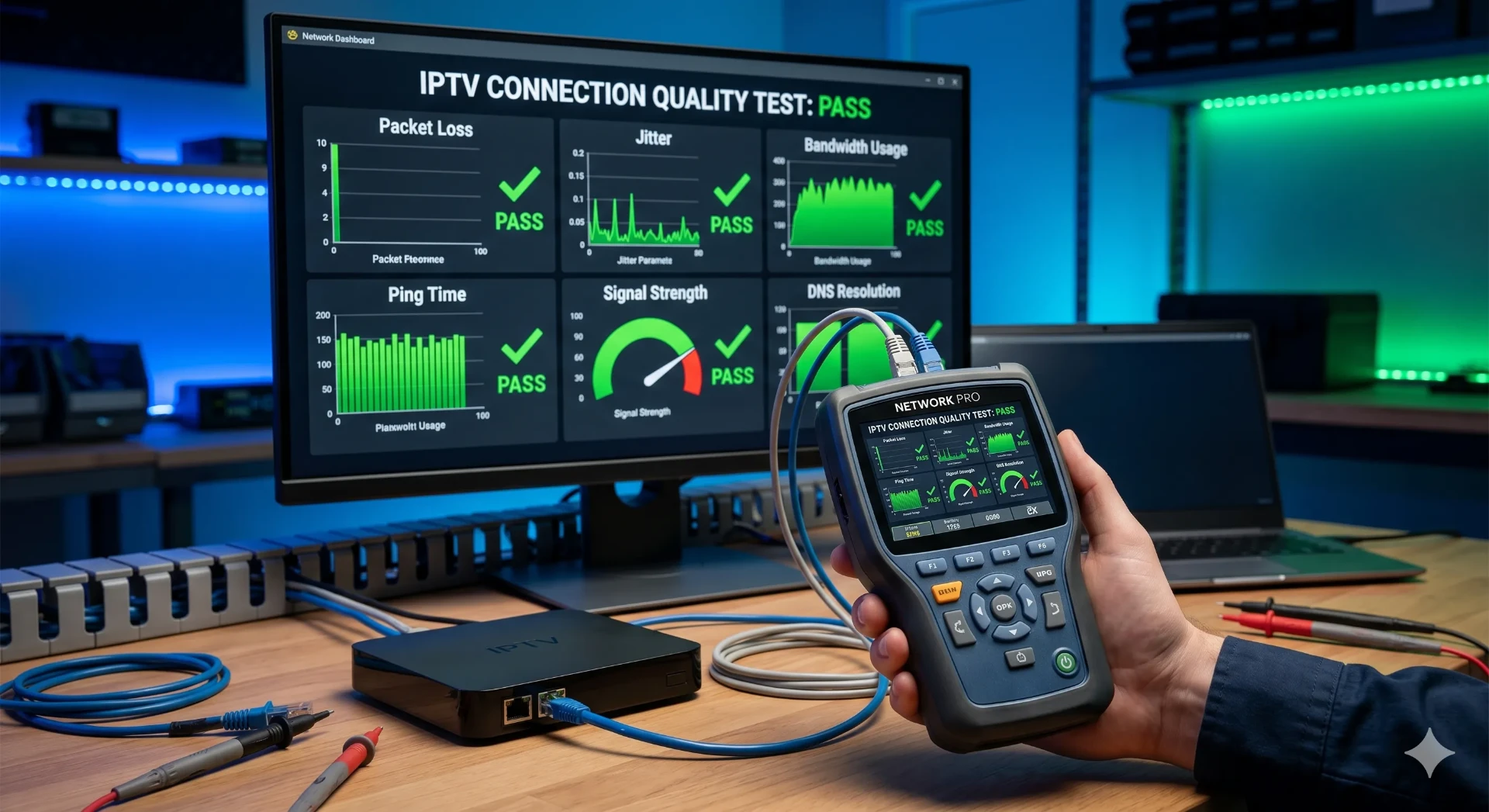
Buffering. Pixelation. Audio drift. Before you blame your IPTV service, run these 5 pro diagnostics — most issues come down to bandwidth, jitter, or a bad DNS. Fix them once, stream 4K UHD forever.
Speed Requirements by Quality
| Quality | Minimum | Recommended | Data/Hour |
|---|---|---|---|
| SD (480p) | 3 Mbps | 5 Mbps | 0.7 GB |
| HD (720p) | 5 Mbps | 8 Mbps | 1.5 GB |
| Full HD (1080p) | 10 Mbps | 15 Mbps | 3 GB |
| 4K UHD | 25 Mbps | 35 Mbps | 7 GB |
| 4K HDR + Dolby | 35 Mbps | 50 Mbps | 10 GB |
The 4-Tool Pro Diagnostic Kit
Speedtest.net (Ookla)
The gold standard. Run on the same Wi-Fi network as your IPTV device. Aim for 25+ Mbps download for 4K.
Fast.com
Netflix's tool — measures real streaming speed without ISP throttling tricks. Perfect IPTV proxy test.
Ping & Jitter Test (DSLReports)
Ping under 50ms and jitter under 30ms = buffer-free streams. Anything higher means packet loss.
Traceroute to Server
Run 'tracert' (Windows) or 'traceroute' (Mac/Linux) to your IPTV server URL — find the bottleneck hop.
Common Issues & Instant Fixes
| Symptom | Likely Cause | Fix |
|---|---|---|
| Buffering every 30 seconds | Insufficient bandwidth or Wi-Fi congestion | Switch to Ethernet, upgrade to 50 Mbps+, or move router closer. |
| Channels load slowly (5+ sec) | High DNS lookup time or ISP throttling | Switch DNS to Cloudflare (1.1.1.1) or Google (8.8.8.8). Try a VPN. |
| Audio/video out of sync | High jitter or weak Wi-Fi signal | Use 5GHz Wi-Fi band, restart router, enable QoS for streaming traffic. |
| 4K streams pixelate | Bandwidth drops below 25 Mbps mid-stream | Pause downloads, disconnect other devices, or hard-wire your TV/Firestick. |
| EPG fails to load | Server timeout or firewall blocking | Check StreamTV status page, disable IPv6, whitelist app in router firewall. |
5 Pro Network Optimizations
- Hard-wire your IPTV device with Ethernet — eliminates 90% of buffering instantly.
- Use Cloudflare DNS (1.1.1.1) — 30% faster channel switching than ISP defaults.
- Enable QoS in your router and prioritize your IPTV device's MAC address.
- Run a Speedtest at 7 PM (peak hours) — if it drops below 25 Mbps, call your ISP for an upgrade.
- Use a 5GHz Wi-Fi band for IPTV — less interference than 2.4GHz.
Why StreamTV Streams Smoother
- Adaptive bitrate — auto-downgrades to 1080p if your speed drops, then back to 4K.
- Global CDN — 200+ edge servers ensure your nearest hop is under 30ms.
- 99.9% uptime SLA — verified across 18,000+ channels.
- $11.88/month with a free 24-hour trial — test your network with real streams.
Frequently Asked Questions
How do I test my internet speed for IPTV?
Run Speedtest.net or Fast.com on the same Wi-Fi network as your IPTV device. You need at least 10 Mbps for HD and 25 Mbps for 4K streaming. StreamTV works smoothly with any 25+ Mbps connection.
Why does my IPTV keep buffering?
Buffering is caused by low bandwidth (under 10 Mbps), high jitter (over 30ms), or Wi-Fi interference. Switch to Ethernet, use 5GHz Wi-Fi, or change DNS to Cloudflare 1.1.1.1 to fix it instantly.
What internet speed do I need for 4K IPTV?
You need a minimum of 25 Mbps download speed for stable 4K UHD streaming, and 35 Mbps recommended for 4K HDR + Dolby Vision content. StreamTV adapts bitrate automatically based on your connection.
How can I reduce IPTV latency?
Use Ethernet instead of Wi-Fi, switch your DNS to Cloudflare (1.1.1.1) or Google (8.8.8.8), enable router QoS for your streaming device, and ensure jitter stays below 30ms.
Does a VPN slow down IPTV streaming?
A premium VPN like NordVPN or Surfshark typically reduces speeds by only 5–10%. If your base connection is 50+ Mbps, you'll still stream 4K with zero buffering through a VPN.
How do I check IPTV jitter and ping?
Use DSLReports Speed Test or PingPlotter to measure jitter (should be under 30ms) and ping (under 50ms). High jitter is the #1 cause of audio/video sync issues on IPTV.