IPTV on Nvidia Shield TV Pro: The Enthusiast's Setup Guide
Unlock the full power of the best IPTV streaming box ever made. TiviMate + StreamTV + Shield Pro = 4K HDR, Dolby Vision, zero buffering.
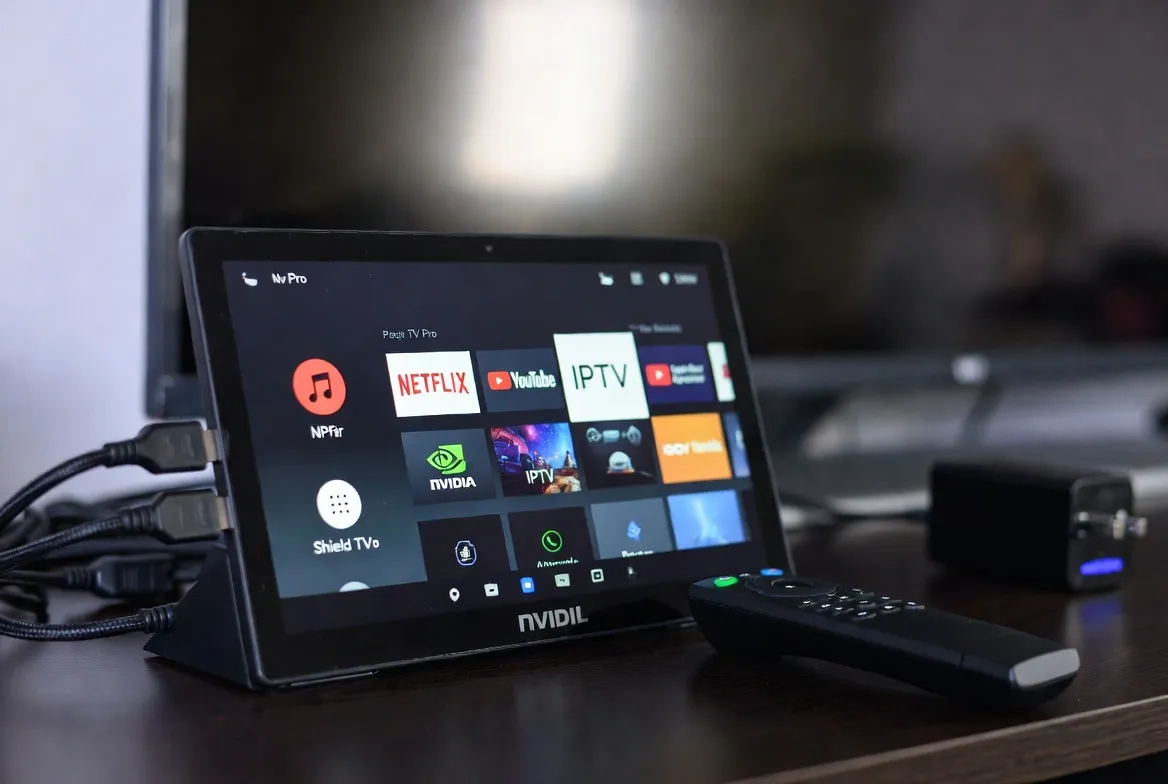
Shield TV Pro is the gold standard
Tegra X1+, 3GB RAM, Dolby Vision, AI upscaling, gigabit Ethernet, USB 3.0. Pair it with StreamTV for the most refined IPTV experience available.
Start free trial →Why Shield Pro destroys Fire Stick for IPTV
Tegra X1+ horsepower
Decodes 4K HDR HEVC streams flawlessly — zero buffering on heaviest IPTV feeds.
AI 4K upscaling
Shield's Tegra AI upscales 1080p IPTV to near-4K — best picture in the business.
Dolby Vision + Atmos
Full DV passthrough on every supported channel + Atmos audio bitstream.
Wired Gigabit Ethernet
Native Ethernet port = zero WiFi drops on 4K sports and PPV events.
Best IPTV apps for Shield TV Pro
TiviMate Premium
Best-in-class EPG, recording, multi-playlist — gold standard on Shield.
IPTV Smarters Pro
Clean UI, Xtream Codes login, catch-up TV and VOD libraries.
OTT Navigator
Power user favorite — extensive customization, multi-screen, picture-in-picture.
Kodi 21 + PVR addon
Ultimate control with skins, plugins, and library scraping.
5-step setup: TiviMate + StreamTV
Update Shield to latest firmware
Settings → Device Preferences → About → System Update. Get latest Android TV 11+ build.
Enable Unknown Sources
Settings → Device → Security → Allow installs from Downloader & TiviMate.
Install TiviMate via Downloader
Open Downloader app, enter the TiviMate APK URL, install in 30 seconds.
Add your StreamTV M3U/Xtream login
Open TiviMate → Add playlist → Xtream Codes → enter the credentials we email you.
Tweak for 4K HDR
TiviMate → Settings → Playback → Enable hardware acceleration + HDR passthrough.
Pro tweaks for buttery-smooth playback
- Set buffer to 3-5 seconds for sports, 10s for VOD
- Enable 'Match content frame rate' (23.976/50/60Hz auto-switching)
- Force 4K UI mode in Shield system settings
- Plug into Ethernet — disable WiFi adapter for stability
- Use Shield Pro's USB 3.0 port for external DVR storage
Shield Pro vs Fire Stick 4K Max
| Feature | Fire Stick 4K Max | Shield TV Pro |
|---|---|---|
| 4K HDR HEVC decoding | Limited | ✓ Hardware accelerated |
| Dolby Vision passthrough | No | ✓ Yes |
| AI upscaling | No | ✓ Tegra AI |
| Gigabit Ethernet | No (USB adapter) | ✓ Built-in |
| RAM | 2GB | 3GB |
Shield IPTV FAQs
Why is Shield TV Pro the best IPTV box?
Tegra X1+, 3GB RAM, gigabit Ethernet, Dolby Vision, and AI upscaling — no other Android TV box matches it for IPTV in 2026.
Does TiviMate work natively on Shield?
Yes. TiviMate is optimized for Android TV — full remote support, smooth EPG scrolling, and 4K playback out of the box.
Will my StreamTV subscription give me 4K HDR on Shield?
Yes — premium channels stream in 4K HDR with HDR10 and Dolby Vision support where the source provides it.
How much storage do I need for catch-up & DVR?
Plug a 1TB USB 3.0 drive into the Shield Pro's USB port — supports ~250 hours of HD recording.
Can I use Plex + IPTV at once?
Yes — Shield Pro doubles as a Plex server while streaming live IPTV. Pro tier handles both simultaneously.
Pair your Shield with the best IPTV service
20,000+ channels in 4K HDR, Dolby Vision, and Atmos audio. Optimized for Shield TV Pro. $11.88/month — free trial, no credit card.
Activate on Shield →