← Back to BlogGuide
IPTV Quick Start Guide: From Purchase to Watching in 90 Seconds
May 1, 2025 5 min read StreamTV Team
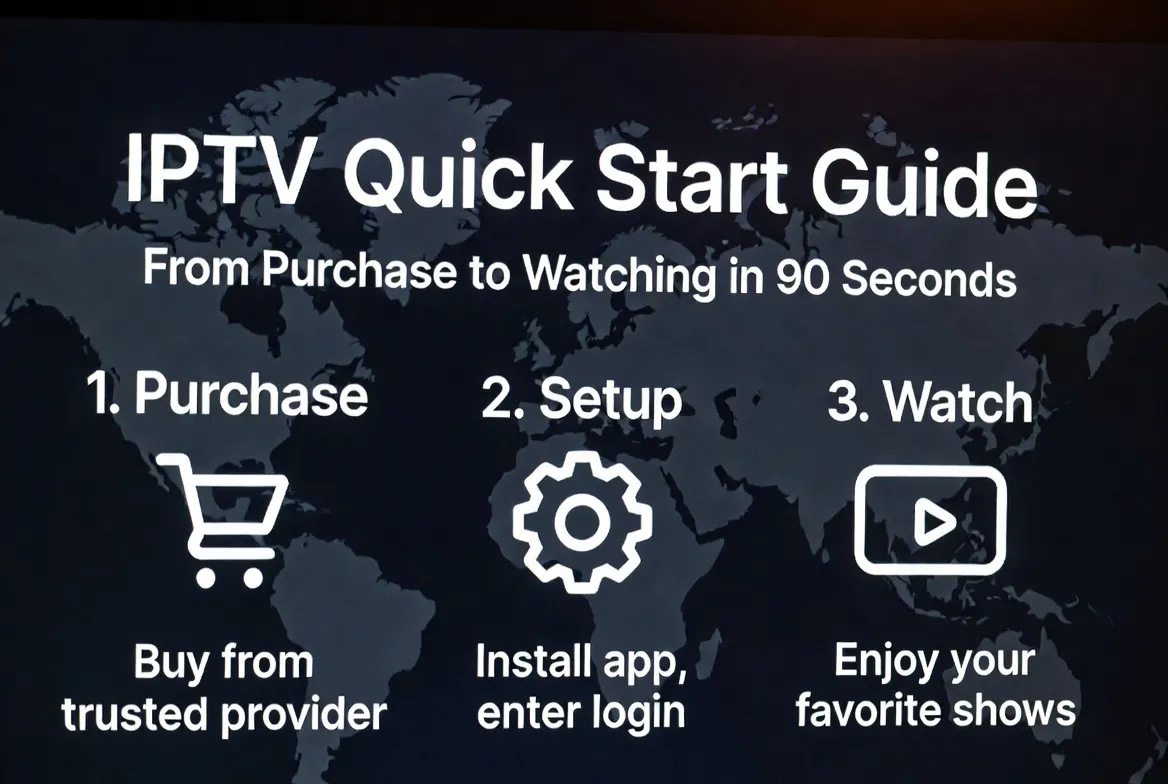
From clicking "Buy" to watching live TV — under 90 seconds. Here's the exact timeline, step-by-step, on any device.
The 90-Second Timeline
0:00–0:20
Step 1: Purchase Your Plan
Pick a plan on the pricing page. Pay with card, PayPal, or crypto. Credentials hit your inbox in seconds.
0:20–0:45
Step 2: Install the App
Open your device store and install IPTV Smarters Pro, TiviMate, or XCIPTV. Free download, ~25 seconds.
0:45–1:10
Step 3: Enter Credentials
Add a new playlist using the Xtream login (URL + username + password) from your activation email.
1:10–1:30
Step 4: Press Play
Channels load instantly. Pick Sports, Movies, News, or Kids — and you're streaming in 4K.
Setup Time by Device
Amazon Firestick60 sec
Smart TV (Samsung/LG)90 sec
Android TV / Chromecast75 sec
Apple TV / iPhone / iPad90 sec
Windows / Mac Laptop60 sec
MAG Box / Formuler45 sec
What You Need Before You Start
- A streaming device (Firestick, Smart TV, phone, etc.)
- Internet connection of 10 Mbps+ (25 Mbps for 4K)
- Email address to receive your credentials
- Payment method — card, PayPal, or crypto
Frequently Asked Questions
Is IPTV really set up in 90 seconds?
Yes. Once your payment is confirmed, credentials arrive instantly. Installing the app and entering your login takes under 90 seconds on most devices.
Do I need any technical skills?
No. If you can install an app and copy-paste a username and password, you can set up IPTV. We also include a video walkthrough and 24/7 WhatsApp support.
Which app should I use?
IPTV Smarters Pro for beginners, TiviMate for power users on Android/Firestick, XCIPTV for Apple TV. All are free and supported.
What if I get stuck during setup?
Message our WhatsApp support — average reply time is under 2 minutes, 24/7. We can also remote-assist your Firestick if needed.
Can I use the same login on multiple devices?
Standard plans cover 1 device. Family plans support up to 5 simultaneous streams across phones, TVs, and tablets.
Ready in 90 Seconds — Guaranteed
Pick a plan, get instant credentials, and start streaming live TV right now.
Start Now →