IPTV Sleep Timer: Auto-Off Feature for Night Watchers
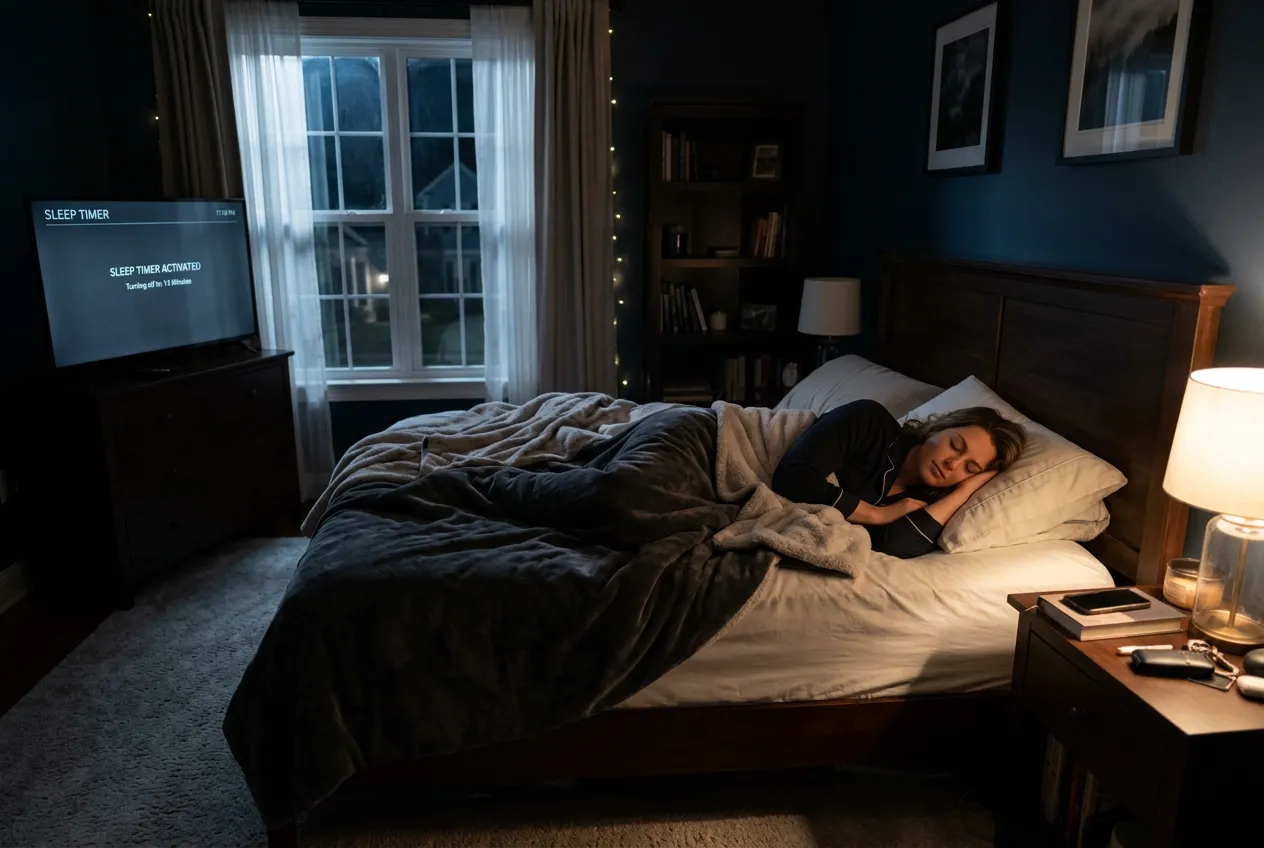
Falling asleep to the news? Catching the late NBA game? StreamTV's built-in sleep timer auto-shuts your stream after 15-120 minutes — saves energy, protects sleep quality, and remembers where you left off.
Who Needs a Sleep Timer?
Falling asleep to news
BBC, CNN or Al Jazeera until midnight — auto-off saves 6 hours of energy and prevents bright-screen sleep disruption
Late-night sports fans
Watching the West Coast NBA game from Europe? Set timer for halftime — wake up to find it cleanly off, no overnight blare
Bedroom binge-watching
Two episodes of your show, then auto-off — TV won't keep playing while you sleep with the remote in hand
Kids' bedtime routines
Cartoons for 30 min, then auto-shutdown — no negotiation, no 'just one more episode'
Insomnia & shift workers
Set 90-min timer when you can't sleep — no need to wake up later to grab the remote
5 Ways to Auto-Off Your IPTV
Use the in-app sleep timer
TiviMate Premium and IPTV Smarters Pro both have built-in sleep timers — Settings → Playback → Sleep Timer. Choose 15, 30, 60, 90 or 120 minutes.
Combine with TV's auto-off
Smart TVs (Samsung, LG, Sony) have a separate sleep timer in the TV menu. Set both — app stops streaming, TV powers off completely. Maximum energy saving.
Schedule on Firestick or Apple TV
Firestick: Settings → Display & Sounds → Display Sleep. Apple TV: Settings → General → Sleep After. Forces device-level shutdown even if app crashes.
Voice-controlled sleep timer
Alexa: 'Alexa, set a sleep timer for 60 minutes.' Google: 'Hey Google, sleep TV in 1 hour.' Hands-free from bed.
Use 'Continue Watching' the right way
Sleep timer kills playback but TiviMate remembers position. Resume the next morning right where the timer cut off — no rewinding.
Set Up Sleep Timer in 60 Seconds
- 1Open TiviMate or IPTV Smarters Pro on your Firestick or Smart TV
- 2Go to Settings → Playback → Sleep Timer (or press Menu during playback)
- 3Pick your duration: 15, 30, 60, 90 or 120 minutes
- 4Optional: enable 'Auto-resume' to restart from same spot tomorrow
- 5Press play — drift off knowing the TV will quietly turn itself off
Why Night Watchers Pick StreamTV
- Built-in sleep timer (15, 30, 60, 90, 120 min) in TiviMate & Smarters
- Auto-resume — wake up and pick up exactly where you left off
- Voice-controlled via Alexa & Google Home
- Saves $30-60/year on electricity vs TV running all night
- Pairs with Firestick & Smart TV auto-off for full shutdown
- $11.88/mo with 24,000 channels including all-night news
FAQs
Does StreamTV IPTV have a built-in sleep timer?
Yes — both TiviMate Premium and IPTV Smarters Pro (the apps StreamTV uses) include sleep timers with 15, 30, 60, 90 and 120-minute presets. Plus you can combine with your Smart TV's sleep timer for full power-off.
How do I set a sleep timer on Firestick for IPTV?
Open TiviMate, press menu during playback, select 'Sleep Timer', choose duration. For full device shutdown, also enable Firestick's Display Sleep under Settings → Display & Sounds. Both work together.
Can I use Alexa or Google to set the IPTV sleep timer?
Yes — say 'Alexa, set a sleep timer for 60 minutes' or 'Hey Google, turn off the TV in 1 hour.' Works hands-free from bed and shuts down both the app stream and the TV itself.
Will the IPTV remember where I stopped when sleep timer kicks in?
Yes — TiviMate's 'Continue Watching' feature saves your position when sleep timer ends. Wake up, pick the same channel/show, and resume right where it cut off. No rewinding through episodes.
Why is a sleep timer better than just leaving the TV on?
Three reasons: saves $30-60/year on electricity (TVs draw 50-150W), reduces blue-light sleep disruption that fragments REM sleep, and extends TV/Firestick lifespan by reducing unnecessary runtime hours.
Drift Off — TV Handles the Rest
Built-in sleep timer. 24,000 channels. $11.88/month. Free trial today.
Start Free Trial