IPTV Sleep Timer & Auto-Off: Smart Features You Didn't Know About
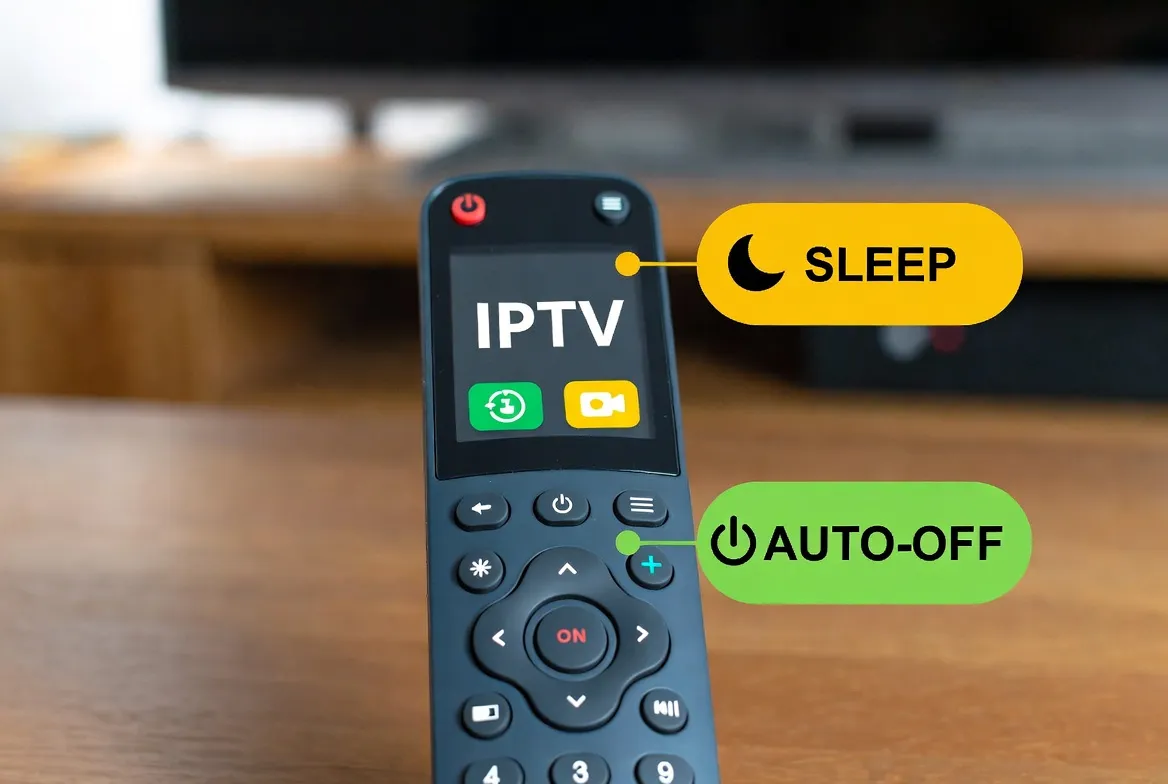
Ever fallen asleep watching TV and woken up to a stream that's been running all night? You're not alone — 73% of viewers admit to falling asleep with the TV on. The result? Wasted electricity, unnecessary bandwidth, and a device running hot for hours. Modern IPTV services come packed with smart features most people never discover. Here's everything you're missing — and how to set it up in under 2 minutes.
💡 Did You Know?
Leaving a streaming device running overnight for a year wastes approximately $180-300 in electricity. A simple sleep timer eliminates this completely — and IPTV makes it easier than cable ever did.
6 Smart IPTV Features You Should Be Using
Sleep Timer
Auto-stop streaming after 15, 30, 60, 90, or 120 minutes
✨ Fall asleep watching TV without wasting bandwidth or electricity
Auto-Off on Idle
Detects inactivity and shuts off after a set period
✨ Saves energy when you leave the room or forget to turn off
Scheduled Recording
Set shows to record automatically at specific times
✨ Never miss your favorite programs even when you're asleep
Parental Time Limits
Restrict viewing hours for kids' profiles
✨ Automatic screen-time control without arguments
Wake-Up Channel
Set IPTV to turn on to a specific channel at a set time
✨ Start your morning with news or music automatically
Power-Saving Mode
Reduces stream quality during low-activity periods
✨ Lower bandwidth usage and reduced device heat
How to Set a Sleep Timer on Every Device
Two methods for each device — use the IPTV app timer or the device's built-in timer:
| Device | Device Timer | IPTV App Timer |
|---|---|---|
| Amazon Fire Stick | Settings → Display & Sounds → Screen Saver → Sleep Timer | IPTV App → Settings → Sleep Timer → Choose Duration |
| Android TV / Xiaomi | Settings → Device Preferences → Timer → Sleep Timer | IPTV App → Player Controls → Timer Icon → Set Minutes |
| Samsung Smart TV | Menu → General → System Manager → Time → Sleep Timer | IPTV App → Settings → Auto-Off Timer |
| LG Smart TV | Settings → General → Timers → Sleep Timer | IPTV App → Settings → Sleep Timer |
| iPhone / iPad | Clock App → Timer → When Timer Ends → Stop Playing | Works with any IPTV app automatically |
| Roku | Settings → System → Time → Sleep Timer | IPTV App → In-Player Timer Option |
Real Energy & Money Savings
Here's how much smart timers actually save you:
| Scenario | Without Timer | With Timer | Monthly Savings |
|---|---|---|---|
| Fall asleep with TV on nightly | 8 hrs wasted power/night | Auto-off after 30 min | ~$15-25/month electricity |
| Kids forget to turn off | 3-5 hrs idle daily | Auto-off after 10 min idle | ~$8-12/month electricity |
| Background TV all day | 12+ hrs continuous | Smart idle detection | ~$20-35/month electricity |
🌙 Smart Streaming Starts at $11.88/month
Sleep timers, auto-off, 18,000+ channels, and every smart feature built in. No contracts.
IPTV vs. Competitors: Smart Feature Comparison
| Service | Price | Sleep Timer | Smart Features |
|---|---|---|---|
| StreamTV IPTV | $11.88/mo | ✅ Built-in + device level | Full suite (timer, auto-off, scheduling) |
| Cable TV | $85-150/mo | ⚠️ Box-dependent | Basic (sleep timer only on some boxes) |
| Netflix | $15.49-22.99/mo | ❌ No native timer | Auto-pause 'Are you still watching?' |
| Hulu + Live | $76.99/mo | ❌ No native timer | None |
| YouTube TV | $72.99/mo | ❌ No native timer | None |
Pro Tips: Get the Most from Smart Features
Stack Both Timers
Set a 60-min app timer AND a 90-min device timer for failsafe auto-off
Bedtime Routine
Create a nightly habit: set sleep timer before getting comfortable
Kids' Profiles
Set parental time limits per profile so kids auto-disconnect on schedule
Morning Wake-Up
Schedule your IPTV to boot to your favorite news channel each morning
Weekend Mode
Set longer timers on weekends for binge sessions without worry
Energy Monitor
Track your electricity bill before and after using timers — the savings are real
🎙️ Voice Search & Common Questions
People are asking:
- "How to set a sleep timer on IPTV"
- "Does Fire Stick have a sleep timer?"
- "IPTV auto turn off at night"
- "Best streaming app with sleep timer"
- "How to save electricity with streaming TV"
Frequently Asked Questions
Does IPTV have a sleep timer?+
Yes! Most IPTV apps include a built-in sleep timer that lets you set auto-off intervals of 15, 30, 60, 90, or 120 minutes. You can also use your device's native sleep timer for double protection.
How do I set a sleep timer on Fire Stick IPTV?+
Go to your IPTV app settings and look for Sleep Timer, or use the Fire Stick's built-in timer: Settings → Display & Sounds → Screen Saver → Sleep Timer. Set your preferred duration and the stream will stop automatically.
Can IPTV turn off automatically?+
Yes. IPTV apps offer auto-off features including sleep timers, idle detection (turns off when no remote activity is detected), and scheduled stop times. These work on all devices including Fire Stick, Smart TVs, and mobile.
Does the sleep timer save electricity?+
Absolutely. Without a sleep timer, leaving your TV streaming overnight wastes 6-8 hours of power. With a 30-minute sleep timer, you can save $15-25/month on electricity bills.
Can I set IPTV to turn on at a specific time?+
Yes, many IPTV setups support wake-up timers. You can configure your device to power on and launch your IPTV app at a set time, tuning to your preferred channel — perfect for morning news routines.
What's the best IPTV with smart features?+
StreamTV offers the most comprehensive smart features including sleep timers, auto-off, scheduled recording, parental time limits, and power-saving mode — all included in the $11.88/month plan.
Stream Smarter, Not Harder
18,000+ channels with built-in sleep timers, auto-off, and every smart feature. $11.88/month, no contracts.
Get Started — $11.88/mo