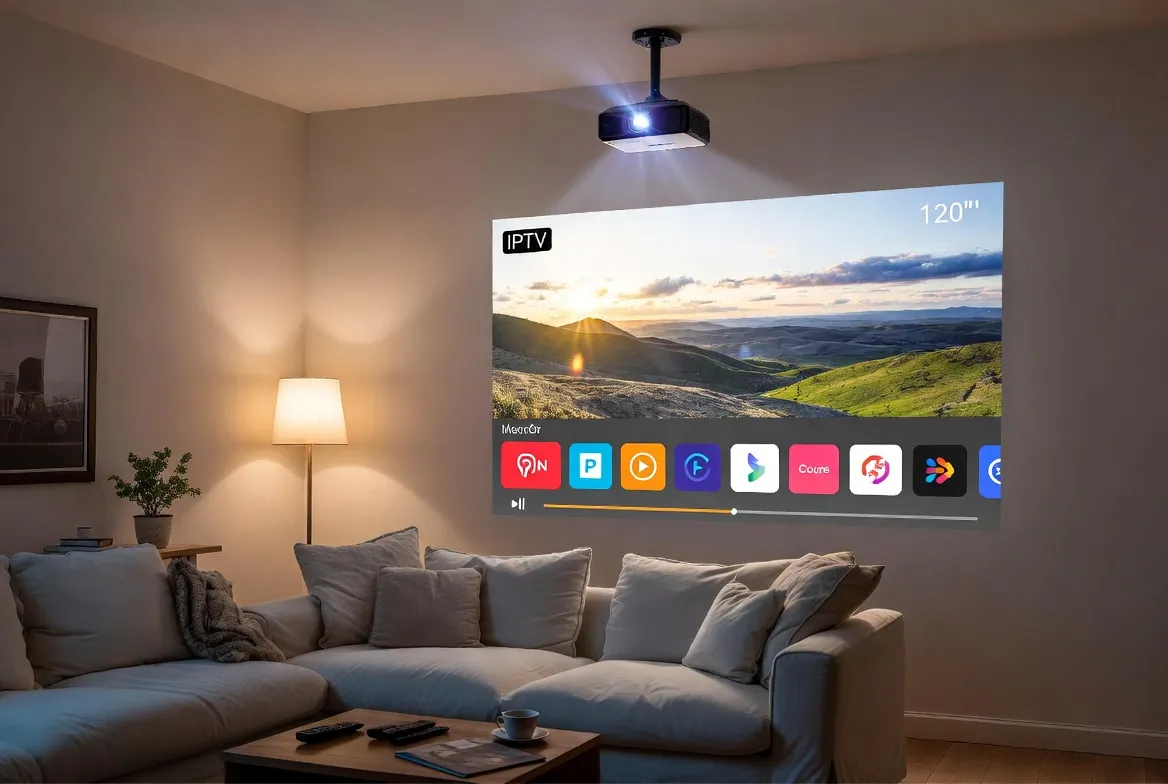
IPTV on Smart Projectors: Turn Any Wall into a 120-Inch Theater
Why squint at a 55-inch TV when you can stream IPTV on a 120-inch projected screen for less than the cost of a large TV? Smart projectors have evolved from boardroom tools into cinematic powerhouses – and paired with IPTV, they deliver the ultimate home theater experience. Here's how to build yours.
Why Projector + IPTV = Cinema Magic
- ✅ 100–150" screen for under $2,000
- ✅ 18,000+ live channels in 4K
- ✅ Portable – backyard movie nights
- ✅ Sports watch parties on the big screen
- ✅ No cable box or satellite dish
- ✅ Android TV built-in on most models
- ✅ Works with Fire Stick & Apple TV
- ✅ $11.88/mo for all content
Best Smart Projectors for IPTV in 2026
Not every projector is ideal for IPTV. You need bright lumens for daytime viewing, low input lag for live sports, and smart OS support for IPTV apps. Here are our top picks:
| Projector | Resolution | Lumens | OS | Price | Rating |
|---|---|---|---|---|---|
| XGIMI Horizon Ultra | 4K UHD | 2,300 ANSI | Android TV | $1,699 | ⭐ Best overall |
| Samsung The Freestyle 2 | 1080p | 550 ANSI | Tizen OS | $799 | Best portable |
| BenQ TK860i | 4K UHD | 3,300 ANSI | Android TV | $1,499 | Best for sports |
| Epson EpiqVision Ultra LS800 | 4K UHD | 4,000 ANSI | Android TV | $2,999 | Best UST |
| XGIMI MoGo 2 Pro | 1080p | 400 ANSI | Android TV | $449 | Best budget |
| Dangbei Mars Pro 2 | 4K UHD | 2,450 ANSI | Android | $1,399 | Best value 4K |
| LG CineBeam Qube | 4K UHD | 500 ANSI | webOS | $999 | Best design |
| Hisense PX2-PRO | 4K UHD | 2,400 ANSI | Android TV | $2,499 | Best UST value |
5 Ways to Run IPTV on Your Projector
Whether your projector has a smart OS or not, there's a way to get StreamTV IPTV streaming on the big screen:
Android TV Built-In
EasiestInstall IPTV Smarters or TiviMate from Play Store → Enter M3U URL → Watch
Works with: XGIMI, BenQ, Dangbei, Epson • 4K supported
Fire Stick 4K Max
EasyPlug Fire Stick into HDMI → Sideload IPTV app → Enter credentials → Watch
Works with: Any projector with HDMI • 4K supported
Chromecast with Google TV
EasyPlug into HDMI → Install IPTV app from Play Store → Cast or direct play
Works with: Any projector with HDMI • 4K supported
Apple TV 4K
EasyConnect via HDMI → Install IPTV app → Enter playlist URL → Watch
Works with: Any projector with HDMI • 4K Dolby Vision
Raspberry Pi + Kodi
ModerateFlash LibreELEC → Install PVR IPTV Client → Enter M3U → Configure display
Works with: Any projector with HDMI • 4K60 (Pi 5)
Screen Size vs Throw Distance Calculator
How big will your picture be? Use this chart to find the perfect projector placement for your room:
| Distance from Wall | Standard Throw | Ultra Short Throw |
|---|---|---|
| 4 ft (1.2m) | 30" | 80" |
| 6 ft (1.8m) | 50" | 100" |
| 8 ft (2.4m) | 70" | 120" |
| 10 ft (3m) | 90" | 150" |
| 12 ft (3.7m) | 110" | N/A – wall-mounted |
| 15 ft (4.6m) | 130" | N/A – wall-mounted |
Projector vs Large TV: Which is Better for IPTV?
| Feature | Projector | 75" TV | 85" TV |
|---|---|---|---|
| Screen size | 100–150" | 75" | 85" |
| Cost per inch | $10–$20/inch | $13–$20/inch | $24–$35/inch |
| Portability | ✅ Move anywhere | ❌ Fixed mount | ❌ Fixed mount |
| Outdoor use | ✅ Backyard cinema | ❌ Not weatherproof | ❌ Not weatherproof |
| Dark room needed | ⚠️ Best in dark | ✅ Any lighting | ✅ Any lighting |
| Sports clarity | ✅ Great (4K laser) | ✅ Excellent | ✅ Excellent |
| IPTV compatibility | ✅ Native or HDMI | ✅ Native apps | ✅ Native apps |
| Immersion factor | ✅ Cinema-grade | ⚠️ Good | ⚠️ Very good |
Pro Tips for the Perfect Projector IPTV Setup
Use Ethernet or WiFi 6
Wired Ethernet to your streaming device eliminates buffering. If wireless, ensure your projector or Fire Stick supports WiFi 6 for stable 4K streaming.
Add External Audio
Projector speakers are decent but not theater-grade. A soundbar ($100–$200) or Bluetooth speaker transforms the audio experience dramatically.
Consider an ALR Screen
Ambient Light Rejecting screens boost contrast in rooms with windows. A 100" ALR screen ($200–$500) makes daytime IPTV viewing vibrant and clear.
Enable Game/Sports Mode
Most projectors have a low-latency mode that reduces input lag to under 20ms. Essential for live sports where every second counts.
Voice Search: Quick Answers
Ready for 120 Inches of Live TV?
Turn any wall into a cinema with StreamTV IPTV and a smart projector. Watch live sports, movies, and 18,000+ channels on the biggest screen in your neighborhood – for just $11.88/month.
Works with any projector • 4K streaming included • 24/7 support
Frequently Asked Questions
Q:Can I watch IPTV on a smart projector?
Yes! Most modern smart projectors run Android TV, which supports IPTV apps like TiviMate, IPTV Smarters Pro, and VLC. Projectors without smart OS can use a Fire Stick 4K Max, Chromecast, or Apple TV 4K plugged into the HDMI port for the same experience.
Q:What's the best projector for IPTV streaming?
The XGIMI Horizon Ultra is our top pick – it has 4K resolution, 2,300 ANSI lumens, built-in Android TV, and native IPTV app support. For sports fans, the BenQ TK860i offers 3,300 lumens for bright-room viewing. Budget pick: XGIMI MoGo 2 Pro at $449.
Q:Do I need a screen or can I project on a wall?
A plain white or light gray wall works perfectly for casual viewing! For the best picture quality, a dedicated ALR (Ambient Light Rejecting) screen improves contrast and color accuracy. A basic pull-down screen ($50–$100) is a great middle-ground option.
Q:Can I watch 4K IPTV on a projector?
Absolutely. 4K projectors from XGIMI, BenQ, Epson, and Dangbei display native 4K resolution. Paired with StreamTV's 4K channels and a 25+ Mbps internet connection, you'll enjoy cinema-quality streaming on a 120-inch screen.
Q:Is a projector good for watching live sports on IPTV?
Yes – modern 4K laser projectors have low input lag (under 20ms), high refresh rates, and excellent motion handling. The BenQ TK860i and Epson LS800 are specifically designed for sports with their high brightness and Sports picture modes.
Q:Can I use a projector outdoors for IPTV?
Yes! Portable projectors like the XGIMI MoGo 2 Pro and Samsung Freestyle are perfect for backyard movie nights and outdoor sports watch parties. Use a Fire Stick 4K Max with a mobile hotspot for IPTV anywhere. A portable screen and Bluetooth speaker complete the setup.
Conclusion
A smart projector paired with IPTV is the most cost-effective way to get a truly cinematic viewing experience at home. For the price of a mid-range 65-inch TV, you can have a 120-inch projected screen delivering 18,000+ live channels in stunning 4K quality.
Whether you choose an Android TV projector with native IPTV apps or connect a Fire Stick 4K Max to any projector with HDMI, the setup takes minutes and the results are breathtaking. Add a soundbar, dim the lights, and you've got a home theater that rivals your local cinema.
Grab a projector, sign up for StreamTV, and turn your living room wall into the biggest screen on the block. 🎬