IPTV on Smart TV Without App Store: Sideload Setup Guide
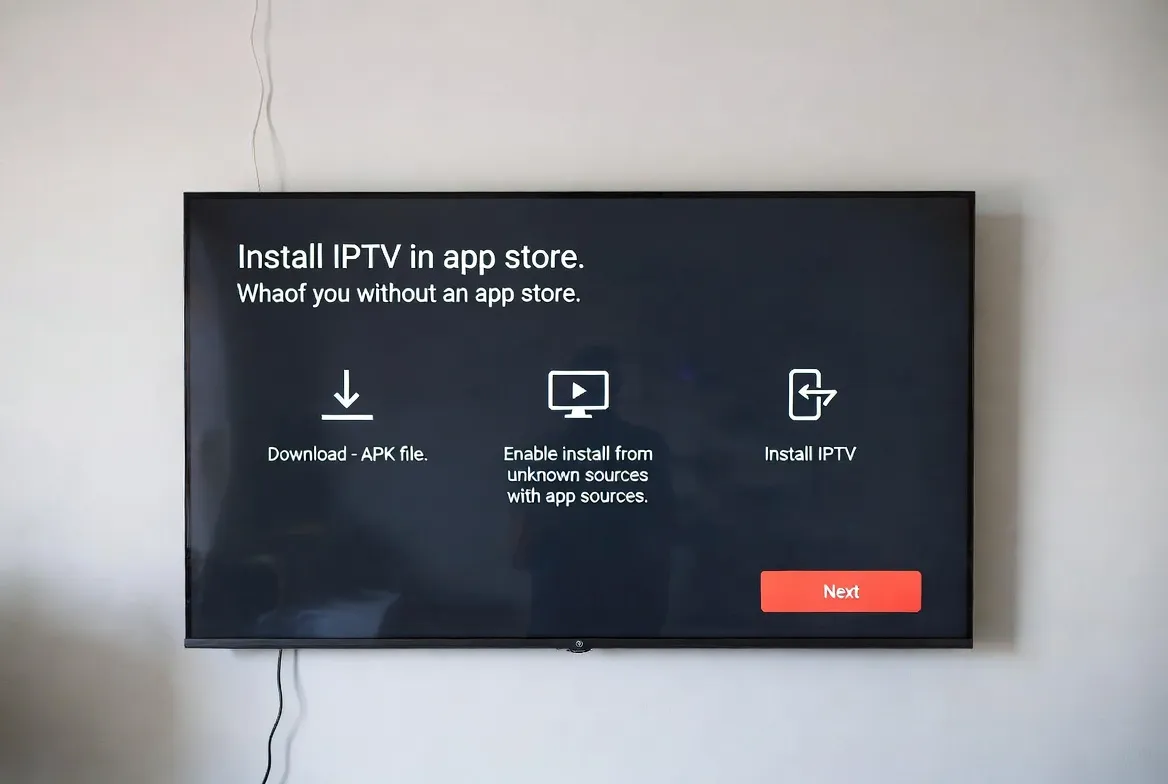
Your Smart TV's app store missing the IPTV app you need? Sideload it in 5 minutes — no jailbreak, no warranty void. Works on Samsung, LG, Hisense, TCL, Sony and any Smart TV from 2018+. Stream 20,000+ channels in 4K HDR.
Sideload Any APK
Install IBO Player, TiviMate, IPTV Smarters Pro on any Smart TV — even without official store access
Works on All Smart TVs
Samsung Tizen, LG webOS, Hisense VIDAA, Sony Bravia Android, TCL Google TV — full compatibility
Safe & Reversible
No jailbreak, no warranty void — uninstall any time via standard Smart TV settings menu
USB or Network Install
Use USB stick, file manager, or send-to-TV app — pick the easiest method for your device
Samsung Tizen TV (Sideload via Tizen Studio)
Enable Developer Mode
Settings → Apps → press 12345 on remote → toggle Developer Mode ON → enter your PC's IP address
Connect via Network
On Windows PC: install Tizen Studio, connect to TV's IP via Device Manager → permit connection on TV
Install IPTV APK
Use Tizen Studio Package Manager → select downloaded .wgt file → click Install → app appears on home screen
Launch & Add M3U Link
Open the IPTV app → paste your M3U URL from email → 20,000+ channels load instantly
LG webOS TV (Sideload via Developer Mode)
Create LG Developer Account
Sign up free at webostv.developer.lge.com → install Developer Mode app from LG Content Store
Enable Dev Mode on TV
Open Developer Mode app → log in with your dev account → toggle Dev Mode Status ON → restart TV
Install via webOS TV CLI
On PC: install webOS TV CLI → connect to TV IP → run: ares-install IBOPlayer.ipk → app installs automatically
Open & Configure
Launch IBO Player from home screen → enter M3U URL → enjoy full IPTV experience in 4K HDR
Android Smart TV / Google TV (USB Method)
Download APK to USB
On PC, download IPTV Smarters Pro APK → copy to USB drive (FAT32 format)
Insert USB into Smart TV
Plug USB into TV's USB port → file manager auto-opens or navigate via Settings → External Storage
Run APK Installer
Browse USB → tap APK file → confirm 'Install from Unknown Sources' → installation completes in 10 seconds
Find App in Apps Menu
Open Smart TV apps drawer → launch new IPTV app → paste M3U credentials → start streaming
Best IPTV Apps to Sideload
IBO Player
Samsung Tizen, LG webOS, Hisense VIDAA — best EPG and stability
TiviMate
Android TV, Sony Bravia, TCL Google TV — premium UI with multi-playlist
IPTV Smarters Pro
All platforms — Xtream Codes login, recording, catch-up TV
Smart IPTV (SIPTV)
Samsung & LG — €5.49 one-time fee, paste M3U via web portal
GSE Smart IPTV
Cross-platform — supports M3U, EPG, parental controls
Safety Tips Before Sideloading
- Only sideload from trusted sources
Download APKs only from official developer sites or Google Play Store — avoid shady 3rd-party hosts
- Disable unknown sources after install
Re-enable security setting once IPTV app is installed to prevent malware risks
- Backup TV settings first
Quick factory backup via Settings → System → Backup before enabling developer mode
- Use ethernet for first install
Wired connection prevents dropouts during APK transfer to TV
Frequently Asked Questions
Can I install IPTV on Smart TV without app store?
Yes — sideload IPTV apps via USB drive, developer mode (Samsung Tizen/LG webOS), or web installer (Smart IPTV). The process takes 5 minutes and works on any Smart TV from 2018 or newer. No jailbreak needed.
Is sideloading IPTV apps safe and legal?
Sideloading is 100% legal and safe when downloading APKs from trusted sources like official developer sites. It doesn't void your warranty or modify TV firmware. Standard apps like IBO Player and TiviMate are safe.
What's the easiest way to install IPTV on Samsung TV?
Easiest method is Smart IPTV (SIPTV): visit siptv.app, enter your TV's MAC address, paste M3U URL, app loads automatically — no developer mode needed. Costs €5.49 one-time. Alternative: install IBO Player via Tizen Studio (free).
Can I sideload IPTV on LG webOS Smart TV?
Yes — enable Developer Mode via free LG dev account, then use webOS TV CLI on PC to install IBO Player or any .ipk app. Process takes 10 minutes total. Works on all LG Smart TVs from 2017 onwards (webOS 3.5+).
Will sideloading void my Smart TV warranty?
No — sideloading apps does not void Samsung, LG, Sony, TCL or Hisense warranties. You're not modifying firmware, just installing apps. Easily reversible by uninstalling apps via Settings → Apps menu.