IPTV on Tizen OS: Samsung TV Native App Setup 2026
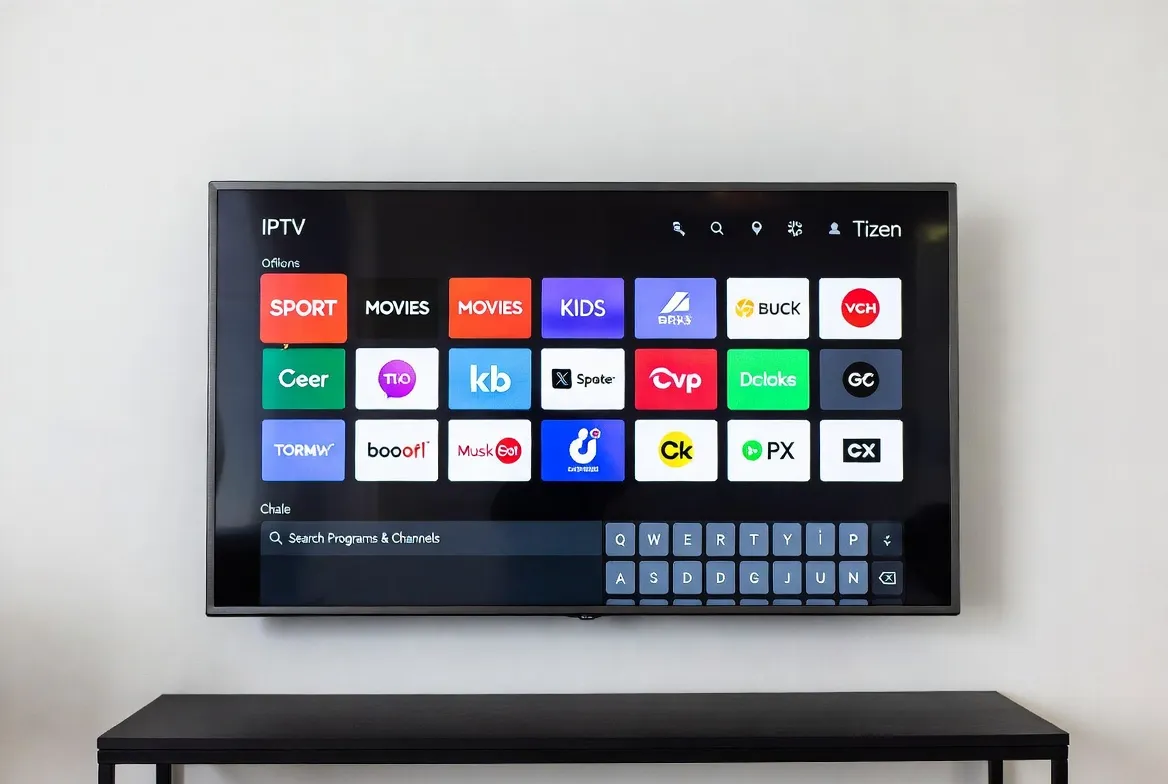
Samsung Tizen OS + IPTV Setup Guide
Samsung Smart TVs run Tizen OS — and with the right setup, your Samsung TV becomes the ultimate IPTV streaming machine. No external boxes, no extra remotes, no clutter. This guide covers every Samsung model from 2016 to 2026, the best IPTV apps available on Tizen, hidden settings that boost performance, and troubleshooting tips for a flawless experience.
Samsung TV Compatibility Chart
Not all Samsung TVs support IPTV apps the same way. Here's your complete compatibility guide by model series.
| Series | Years | Tizen Version | IPTV Support |
|---|---|---|---|
| Samsung Crystal UHD (CU series) | 2023–2026 | Tizen 7.0+ | Full |
| Samsung QLED (Q60–Q80) | 2022–2026 | Tizen 6.5+ | Full |
| Samsung Neo QLED (QN85–QN95) | 2022–2026 | Tizen 6.5+ | Full |
| Samsung The Frame / Serif | 2021–2026 | Tizen 6.0+ | Full |
| Samsung OLED (S90–S95) | 2023–2026 | Tizen 7.0+ | Full |
| Samsung TU series | 2020–2021 | Tizen 5.5–6.0 | Supported |
| Samsung RU / NU series | 2018–2019 | Tizen 4.0–5.0 | Limited |
| Samsung MU / KU series | 2016–2017 | Tizen 3.0 | Sideload only |
💡 Pro Tip for Older Models
If your Samsung TV is from 2018 or earlier, skip the sideloading hassle. A Fire Stick 4K ($35) plugged into HDMI gives you full IPTV app access with better performance than native Tizen apps on older hardware.
Best IPTV Apps for Samsung Tizen TV
| App | Availability | Rating | Key Features | Best For |
|---|---|---|---|---|
| IPTV Smarters Pro | Tizen Store | 4.5/5 | EPG, favorites, multi-screen, catch-up TV | Best all-rounder |
| Smart IPTV (SIPTV) | Tizen Store | 4.3/5 | Simple setup, M3U support, auto-update playlists | Easiest setup |
| OTT Navigator | Sideload | 4.6/5 | Advanced EPG, recording, multi-provider, themes | Power users |
| SS IPTV | Tizen Store | 4.2/5 | Web-based playlist management, simple UI | Budget option |
| Duplex IPTV | Tizen Store | 4.4/5 | Xtream Codes, M3U, EPG, parental controls | Feature-rich |
| TiviMate (via workaround) | Cast/HDMI | 4.8/5 | Best EPG, recording, multi-view, themes | If using Fire Stick |
Step-by-Step: Install IPTV on Samsung TV
Check your Samsung TV model
Go to Settings → About This TV. You need Tizen 5.0 or higher (2019+ models). Note your model number for app compatibility.
Connect to WiFi
Settings → General → Network → Open Network Settings. Connect to your home WiFi. For best streaming, use 5GHz band if available.
Open Samsung App Store
Press the Home button on your remote → navigate to Apps. The Samsung App Store (Tizen Store) opens automatically.
Search & install IPTV app
Use the search bar to find 'IPTV Smarters Pro' or 'Smart IPTV'. Click Install — it downloads in under 30 seconds.
Enter your StreamTV credentials
Open the app → select Xtream Codes API or M3U URL. Enter your StreamTV username, password, and server URL from your welcome email.
Load EPG & start watching
The electronic program guide loads automatically. Browse 17,000+ channels, set favorites, and start streaming in HD/4K.
🔧 Hidden Samsung TV Settings for Better IPTV
These under-the-radar settings can dramatically improve your IPTV streaming quality on Samsung TVs.
Enable Developer Mode
Settings → Apps → Developer Mode toggle
Allows sideloading APKs and accessing advanced IPTV apps not in the store
Game Mode for low latency
Settings → General → External Device Manager → Game Mode
Reduces input lag to ~10ms — great for live sports with zero delay
Disable Eco Mode
Settings → General → Eco Solution → turn all OFF
Prevents auto-dimming during dark scenes in movies and night broadcasts
Custom DNS for faster loading
Network Settings → DNS Settings → Enter manually
Use 1.1.1.1 or 8.8.8.8 for faster channel loading and EPG updates
Auto Source Switch OFF
Settings → General → External Device Manager
Prevents TV from switching away from IPTV app when other HDMI devices turn on
Ambient Mode disable
Hold Power button → select Turn Off
Prevents TV from staying on in ambient mode and consuming bandwidth
Samsung TV Streaming Options Compared
| Method | Cost | Quality | Ease | Notes |
|---|---|---|---|---|
| Native Tizen App + StreamTV | $11.88/mo | HD/4K | ★★★★★ | Best for 2020+ Samsung TVs |
| Fire Stick 4K + StreamTV | $11.88/mo + $35 device | 4K HDR | ★★★★★ | Best for older Samsung TVs |
| Samsung TV Plus (free) | Free | HD | ★★★★★ | Only 200 channels, lots of ads |
| YouTube TV on Samsung | $72.99/mo | HD/4K | ★★★★☆ | 100 channels, no international |
| Cable box via HDMI | $89–$150/mo | HD | ★★★☆☆ | Extra equipment, contracts |
Troubleshooting Common Issues
App not found in Tizen Store
Your TV model may be too old. Try sideloading via USB or use a Fire Stick 4K ($35) plugged into HDMI for full app support.
Buffering or freezing
Switch to wired ethernet (best), use 5GHz WiFi, or lower stream quality to HD. Close other apps running in background.
EPG not loading
Go to app settings → EPG source → update URL. Restart the app. Some EPGs take 2–3 minutes on first load.
'Not available in your region'
Change your Samsung account region: Settings → General → System Manager → Samsung Account → Profile → Region.
Audio out of sync
Settings → Sound → Expert Settings → Digital Output Audio Delay. Adjust by 10ms increments until synced.
App crashes on launch
Clear app cache: Settings → Support → Device Care → Manage Storage → select app → Clear Cache. Reinstall if needed.
Voice Search: Samsung TV IPTV Setup
- 🎤"Hey Google, how do I install IPTV on my Samsung Smart TV?"
- 🎤"Alexa, what's the best IPTV app for Samsung Tizen?"
- 🎤"Siri, can I watch IPTV on Samsung TV without a box?"
- 🎤"Hey Google, why is IPTV buffering on my Samsung TV?"
- 🎤"Alexa, how to sideload apps on Samsung Tizen TV?"
Turn Your Samsung TV Into a Streaming Powerhouse
17,000+ channels for $11.88/mo — installed directly on your Samsung TV in under 5 minutes. No boxes, no cables, no contracts.
Frequently Asked Questions
Does IPTV work on all Samsung Smart TVs?
IPTV works natively on Samsung TVs from 2019 onwards (Tizen 5.0+). Older models (2016–2018) can sideload apps or use a Fire Stick plugged into HDMI for full compatibility.
What's the best IPTV app for Samsung Tizen TV?
IPTV Smarters Pro is the best all-rounder — available directly in the Tizen Store with EPG support, favorites, and multi-screen. For power users, Duplex IPTV offers more advanced features.
How do I sideload IPTV apps on Samsung TV?
Enable Developer Mode in Settings → Apps, note your TV's IP address, then use Tizen Studio on your computer to push APK files to the TV over your local network.
Can I watch 4K content through IPTV on Samsung TV?
Yes — Samsung QLED and Neo QLED TVs support 4K IPTV streams. You need at least 25 Mbps internet for 4K and an IPTV app that supports 4K output.
Is IPTV Smarters Pro free on Samsung TV?
The app is free to download from the Tizen Store. You need an active IPTV subscription (like StreamTV at $11.88/mo) to access channels and content.
Why is my IPTV buffering on Samsung TV?
Common fixes: use ethernet instead of WiFi, switch to 5GHz band, close background apps, lower stream quality to HD, or change DNS to 1.1.1.1 for faster loading.