IPTV Troubleshooting: Fix Buffering, Freezing & Audio Sync in Minutes
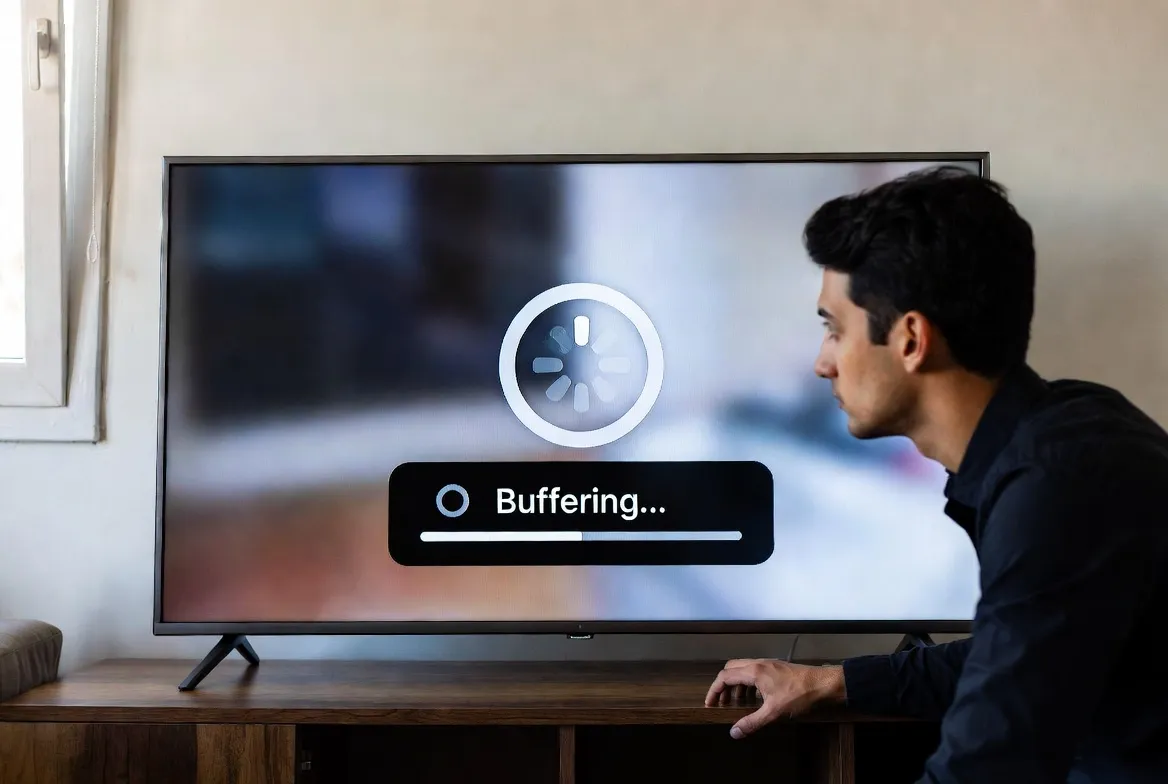
Nothing ruins a live game or movie night like IPTV buffering, sudden freezes, or audio that's out of sync. The good news? Most IPTV streaming issues have simple fixes you can apply in under five minutes. This guide walks you through every common problem and its solution — so you spend less time troubleshooting and more time watching.
Tired of Buffering? Try a Premium IPTV Service
StreamTV delivers 40,000+ channels with dedicated servers optimized for zero-buffer 4K streaming — just $11.88/month.
🎬 Start Your Free 24-Hour TestProblem #1: IPTV Buffering (Constant Loading Circles)
IPTV buffering is the most common issue and it's almost always caused by your internet connection — not the service itself. Here's how to diagnose and fix it fast.
Root Causes of Buffering
- Slow internet speed — 4K requires 25+ Mbps; HD needs 10+ Mbps
- Wi-Fi congestion — Too many devices on the same network
- ISP throttling — Your provider limiting streaming bandwidth
- Router distance — Weak signal between device and router
Step-by-Step Buffering Fix
Run a Speed Test
Visit fast.com or speedtest.net. You need 25 Mbps for 4K, 10 Mbps for HD, 5 Mbps for SD.
Switch to Ethernet
Plug an Ethernet cable directly from your router to your streaming device. This alone fixes 70% of buffering issues.
Use 5GHz Wi-Fi
If wired isn't an option, connect to your router's 5GHz band instead of 2.4GHz for faster, less congested speeds.
Restart Your Router
Unplug for 30 seconds, then reconnect. This clears cached DNS and refreshes your connection.
Use a VPN
If your ISP throttles streaming traffic, a VPN bypasses the restriction. Use servers close to your location for best speed.
Minimum Speed Requirements by Quality
| Quality | Min Speed | Recommended | Best For |
|---|---|---|---|
| SD (480p) | 3 Mbps | 5 Mbps | Mobile phones |
| HD (1080p) | 8 Mbps | 15 Mbps | Tablets, laptops |
| Full HD | 15 Mbps | 25 Mbps | Smart TVs |
| 4K UHD | 25 Mbps | 50 Mbps | 4K TVs, projectors |
Problem #2: IPTV Freezing (Picture Stops, Then Jumps)
IPTV freezing is different from buffering — the picture completely stops for several seconds, then skips ahead. This is typically caused by device performance or app settings rather than internet speed.
Freezing Fixes by Device
Fire Stick / Android Box
- Clear app cache: Settings → Apps → IPTV App → Clear Cache
- Force stop and reopen the app
- Disable background apps to free RAM
- Factory reset if issues persist
Smart TV (Samsung/LG)
- Update the TV firmware to latest version
- Use an external device instead of built-in apps
- Connect via Ethernet instead of Wi-Fi
- Reduce video output to 1080p in settings
PC / Mac
- Use VLC Media Player instead of browser
- Close other bandwidth-heavy applications
- Update graphics drivers
- Increase VLC network cache to 5000ms
iPhone / iPad
- Close all background apps
- Restart the device completely
- Reinstall the IPTV player app
- Switch from Wi-Fi to mobile data to test
Problem #3: Audio Out of Sync (Lips Don't Match Sound)
IPTV audio sync issues happen when the audio track plays slightly ahead of or behind the video. This is usually caused by incorrect player settings or hardware decoding conflicts.
Quick Audio Sync Fixes
Change Audio Track
Many channels offer multiple audio tracks. Switch to a different one — often the sync issue is on one track only.
Toggle Hardware Decoding
In your IPTV player settings, switch between Hardware and Software decoding. Hardware decoding can cause sync issues on older devices.
Adjust Audio Delay in Player
VLC: Tools → Track Sync → adjust ms. TiviMate: Settings → Playback → Audio Delay. Start with +/- 200ms.
Match TV Audio Output
Set your TV audio output to PCM/Stereo instead of Passthrough/Bitstream. Surround sound decoding often causes delays.
Restart the Stream
Sometimes simply stopping and restarting the channel fixes temporary sync drift.
Still Having Issues? It Might Be Your Provider
StreamTV uses premium dedicated servers with 99.9% uptime and built-in anti-buffering technology — starting at just $11.88/month.
🔧 Try StreamTV Free for 24 HoursProblem #4: Black Screen or "No Signal"
If your IPTV app opens but shows a black screen or "no signal" error, follow these steps:
- Check your subscription — Make sure your IPTV plan hasn't expired
- Re-enter your login credentials — Typos in M3U URL or Xtream codes are common
- Try a different channel — The specific channel may be temporarily down
- Switch IPTV player apps — Try TiviMate, Smarters, or XCIPTV to rule out app issues
- Update the app — Outdated versions may lose compatibility with the stream format
Advanced: Optimize Your IPTV Player Settings
Fine-tuning your player settings can eliminate most remaining issues. Here are the optimal IPTV player settings for the smoothest experience:
TiviMate (Recommended)
- • Player: ExoPlayer (default)
- • Buffer size: 2-5 seconds
- • Decoder: Hardware
- • Audio: Auto
- • EPG update interval: 24 hours
VLC Media Player
- • Network caching: 3000–5000 ms
- • Hardware decoding: Auto
- • Output: DirectX or OpenGL
- • Audio desync compensation: enabled
- • Skip H.264 in-loop deblocking: All
IPTV Smarters Pro
- • Player: Built-in or VLC
- • Buffer size: Medium
- • Auto-reconnect: Enabled
- • Stream format: MPEG-TS
- • User-agent: Default
OTT Navigator
- • Player: Internal (ExoPlayer)
- • Buffer: Moderate
- • Decoder: HW+ (hardware plus)
- • Subtitles: Off (reduces load)
- • Channel switch: Fast mode
60-Second IPTV Diagnostic Checklist
When the Problem Is Your IPTV Provider (Not Your Setup)
If you've tried everything above and still experience constant buffering or freezing, the issue is likely your IPTV provider's server quality. Signs your provider is the problem:
- Buffering happens on ALL channels, not just one
- Issues occur even on Ethernet with 100+ Mbps speeds
- Channels go down frequently during peak hours (evenings, weekends)
- No customer support or slow response times
- EPG (TV guide) is outdated or missing
StreamTV uses premium dedicated servers with load balancing across multiple data centers, ensuring 99.9% uptime even during major sporting events when millions tune in simultaneously. Our anti-buffering technology automatically selects the fastest server route for your location.
Switch to Buffer-Free IPTV Streaming
40,000+ channels • 54,000+ VOD • 4K quality • Anti-buffering tech
All starting at just $11.88/month
🚀 Get Your Free 24-Hour Trial NowNo credit card required • Instant activation • Cancel anytime