IPTV Voice Search & Smart Remote: Hands-Free Channel Switching
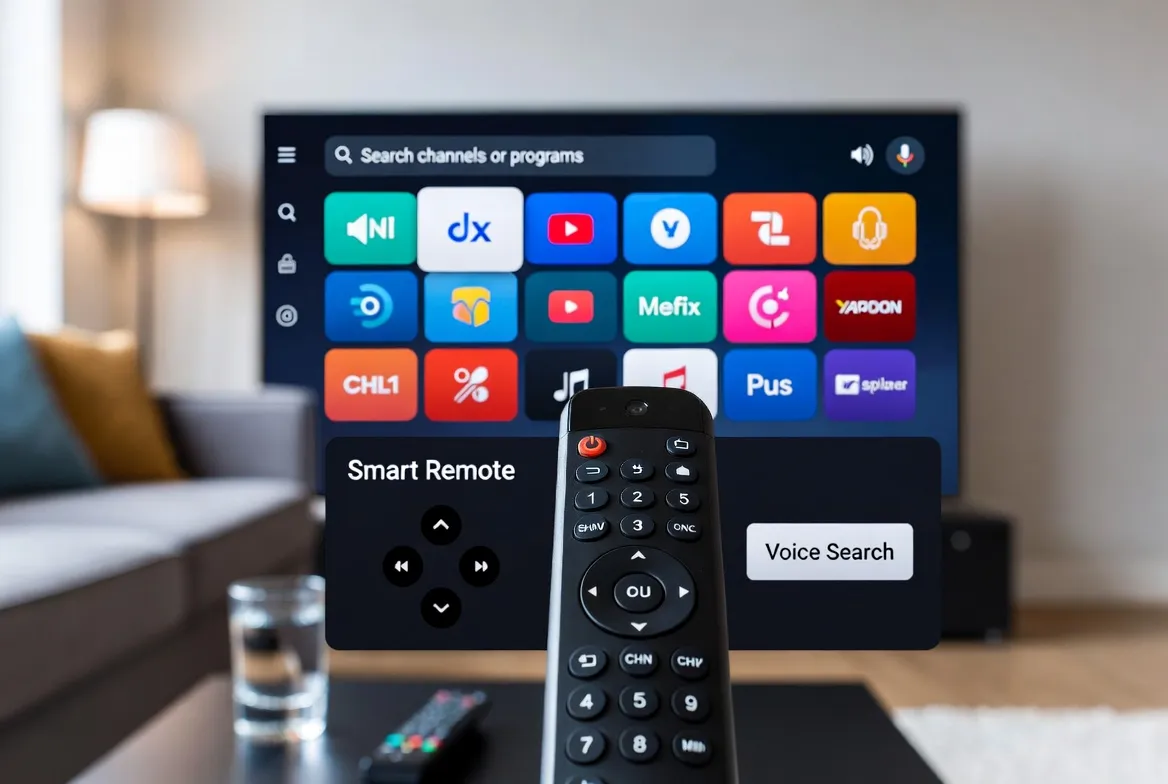
Scrolling through 17,000+ channels with a regular remote? That's so 2020. Voice-controlled IPTV lets you switch channels, search content, record shows, and adjust settings — all by speaking naturally. Whether you're using Alexa, Google Assistant, or Siri, here's how to turn your IPTV setup into a truly hands-free entertainment system.
🎤 Voice Command Cheat Sheet
| Command | What It Does | Works With | Type |
|---|---|---|---|
| "Play ESPN" | Switches directly to ESPN channel | All | Channel |
| "Watch CNN" | Tunes to CNN live stream | All | Channel |
| "Switch to channel 205" | Goes to specific channel number | Alexa / Google | Channel |
| "Show sports channels" | Displays filtered list of sports channels | Google / Siri | Browse |
| "What's on Fox Sports?" | Shows current and upcoming programs on Fox Sports | All | EPG |
| "Record this show" | Starts recording current program (TiviMate/OTT Navigator) | Alexa / Google | DVR |
| "Volume up / down" | Adjusts TV volume without touching remote | All | Control |
| "Pause" / "Resume" | Pauses and resumes live TV (timeshift) | All | Control |
| "Show program guide" | Opens EPG overlay | Google / Alexa | EPG |
| "Find movies tonight" | Shows movie channels airing films now | Google / Siri | Browse |
| "Turn on closed captions" | Enables subtitles on current stream | All | Accessibility |
| "Switch to Spanish audio" | Changes audio track to Spanish (dual-audio channels) | Audio |
🎮 Best Smart Remotes for IPTV
| Remote | Assistant | IPTV Rating | Price | Key Features |
|---|---|---|---|---|
| Amazon Fire TV Alexa Remote | Alexa | ★★★★★ | $11.88 | Built-in mic, dedicated app buttons, TV power/volume control, Bluetooth |
| Google Chromecast Remote | Google Assistant | ★★★★★ | $11.88 (with device) | Built-in mic, dedicated buttons, IR blaster for TV control |
| Apple TV Siri Remote | Siri | ★★★★☆ | $59 (standalone) | Touch surface, Siri mic, USB-C charging, gesture controls |
| NVIDIA Shield Remote | Google Assistant | ★★★★★ | $11.88 | Motion-activated backlight, lost remote locator, mic button, Bluetooth |
| Samsung Smart TV Remote | Bixby/Alexa | ★★★★☆ | Included with TV | Solar charging, built-in mic, Samsung SmartThings integration |
| Air Mouse Remote | None (manual) | ★★★★☆ | $12–$25 | Gyroscope pointer, keyboard on back, universal 2.4GHz, great for Android boxes |
📱 Device-by-Device Voice Setup
Fire Stick + Alexa
Say "Alexa, open [IPTV app name]" to launch your player
Use "Alexa, play [channel name]" for direct channel switching
Say "Alexa, go to channel [number]" for numbered channels
"Alexa, search for [show name]" finds content across apps
Google TV / Chromecast
Hold the Assistant button and say "Open [IPTV app]"
"Hey Google, play ESPN" switches channels directly
"Show me sports" filters your channel guide to sports content
"Hey Google, what's on right now?" shows current programming
Apple TV + Siri
Hold the Siri button: "Open [IPTV app name]"
"Play CNN" or "Watch BBC News" for direct channel access
"Show me movies" browses movie channels and VOD
"Turn on subtitles" enables closed captions instantly
NVIDIA Shield
Press mic button: "Open TiviMate" to launch IPTV
"Play [channel name]" for instant switching
"Record this" starts DVR recording (supported apps)
"Hey Google, go to favorites" jumps to your saved channel list
♿ Accessibility: Voice Control for Everyone
Voice-controlled IPTV isn't just convenient — it's a game-changer for accessibility.
Seniors & elderly viewers
No need to remember channel numbers or navigate complex menus. Just say "Play the news" or "Watch my shows."
Visually impaired users
Voice control eliminates the need to read tiny text on remotes or EPG screens. Full hands-free navigation.
Mobility-limited viewers
Control everything by voice — change channels, adjust volume, open apps — without reaching for a remote.
Multitasking families
Cooking dinner? Hands full with kids? Just say "Alexa, put on cartoons" without stopping what you're doing.
⚡ Advanced Voice Automation Tips
Create Alexa routines for TV time
"Alexa, movie night" can dim lights, turn on TV, open IPTV app, and switch to a movie channel — all in one command.
Set up Google Home channel shortcuts
Create shortcuts in Google Home app: "sports mode" = open IPTV + tune to ESPN + set volume to 25.
Use Siri Shortcuts for Apple TV
Build iOS Shortcuts that launch your IPTV app and navigate to favorite channels with a single Siri command.
Program Fire TV to default to IPTV
Set your IPTV app as the default app on Fire TV startup. Turn on TV → IPTV loads automatically.
Pair a Bluetooth mic remote with Android box
Budget Android TV boxes work great with a $15 air mouse remote that has a built-in voice search mic.
Use voice to control picture settings
"Alexa, turn on game mode" or "Hey Google, set picture to cinema" adjusts display without menu diving.
💰 Voice-Enabled Streaming Setups Compared
| Setup | Cost | Voice | Channels | Verdict |
|---|---|---|---|---|
| Fire Stick 4K + StreamTV | $46.99 + $11.88/mo | ★★★★★ (Alexa) | 17,000+ | Best overall |
| Chromecast + StreamTV | $11.88 + $11.88/mo | ★★★★★ (Google) | 17,000+ | Budget pick |
| Apple TV 4K + StreamTV | $129 + $11.88/mo | ★★★★☆ (Siri) | 17,000+ | Apple ecosystem |
| Cable box + voice remote | $11.88/mo rental + $90+/mo | ★★★☆☆ (limited) | 150–250 | None |
| YouTube TV + voice | $72.99/mo | ★★★★☆ | 100+ | Expensive |
Voice Search: IPTV Voice Control
- 🎤"Hey Google, can I use voice commands with IPTV?"
- 🎤"Alexa, what's the best smart remote for IPTV?"
- 🎤"Siri, how do I switch IPTV channels by voice?"
- 🎤"Hey Google, does IPTV work with voice control?"
- 🎤"Alexa, best hands-free way to watch TV?"
Say Goodbye to Remote Hunting
17,000+ channels controlled by your voice. Just say what you want to watch. StreamTV + any smart remote = the easiest TV experience ever. Starting at $11.88/mo.
Frequently Asked Questions
Can I use voice commands to change IPTV channels?
Yes! With devices like Fire Stick (Alexa), Chromecast (Google Assistant), and Apple TV (Siri), you can say things like 'Play ESPN' or 'Switch to channel 205' for instant, hands-free channel switching.
What's the best smart remote for IPTV?
The Amazon Fire TV Alexa Remote and NVIDIA Shield Remote offer the best IPTV voice control experience with built-in mics, dedicated app buttons, and seamless voice-to-channel switching.
Does voice search work with all IPTV apps?
Most popular IPTV apps (TiviMate, IPTV Smarters Pro, OTT Navigator) support voice launch and basic voice control. Full voice-to-channel switching works best on Fire TV and Google TV platforms.
Can seniors use voice control for IPTV easily?
Absolutely — voice control is the easiest way for seniors to watch TV. No complicated menus or tiny buttons. Just say 'Watch the news' or 'Play my favorite channel' and it switches instantly.
How do I set up voice control for IPTV?
Install your IPTV app on a voice-enabled device (Fire Stick, Chromecast, Apple TV), then use the built-in assistant by pressing the mic button or saying the wake word (Alexa, Hey Google, Hey Siri).
Can I create custom voice commands for IPTV channels?
Yes — use Alexa Routines, Google Home Shortcuts, or Siri Shortcuts to create custom voice commands like 'Movie night' that automatically opens your IPTV app and tunes to specific channels.