How to Test IPTV Before You Buy: Free Trial Activation Guide
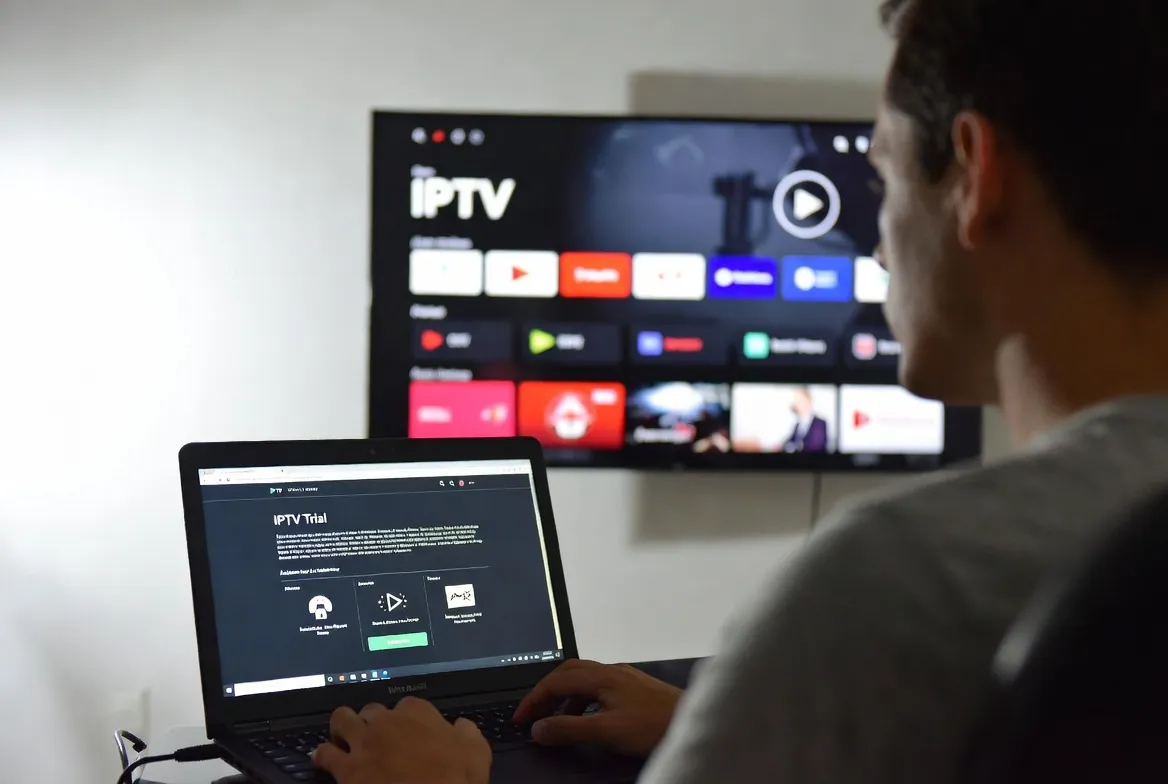
Never pay for IPTV blind. StreamTV gives you a free 24-hour trial — no credit card. Activate in 2 minutes via WhatsApp, test 20,000+ channels, 4K streams, and catch-up. Only upgrade if it works perfectly on YOUR device. $11.88/month after trial.
Free 24-Hour Trial
Full access — no credit card, no commitment. Test 20,000+ channels and VOD before paying a cent
Instant Activation
Get your trial M3U link via WhatsApp/email in under 2 minutes after signup — no waiting hours
Risk-Free Testing
30-day money-back guarantee after trial — if streams buffer or channels missing, full refund, no questions
Test on Any Device
Try the trial on Firestick, Smart TV, phone, MAG box, Apple TV — confirm it works on YOUR setup first
Activate Your Free Trial in 6 Steps
1. Request Free Trial
Visit pricing page, click 'Start Free Trial', enter name + WhatsApp/email — takes 30 seconds
2. Receive Activation in 2 Min
We send M3U URL, Xtream Codes login, or app credentials via WhatsApp — instant delivery 24/7
3. Install IPTV App
Download IPTV Smarters Pro, TiviMate, or Smart IPTV on your device — all free from app stores
4. Add Trial Credentials
Paste M3U URL or enter Xtream username/password — channel list loads in 30 seconds
5. Test Key Channels & VOD
Check your must-haves: local sports, premium movies, foreign channels — confirm 4K quality and zero buffering
6. Upgrade if Satisfied
Love it? Upgrade to paid plan from $11.88/mo — keep same login, no re-setup needed
6-Point Trial Testing Checklist
- Test channels at peak hours (7-11pm)
Streams that work at 2pm may buffer at 8pm — always test during your actual viewing time
- Try 4K streams specifically
Many providers fake 4K — load a real UHD movie/sports event and check if it's truly sharp
- Check EPG (TV Guide) accuracy
Good IPTV has 7-day guide with show titles, descriptions, times — bad ones show 'No Information'
- Test catch-up & DVR
Rewind a live channel 2 hours back — confirms 7-day catch-up actually works as advertised
- Try premium channels
HBO, Showtime, ESPN+, regional sports — these are first to break on cheap providers
- Test 2 devices simultaneously
Stream on TV + phone at same time — verifies multi-screen support before paying
Red Flags: Avoid These Trial Scams
⚠️ Provider asks for credit card upfront
Real free trials NEVER need payment info — that's a paid trial in disguise
⚠️ Trial only lasts 1-3 hours
Too short to test properly — minimum 24 hours needed to evaluate peak-time performance
⚠️ Channel count seems too low
If trial shows 5,000 channels but paid plan claims 30,000 — they're hiding bad streams
⚠️ No refund policy after trial
Legitimate providers offer 7-30 day money-back even after upgrade — protect yourself
Frequently Asked Questions
How do I get a free IPTV trial in 2026?
Get a free StreamTV trial in 3 steps: (1) Visit getstreamtv.live/pricing, (2) Click 'Start Free Trial' and enter WhatsApp/email, (3) Receive M3U credentials in 2 minutes. No credit card required, full 24-hour access to 20,000+ channels and VOD.
Do free IPTV trials require a credit card?
No — legitimate free IPTV trials like StreamTV NEVER require a credit card. If a provider asks for payment info upfront, it's a paid trial. We deliver activation via WhatsApp/email instantly with zero financial commitment.
How long does an IPTV free trial last?
StreamTV offers a 24-hour free trial — long enough to test peak-time streaming (7-11pm), check 4K quality, verify catch-up works, and try multiple devices. Some competitors offer only 2-3 hours which isn't enough to evaluate properly.
What should I test during an IPTV trial?
Test these 5 essentials during your trial: (1) Local sports channels and RSNs, (2) 4K streams during peak hours, (3) EPG/TV guide accuracy, (4) 7-day catch-up rewind, (5) Multi-device streaming. This confirms the service works for YOUR needs before paying.
Can I get a refund if IPTV doesn't work after trial?
Yes — StreamTV offers a 30-day money-back guarantee even after you upgrade from trial to paid. If channels disappear, buffering starts, or quality drops within 30 days, contact support for a full refund. No questions asked.
Start Your Free Trial in 2 Minutes
No credit card. 24 hours of full access. Activate via WhatsApp now.